10 best construction management software tools [Comparison]

By
Marketing Team
@Onetrace
Construction management software is a digital system used for planning, organising, and tracking construction work from start to finish.
Its increasing use reflects how quickly the industry is moving towards digital tools.
The global construction software market is projected to grow from £8.73 billion in 2026 to £18.33 billion by 2034, showing steady long-term demand. Europe alone is expected to reach £2 billion in 2026, driven by the wider need for digital tools that support planning, cost control, and compliance.
If you’re also looking to improve your project planning skills, keep budgets in check, or stay compliant, this guide covers the 10 best construction management software tools to consider in 2026, including options for large tier 1 contractors, growing firms, subcontractors, and builders.
Key takeaways
There’s no one-size-fits-all solution
The right software depends on your trade, project size, and way of working. A tool that suits a large contractor may not suit a subcontractor or a small builder.Choose tools built for construction, not generic platforms
Software designed specifically for construction handles real site challenges better, from managing drawings and schedules to tracking progress and documentation.Planning, cost control, and compliance are what matter most
The most useful tools help you organise work, stay on budget, and keep records in line with requirements. These are the areas that directly impact project success.Ease of use can make or break adoption
A system only works if your team actually uses it. Simple, practical tools that work on site without extensive training tend to deliver better results.For subcontractors, Onetrace stands out
Subcontractors need to manage people, record work properly, and stay compliant. Onetrace is built around those needs, helping you keep accurate records, prove work completed, and run projects with less admin.
How we chose the 10 best construction management software tools
Choosing the best construction management software comes down to one question: Does it actually help teams run projects better?
So, rather than focusing on long feature lists, we looked at how each tool supports the practical side of construction. We also made sure to include options for different types of businesses, from tier 1 contractors to smaller firms and specialist trades.
These are the factors that mattered most:
Fit for the type of contractor (25%): We looked at who each tool is built for and how well it matches their way of working.
Construction-specific capability (20%): We prioritised software designed for construction, not general project tools. These tools include features like project management, drawing control, site updates, and reporting.
Support for planning, cost tracking and compliance (15%): We assessed how well each platform helps teams organise work, monitor spend, and keep records in line with industry requirements.
Feedback from people using the tools (15%): We reviewed ratings and comments from sites like G2 and Capterra, focusing on practical feedback from those using the software on real projects.
Ease of use across teams (10%): We considered how simple each tool is to roll out and use across a mix of roles, including site teams who don’t have time for complex systems.
Suitability for different business sizes (10%): The list includes tools that work for large contractors, growing companies, and smaller builders.
Ability to work with other systems (5%): We looked at how easily each platform connects with tools like accounting software and whether it can fit into an existing setup.
The 10 best construction management software tools at a glance
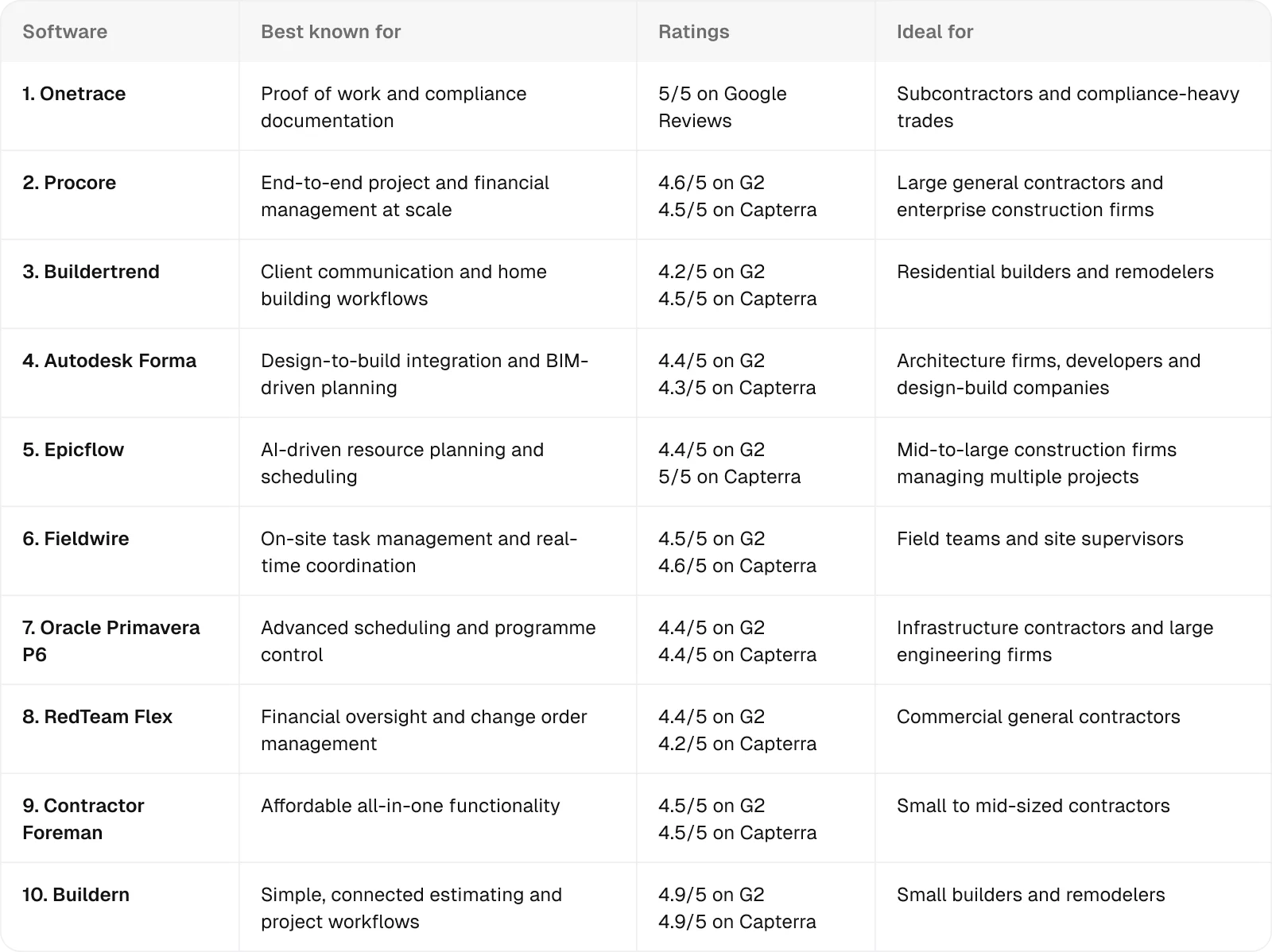
1. Onetrace: Best for subcontractors and compliance-heavy trades
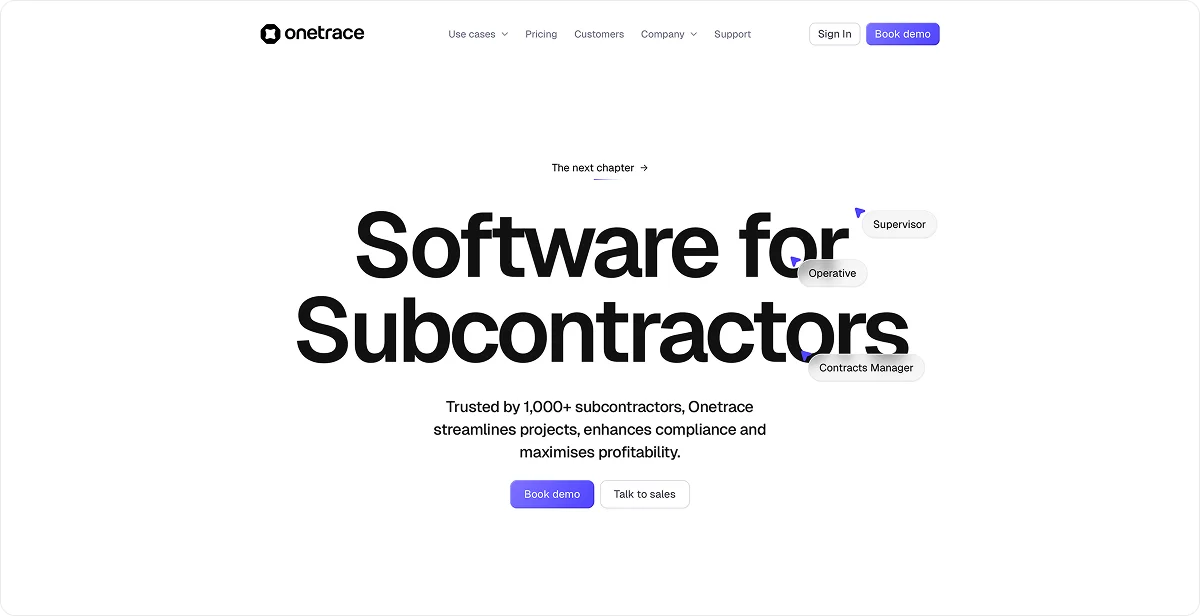
Onetrace is a construction management platform built specifically for subcontractors, helping them capture site data, manage documentation, and prove work has been completed in a single central system.
It’s a strong fit for subcontractors because it’s built around how they actually work, shaped by both construction experience and software expertise. It is designed to handle the pace, pressure, and level of detail involved in day-to-day site activity.
Compliance-heavy trades—such as electrical, mechanical, and fire protection— will find Onetrace particularly useful, as it offers all the necessary tools needed to record work properly, keep documentation in order, and meet strict compliance requirements.
Onetrace key features
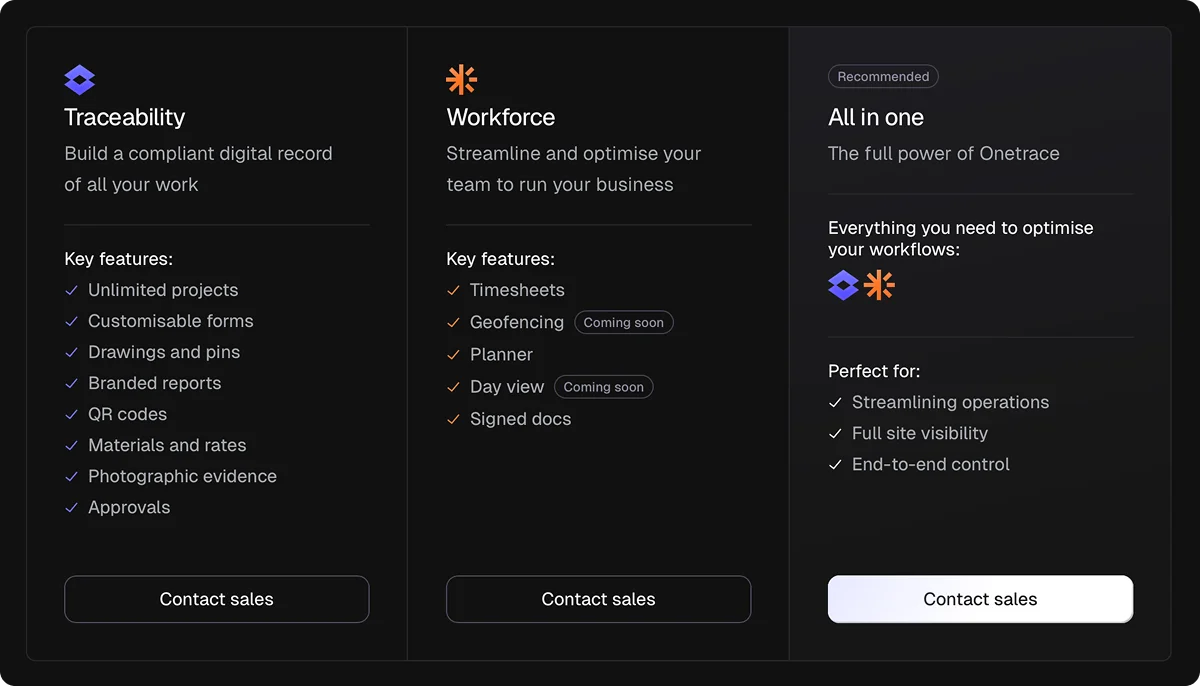
Onetrace offers two core products—Traceability and Workforce. Together, they help you plan work, track progress, manage teams, and stay compliant.
The key features across both include:
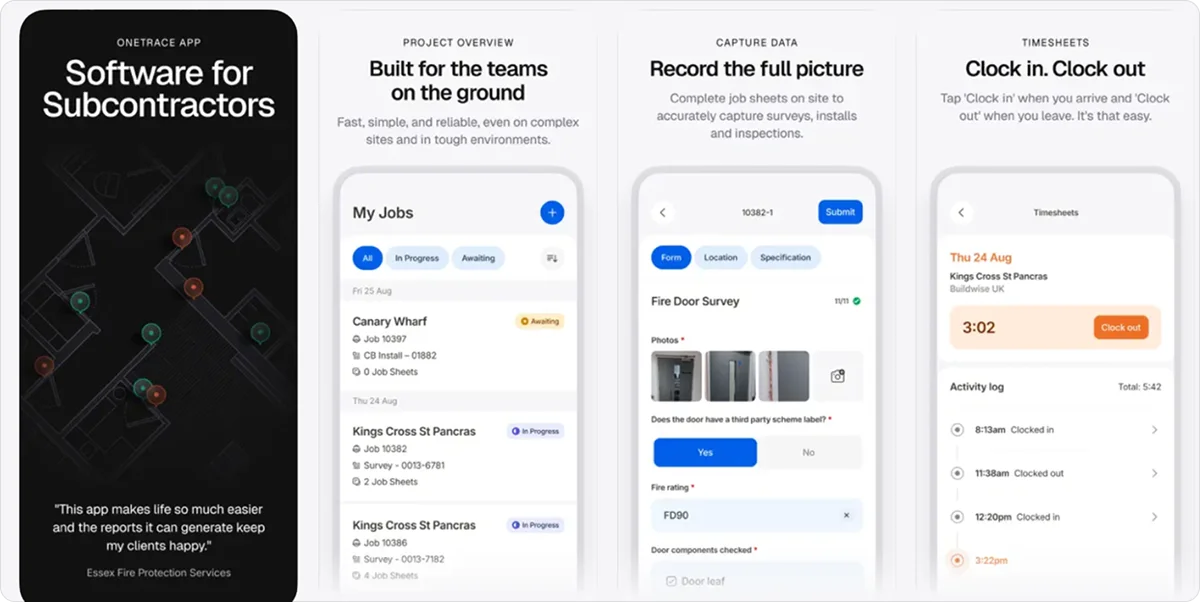
Custom forms and templates: Capture consistent site data with tailored forms for surveys, inspections, and installs, reducing errors and standardising how work is recorded.
Drawings and site tracking: Mark up drawings with pins, organise sites by zones or levels, and keep a clear view of where work is happening and what’s been completed.
Photographic evidence: Record before, during, and after photos to document work properly and support client sign-offs or audits.
Material and cost tracking: Log materials, quantities, and rates to keep a traceable record of what’s used and maintain better control over project costs.
Approvals and quality control: Run structured approval workflows so work is checked, signed off, and accountable at every stage.
Reports and proof of work: Generate professional, branded reports that show exactly what’s been done, helping reduce disputes and speed up payments.
Timesheets and workforce tracking: Monitor who’s on site, track hours worked, and keep projects aligned with planned schedules.
Scheduling and planning tools: Assign teams, adjust workloads, and keep projects moving with a simple, visual planner.
Compliance and document management: Manage signed documents, certifications, and records in one place, with full visibility of what’s complete and what’s outstanding.
Mobile app with offline access: Capture data, update progress, and complete tasks on site—even without signal.
Onetrace benefits
Onetrace’s extensive feature list translates into practical gains that make day-to-day construction work easier and more reliable:
Stronger proof of work: Keep a complete, structured record of what’s been done, helping reduce disputes and support faster approvals and payments.
Better control of costs and margins: Track work, materials, and time in one place, making it easier to stay on budget and protect profitability.
More efficient site operations: Cut down admin and avoid rework by capturing the right information as the job happens.
Confidence with compliance: Stay prepared for audits, accreditations, and client checks, with everything recorded and easy to access.
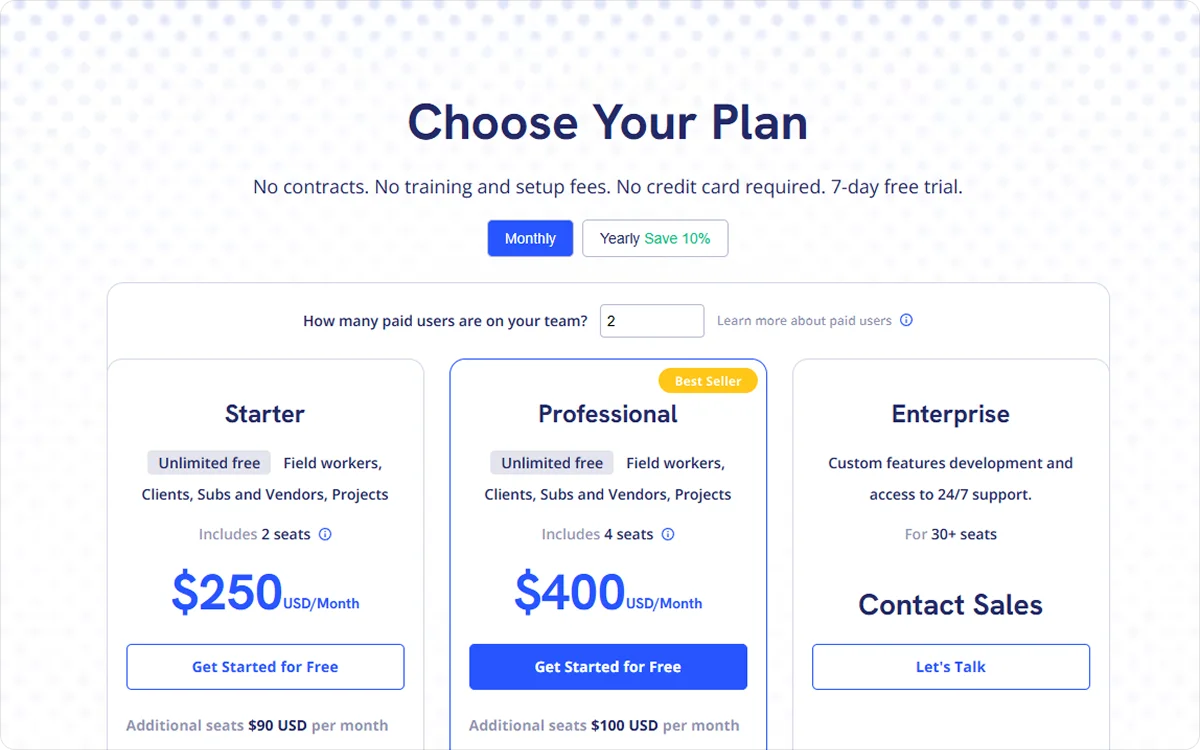
Onetrace pricing
Onetrace uses a flexible, per-user monthly pricing model, so you can scale your team up or down depending on project demand.
You can choose Traceability, Workforce, or both, and adjust users as needed without being locked into fixed contracts.
2. Procore: Best for large general contractors and enterprise construction firms
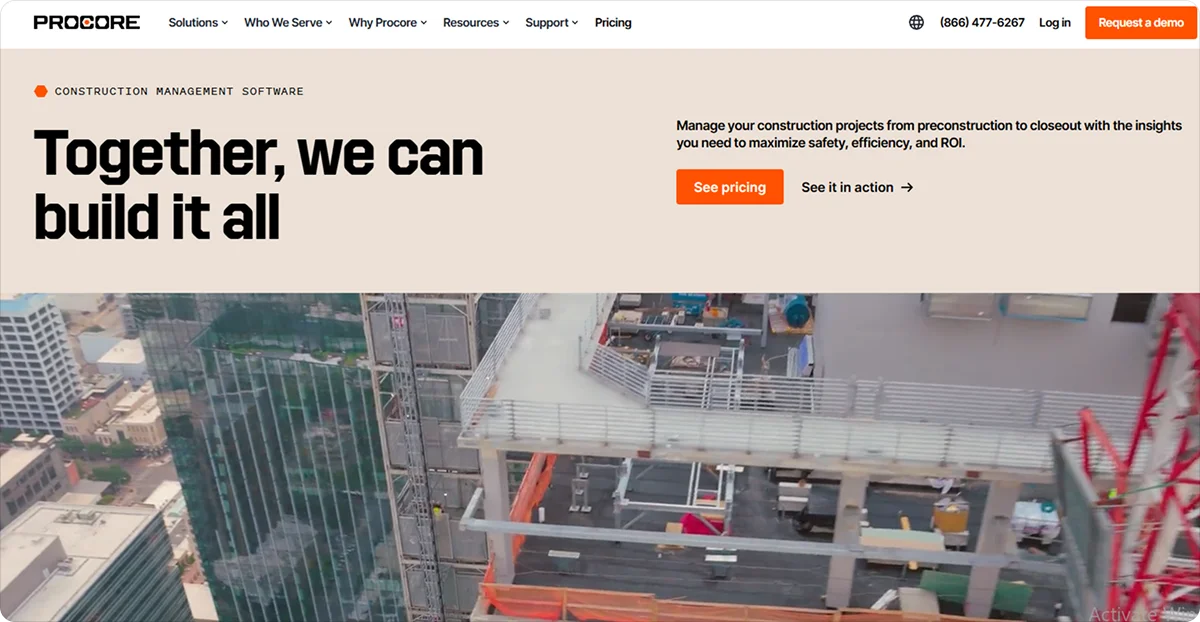
Procore is an enterprise-grade construction management platform that connects project delivery, financials, and team communication within one system, providing oversight throughout the full project lifecycle.
It’s particularly well-suited for large general contractors and enterprise firms managing complex builds and multiple stakeholders. It’s also a great choice for high project volumes, where consistent processes, financial visibility, and coordination across teams are essential to keeping work on track.
Procore key features
Procore supports end-to-end project management across teams and sites, with tools like:
Scheduling and project coordination: Keep programmes aligned by linking timelines with site activity, helping teams manage dependencies and reduce delays across large projects.
Cost management and financial tracking: Monitor budgets, commitments, and spend in real time, allowing teams to make informed decisions and protect margins as projects progress.
Quality, safety, and compliance tools: Track inspections, observations, and incidents to maintain standards, reduce risk, and ensure work meets regulatory and contractual requirements.
Procore pricing
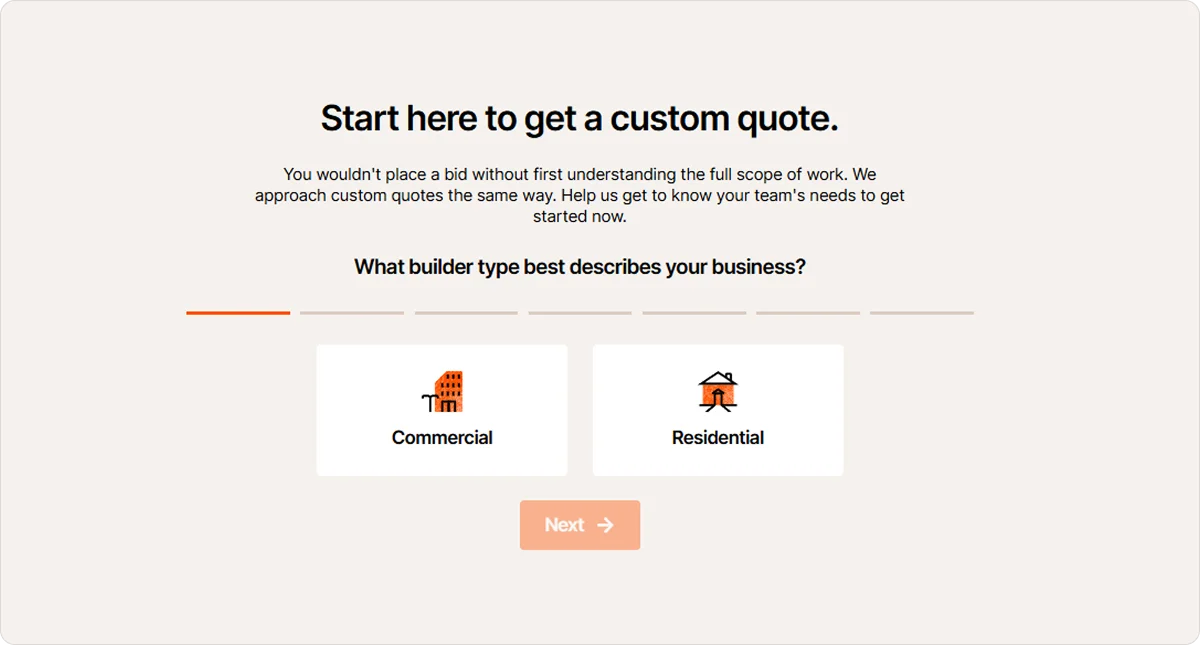
Pricing is based on the size of your business and the volume of construction work you manage, with custom quotes tailored to your needs.
3. Buildertrend: Best for residential builders and remodelers
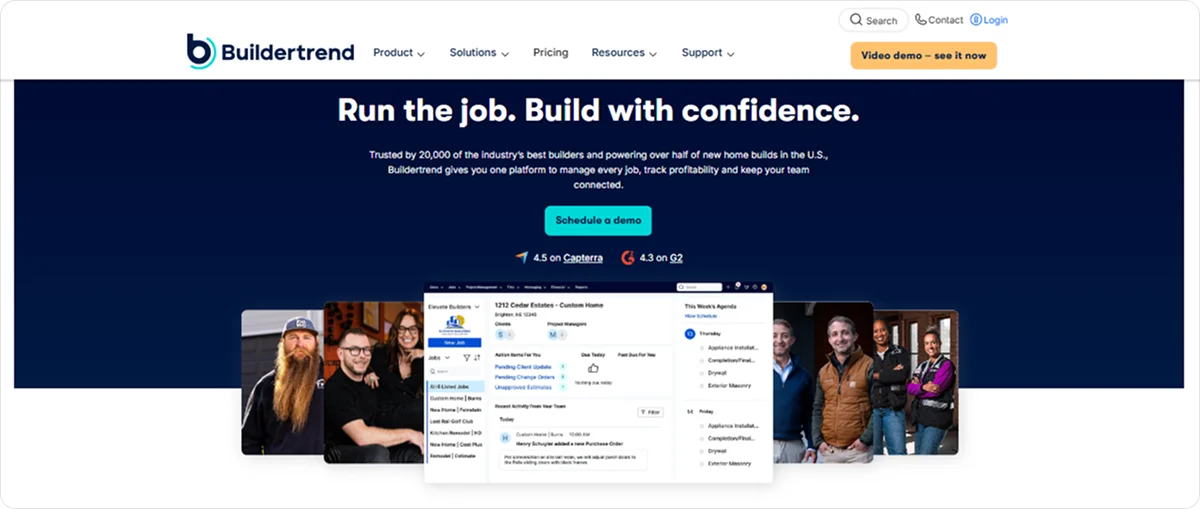
Buildertrend is a construction management platform that combines project management, customer communication, and financial tracking in one system.
It’s a solid choice for residential builders and remodelers who need to manage client expectations alongside project delivery, where regular updates, change orders, and budget tracking play a big part in keeping jobs running smoothly.
Buildertrend key features
Buildertrend keeps projects, clients, and finances connected throughout the build, with tools like:
Scheduling and timeline management: Build and adjust project schedules in real time, helping teams coordinate trades and keep residential projects moving without delays.
Budgeting and cost tracking: Monitor expenses, bids, and financial changes as work progresses, making it easier to stay within budget across multi-phase builds.
Change order management and approvals: Track contract changes with digital sign-offs, ensuring updates are documented properly and agreed upon before work continues.
Buildertrend pricing
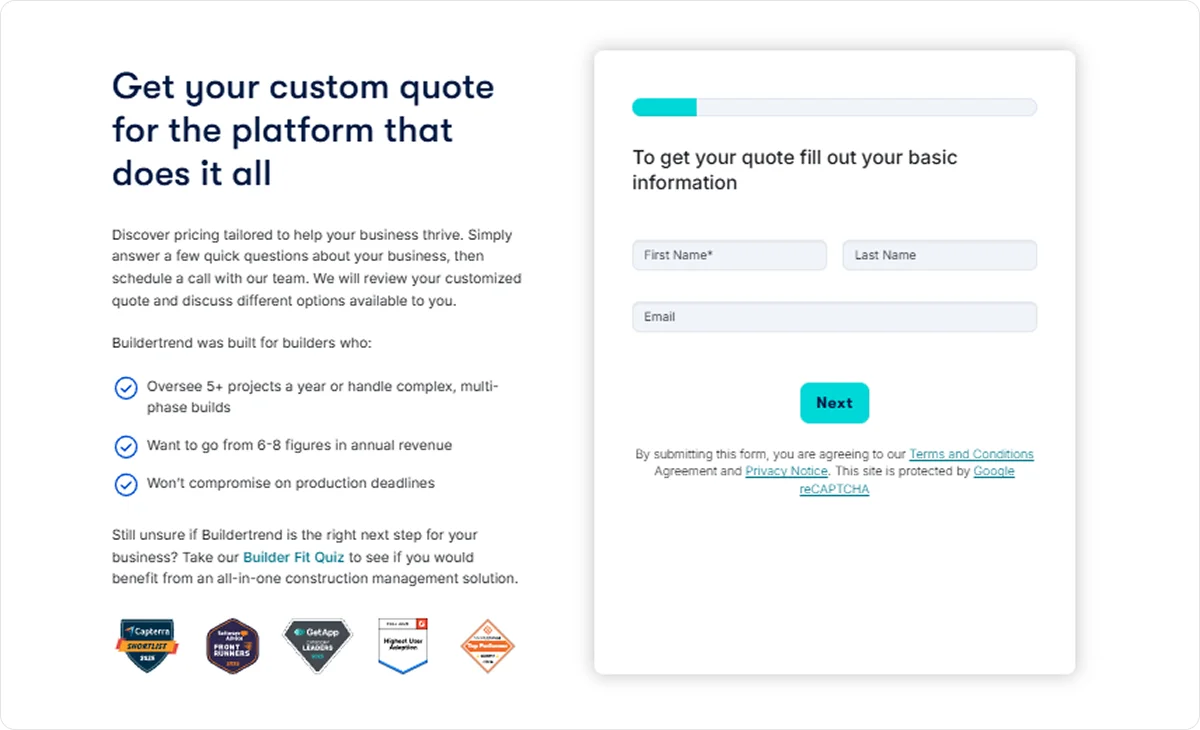
Buildertrend offers customised pricing based on your business size, project volume, and required features.
4. Autodesk Forma: Best for architecture firms, developers and design-build companies
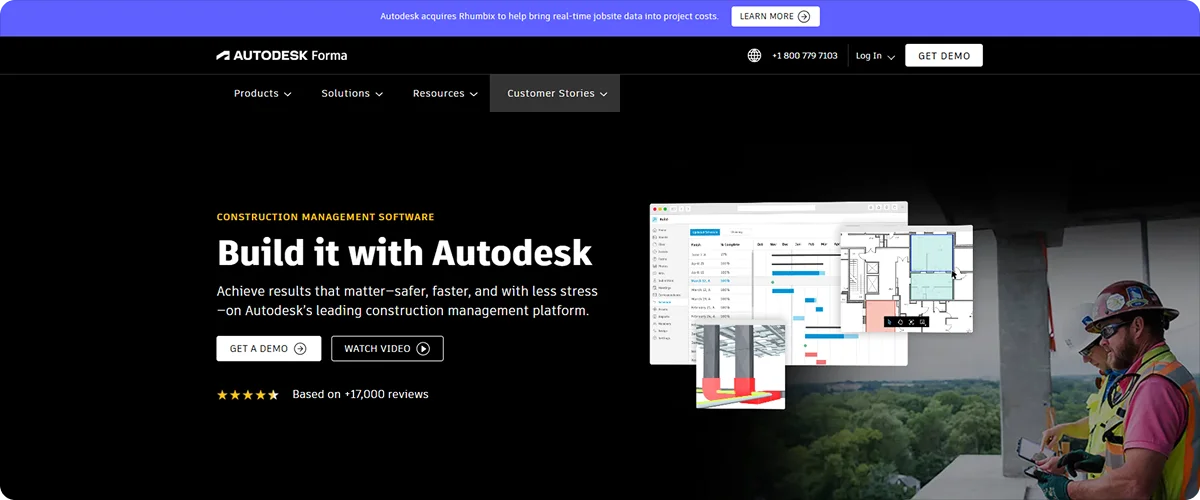
Autodesk Forma is a cloud-based construction and design platform that supports project planning, data management, and coordination across the building lifecycle, particularly within BIM-driven environments.
Architecture firms, developers, and design-build companies will benefit from its ability to connect early-stage design decisions with construction delivery. This connection makes it easier to carry data, plans, and requirements through from concept to build without losing detail or control.
Autodesk Forma key features
Autodesk Forma connects design, planning, and delivery into one continuous workflow, with tools such as:
Schedule and work planning: Align master programmes with day-to-day site activity, helping teams coordinate work and keep projects progressing as planned.
Cost management and forecasting: Track budgets, contracts, and changes in real time, allowing teams to anticipate cost impacts and maintain financial control throughout the project.
Quality, safety, and compliance tracking: Monitor issues, inspections, and risks early, helping teams maintain standards and prevent problems before they affect delivery.
Autodesk Forma pricing
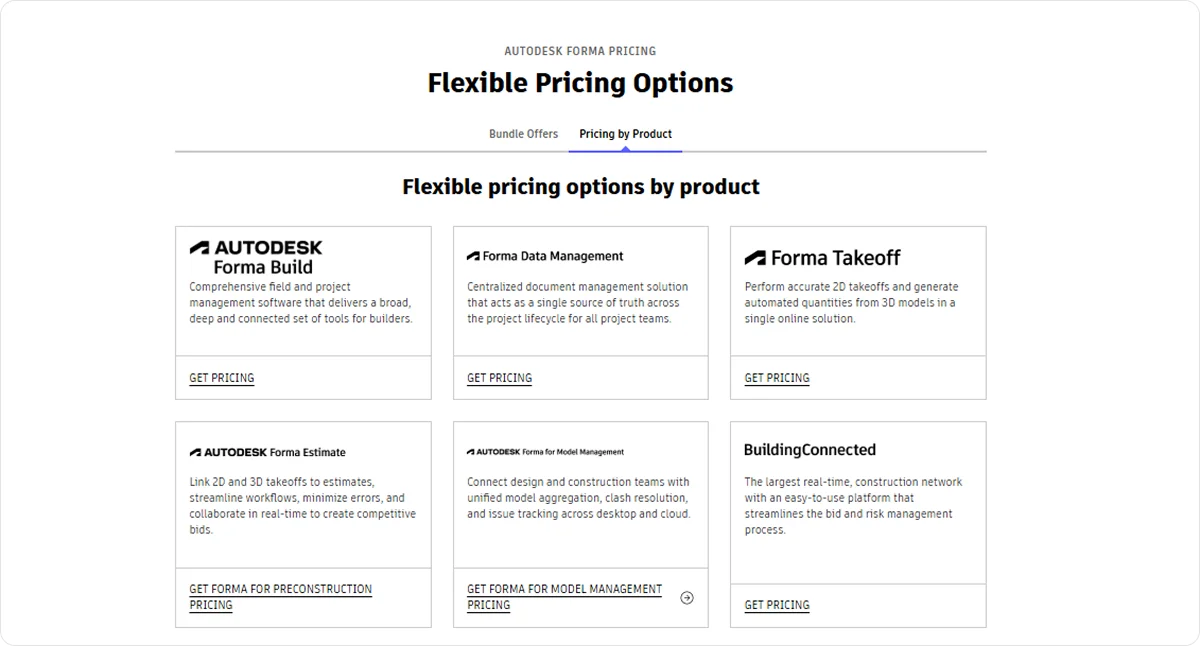
Autodesk Forma’s pricing is structured around different product bundles and solutions, allowing teams to select the combination that fits their workflow.
5. Epicflow: Best for mid-to-large construction firms managing multiple projects
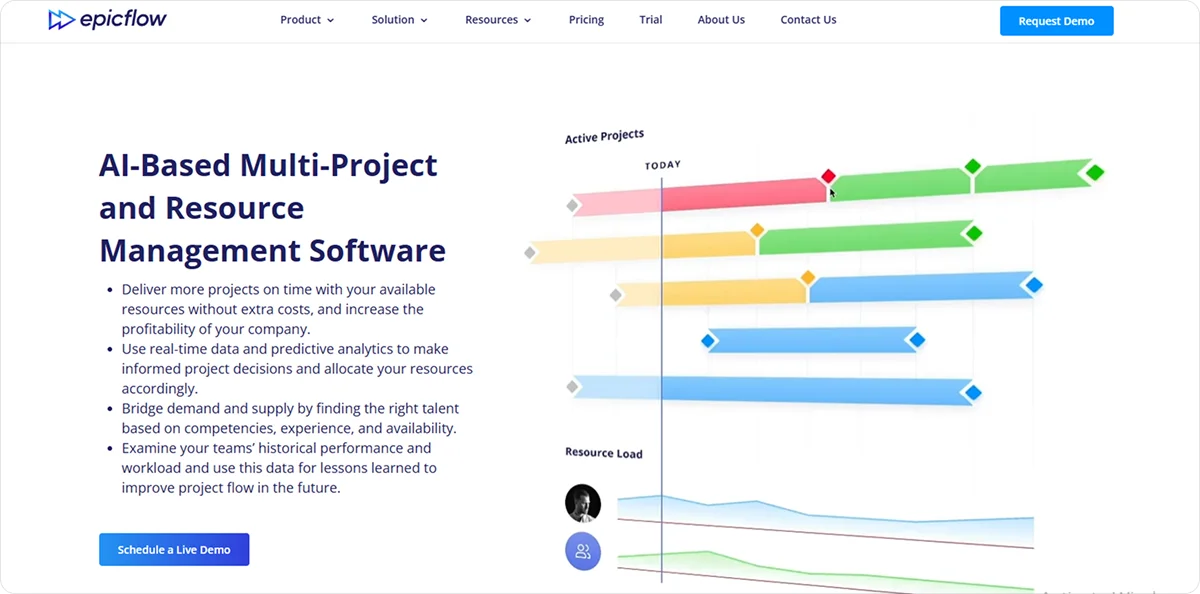
Epicflow is a project and resource management platform that uses artificial intelligence (AI) to plan, prioritise, and balance work across multiple projects, helping teams manage capacity and performance at a portfolio level.
Thanks to its AI-driven scheduling, it’s a strong fit for mid-to-large construction firms running several projects at once, where shared resources, shifting priorities, and competing deadlines make coordination difficult.
Epicflow key features
Epicflow’s standout features include:
AI-driven scheduling and capacity planning: Predict resource demand and adjust workloads automatically, helping teams prevent delays caused by overallocated crews or limited capacity.
Budget tracking and performance analysis: Monitor project spend against progress, giving managers a reliable view of cost performance across multiple jobs.
Scenario planning and risk simulation: Test changes in project timelines or resources in advance, allowing teams to make informed decisions and reduce the risk of disruption.
Epicflow pricing
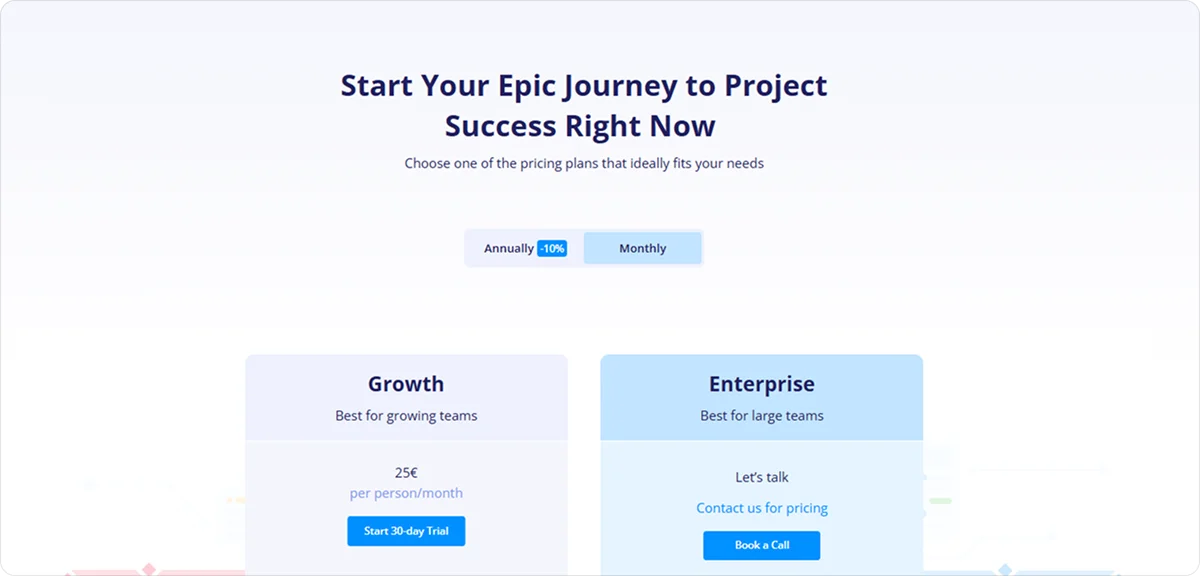
Epicflow offers tiered plans based on team size and project needs, with options suited to growing teams and larger organisations.
6. Fieldwire: Best for field teams and site supervisors
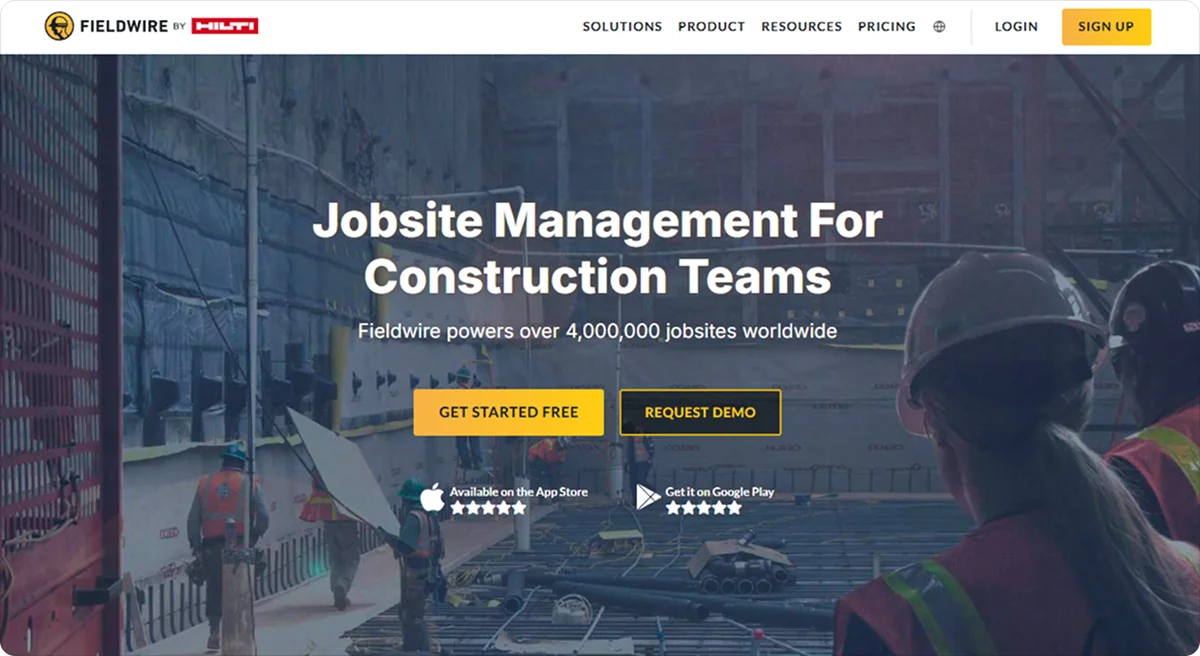
Fieldwire is a construction management tool focused on site execution. It helps teams manage tasks, drawings, and communication directly from the field.
It can be highly beneficial for field teams and site supervisors who need to coordinate work on the ground, track issues as they arise, and keep everyone aligned without relying on office-based systems.
Fieldwire key features
Fieldwire keeps site activity, communication, and updates connected in real time, with tools such as:
Task and punch list management: Track work, assign responsibilities, and follow up on issues directly from the site, helping supervisors keep jobs moving and avoid missed items.
Plan viewing and markups: Access and update the latest drawings on mobile devices, ensuring teams are always working from current plans and reducing the risk of costly mistakes.
Digital forms and reporting: Record site activity, inspections, and RFIs in structured formats, making it easier to maintain accurate records and support compliance requirements.
Fieldwire pricing
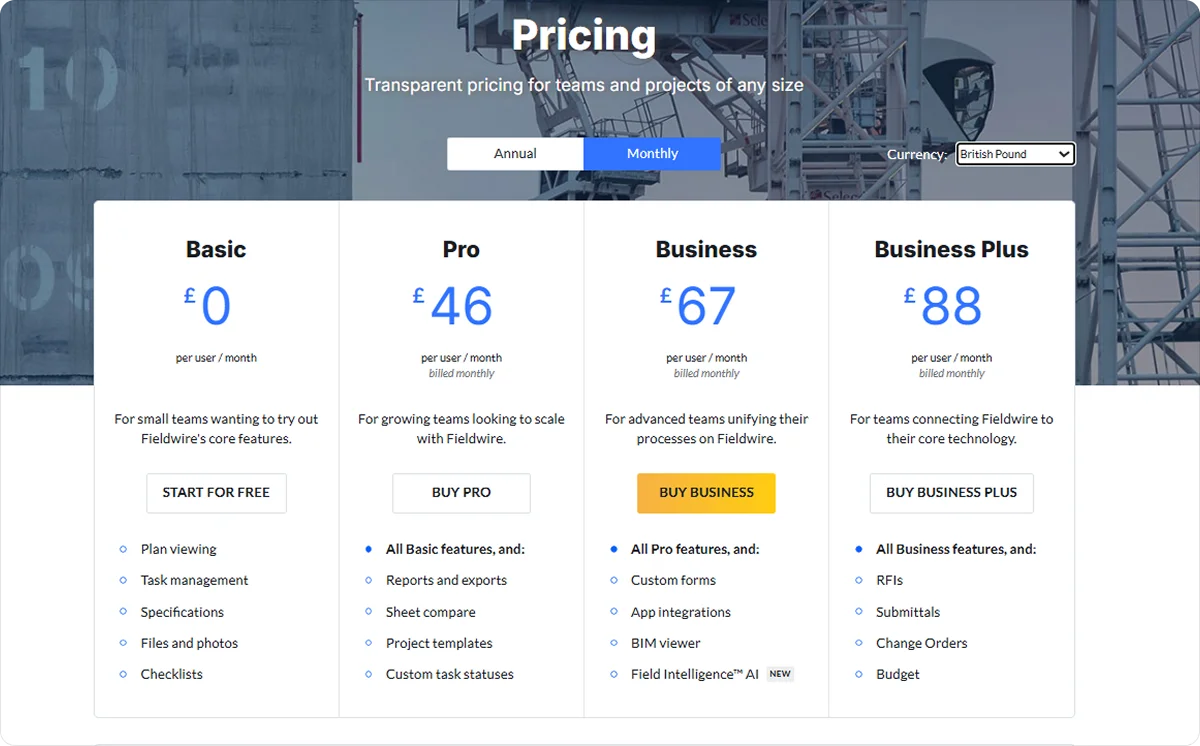
Fieldwire’s pricing is tiered, starting with a basic free plan and scaling up for more advanced functionality.
7. Oracle Primavera P6: Best for infrastructure contractors and large engineering firms
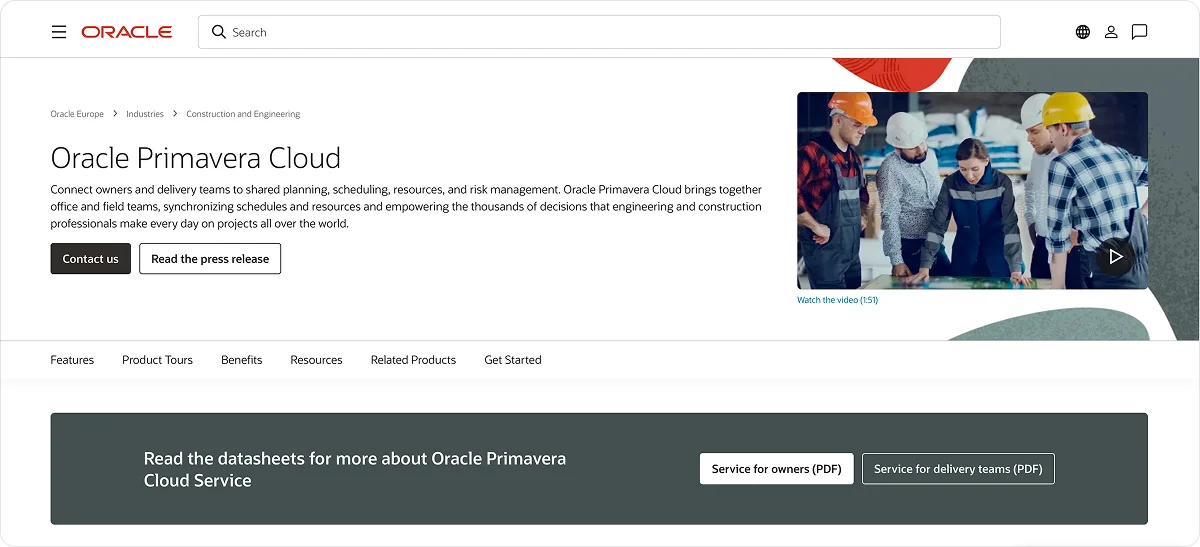
Oracle Primavera P6 is a project and portfolio management software built for planning, scheduling, and controlling complex construction programmes at scale.
It’s a great choice for infrastructure contractors and large engineering firms handling long-term, high-value projects, where detailed scheduling, resource planning, and risk management are essential to keeping multiple moving parts aligned.
Oracle Primavera P6 key features
Primavera P6 supports large-scale project delivery with features like:
Advanced scheduling and programme management: Build and manage detailed project schedules across multiple projects, helping teams coordinate timelines and maintain control over complex delivery plans.
Resource planning and optimisation: Allocate labour and equipment based on demand and capacity, improving productivity and reducing delays caused by resource shortages.
Cost forecasting and change management: Track budget performance alongside schedule data, allowing teams to maintain financial control throughout the project lifecycle.
Oracle Primavera P6 pricing
Oracle Primavera P6’s pricing is typically structured around licensing models, with options for both on-premise and cloud-based deployment.
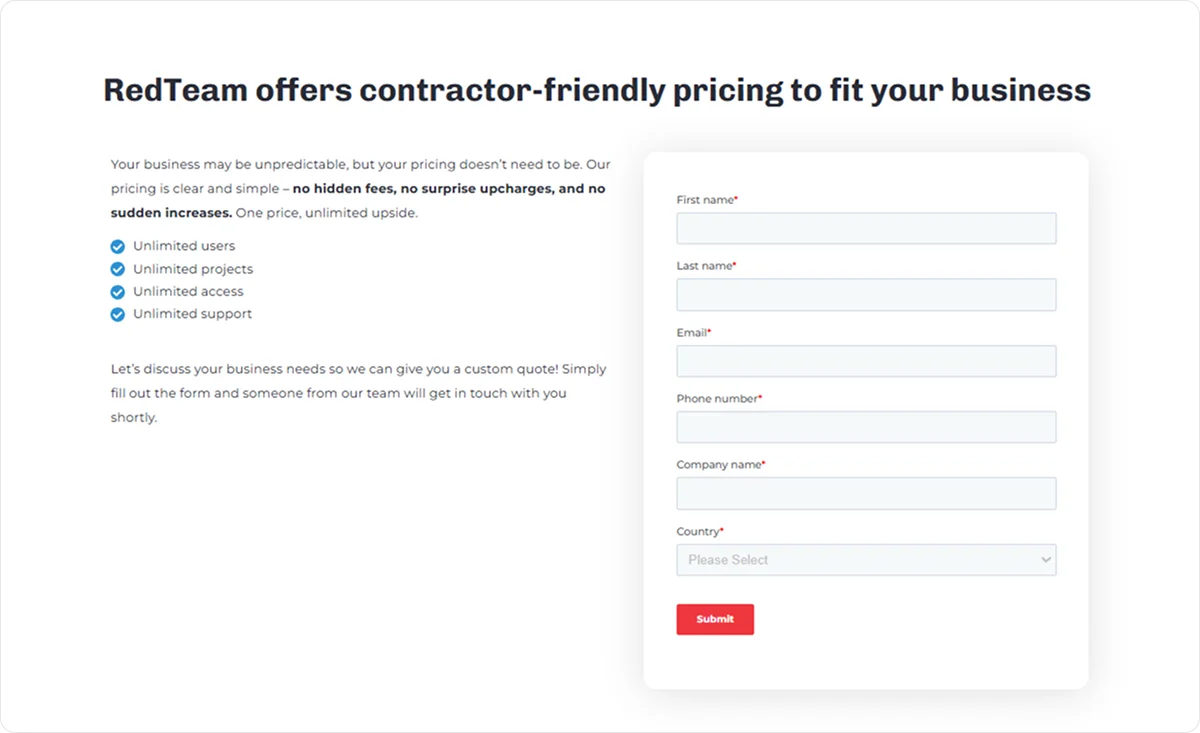
8. RedTeam Flex: Best for commercial general contractors
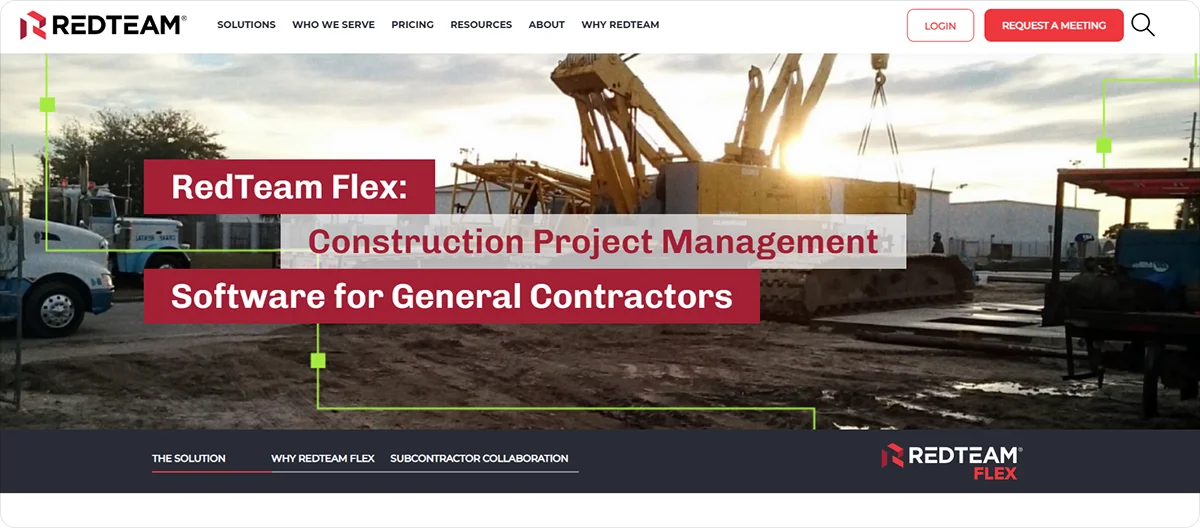
RedTeam Flex is a construction management platform designed to handle project management, financial tracking, and collaboration across commercial construction projects.
Commercial general contractors will benefit from its strong focus on financial oversight and project control, especially when managing multiple vendors, contracts, and change orders across complex builds.
RedTeam Flex key features
RedTeam Flex keeps project operations and financial data aligned throughout delivery, with tools like:
Gantt scheduling and project planning: Build and update project timelines with linked activities, helping teams coordinate trades and maintain progress across commercial jobs.
Budget control and cost reporting: Monitor project financials through live reports, tracking spend, commitments, and work in progress to keep budgets on track.
Change and compliance management: Manage RFIs, submittals, lien waivers, and change orders in one system, ensuring documentation is complete and aligned with contractual requirements.
RedTeam Flex pricing
RedTeam Flex provides a usage-based pricing model that adjusts with your active project volume.
9. Contractor Foreman: Best for small to mid-sized contractors
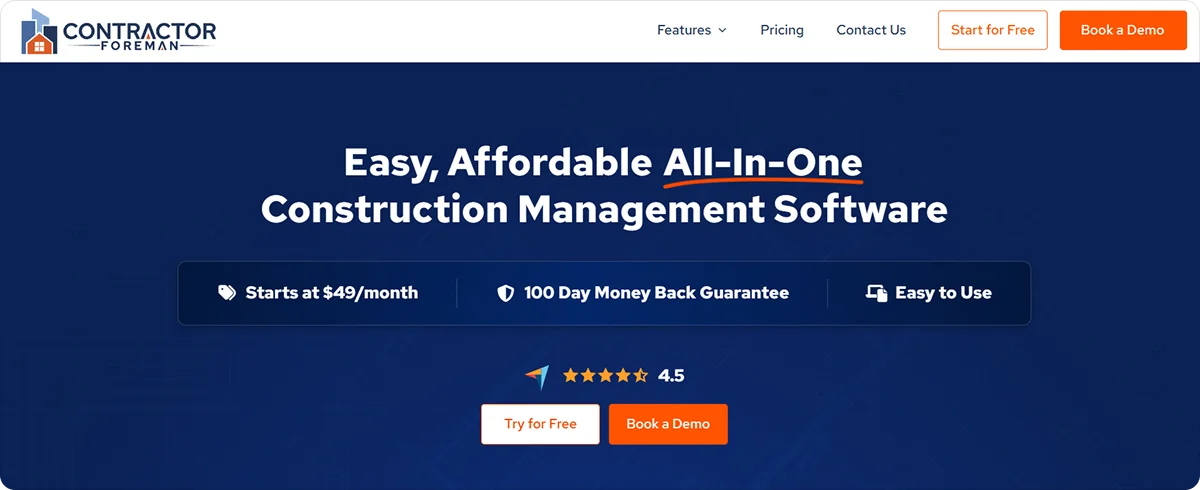
Contractor Foreman is an all-in-one construction management platform that brings together project management, financials, and team coordination for contractors.
It’s particularly valuable for small to mid-sized contractors who need a wide range of tools without the cost or complexity of enterprise platforms.
Contractor Foreman key features
Contractor Foreman offers core project, financial, and team management tools, with standout ones being:
Scheduling and project planning: Build and manage Gantt schedules alongside daily logs, helping teams organise work and keep projects progressing as planned.
Job costing and financial tracking: Monitor budgets, expenses, and invoices in real time, giving contractors better control over costs and profitability.
Permits, inspections, and compliance tracking: Track permits, inspections, and safety records in one place, helping avoid delays and ensure work meets required standards.
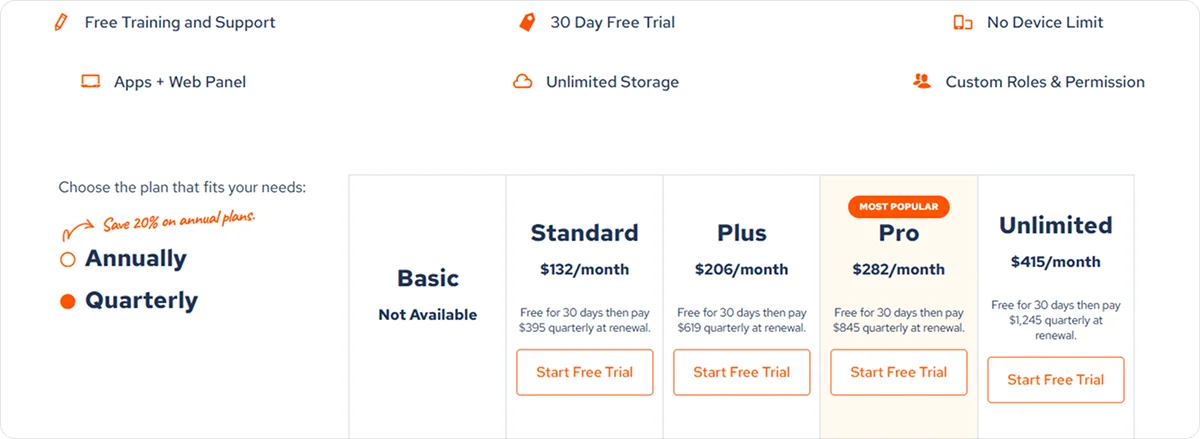
Contractor Foreman pricing
Contractor Foreman offers tiered plans designed to fit businesses of different sizes and budgets.
10. Buildern: Best for small builders and remodelers
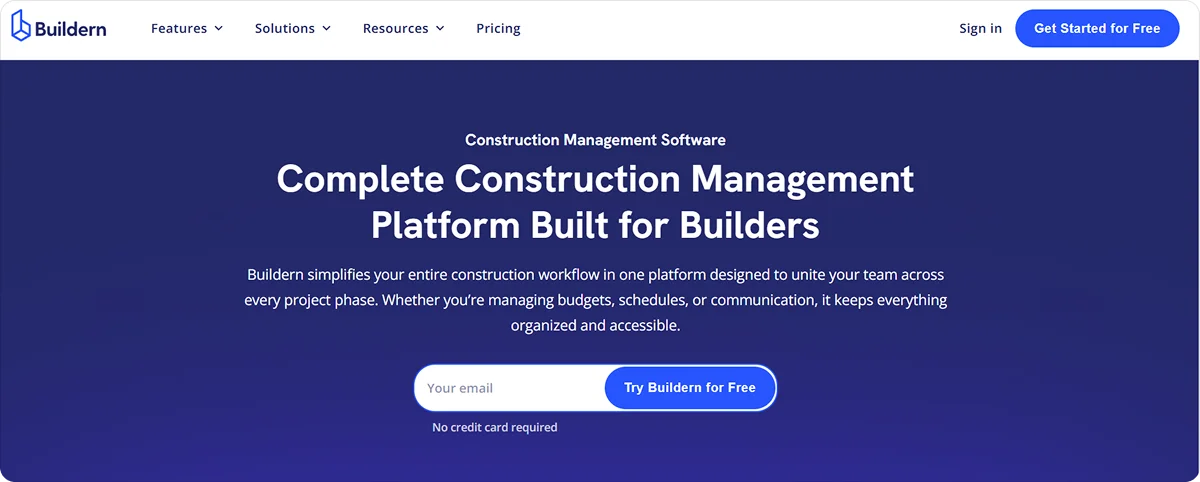
Buildern is a construction management platform that combines project planning, estimating, and financial management in one system, primarily designed for smaller construction teams.
Smaller builders and remodelers will benefit from its straightforward setup and connected workflows, making it easier to manage jobs without needing separate tools or complex systems.
Buildern key features
Buildern’s standout features include:
Scheduling and task management: Organise timelines, assign responsibilities, and adjust workflows as projects progress, helping teams stay on track.
Estimating and budget alignment: Build detailed estimates and link them directly to project budgets, keeping costs consistent from the first quote to completion.
Financial tracking and change management: Monitor expenses, manage change orders, and handle invoicing within one system, helping maintain control over project finances and documentation.
Buildern pricing
Buildern’s pricing is structured around flexible plans with options for different team sizes and needs.
What is the best construction management software?
There isn’t a single ‘best’ construction management software tool. It all depends on the type of work you do, the size of your projects, and the way your team works.
For example, companies delivering large-scale builds across several sites often need a system that keeps financials, coordination, and progress in sync, which is where Procore tends to fit well.
In contrast, businesses working on homes or renovations often need stronger client-facing tools to manage communication and expectations, which is where Buildertrend comes into its own.
For subcontractors, the priorities are different.
You need to manage people on site, record work properly, stay compliant, and provide proof when required.
That’s where Onetrace stands out by giving you the tools to keep teams aligned, maintain accurate records, and meet compliance requirements without added complexity.
Getting started with Onetrace
To get started with Onetrace, book a demo so you can see how it fits your way of working.
You’ll get a tailored walkthrough based on your projects and processes, focusing on the areas that matter most to your business.
If Onetrace is the right fit, you can get your team set up quickly, with support to help you get up and running without disruption.
FAQ
Which software is best for construction management?
The best software depends on your type of work, project size, and the way your team operates. For subcontractors, Onetrace is a strong choice.
What is the most widely used construction software?
Procore is one of the most widely used construction management platforms, particularly among large contractors and enterprise firms, while Onetrace is widely used by subcontractors focused on compliance and site reporting.
Marketing Team
@Onetrace
The Onetrace marketing team is passionate about sharing insights, ideas, and innovations that help construction businesses stay connected, compliant, and efficient. Combining industry expertise with a love for clear communication, we aim to deliver content that empowers professionals to work smarter and safer.