10 best construction project management software in 2026

By
Marketing Team
@Onetrace
Construction project management software is a digital system used to plan, coordinate, and track construction projects, covering everything from schedules and costs to site activity and communication.
It’s part of a wider trend toward increased use of technology across construction, with around 55% of global leaders expecting new tools to improve workforce productivity.
In the UK, this improvement is urgently needed, given that the construction output per worker hour was around 13.5% below the economy-wide average in 2023, highlighting ongoing gaps in efficiency and project execution.
To help you close those gaps within your firm, this guide breaks down the 10 best construction project management software tools that bring more clarity, control, and consistency to project delivery.
Key takeaways
There’s no one-size-fits-all solution
The best construction project management software depends on your business type, team setup, and what you need to manage on a daily basis.Construction projects are inherently complex
With numerous factors influencing construction project outcomes, teams need systems that bring structure and clarity to daily work.Choosing the right fit matters more than having more features
Tools built for specific use cases tend to perform better than generic platforms that try to cover everything.Adoption depends on ease of use
If a tool is difficult to learn or slows teams down on site, it won’t improve how projects are delivered.Onetrace provides a complete solution for subcontractors
Onetrace supports both on-site execution and operational workflows, helping teams stay organised, reduce friction, and run projects more effectively.
How we chose the 10 best construction project management software tools
Choosing the 10 best construction project management software tools means accounting for the full complexity of how construction projects are run.
For example, cost overruns alone can be driven by more than 60 different factors, emphasising how many variables need to be managed on a single project.
With this in mind, we focused on how well each tool supports the day-to-day reality of construction project delivery, regardless of the challenges on site or in the office.
These are the factors that made the biggest difference:
Industry fit and use case coverage (25%): We prioritised platforms that serve specific construction roles, such as general contractors, subcontractors, residential builders, or design-driven teams, rather than generic, one-size-fits-all tools.
Field vs office capabilities (20%): Construction happens on the jobsite, not just in the office. We evaluated how well each tool balances mobile usability, real-time field updates, and office-side planning and reporting.
Core construction features (20%): We assessed essential functionality such as scheduling, document control, task tracking, and reporting, giving greater weight to tools built specifically for construction workflows.
Ease of adoption and usability (15%): Adoption is critical in construction, where teams vary in technical experience. Given that fewer than half of construction firms consider themselves tech-mature, we favoured tools that are intuitive, quick to onboard, and practical for field teams.
Customer feedback and market reputation (10%): We analysed reviews from platforms like Google Reviews, G2, and Capterra, focusing on real-world feedback from contractors, project managers, and field crews.
Flexibility and integrations (10%): We considered how well each platform integrates with accounting systems and other construction tech stacks, as well as its ability to scale with growing teams.
The 10 best construction project management software tools at a glance
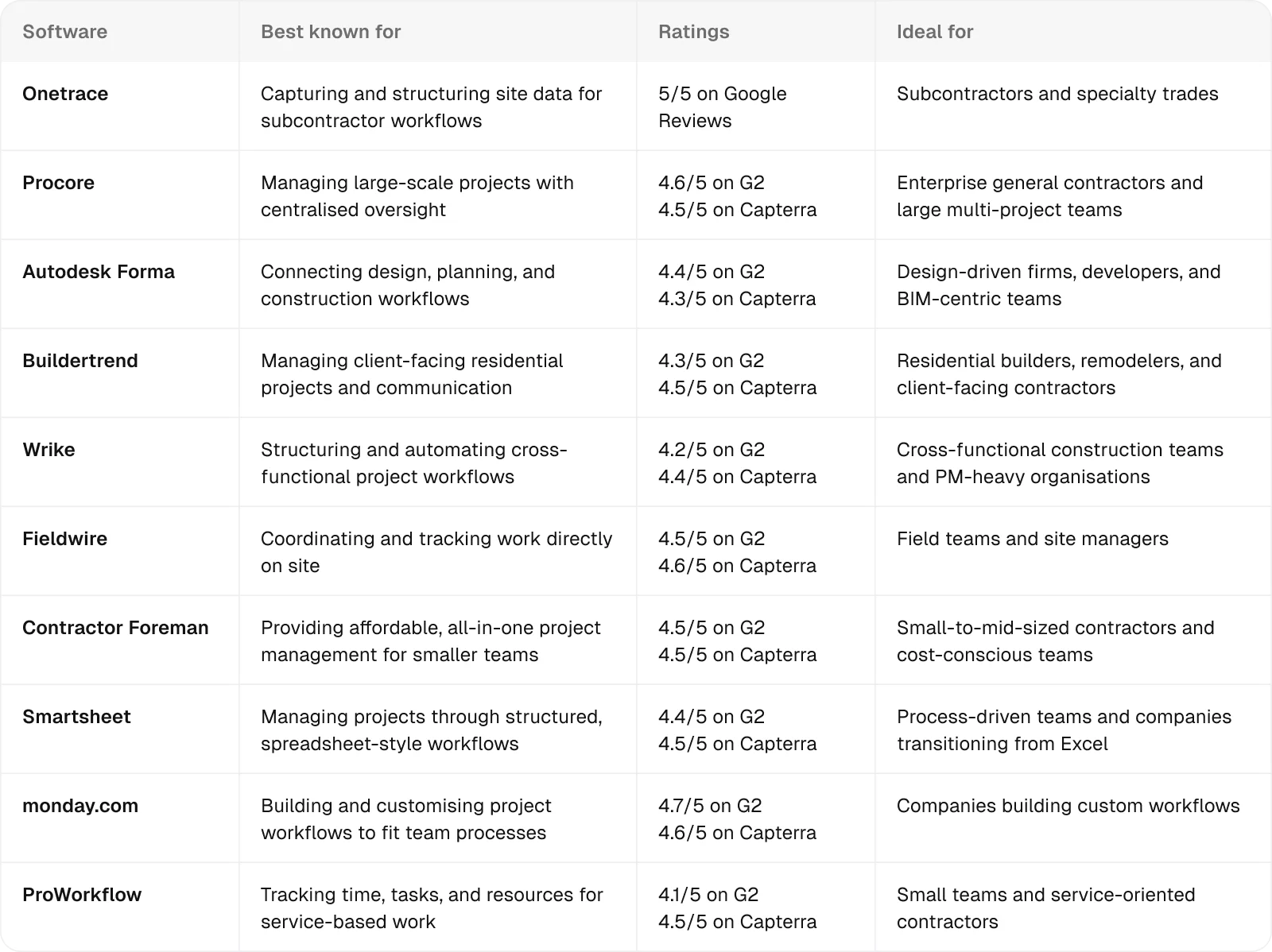
1. Onetrace: Best for subcontractors and speciality trades
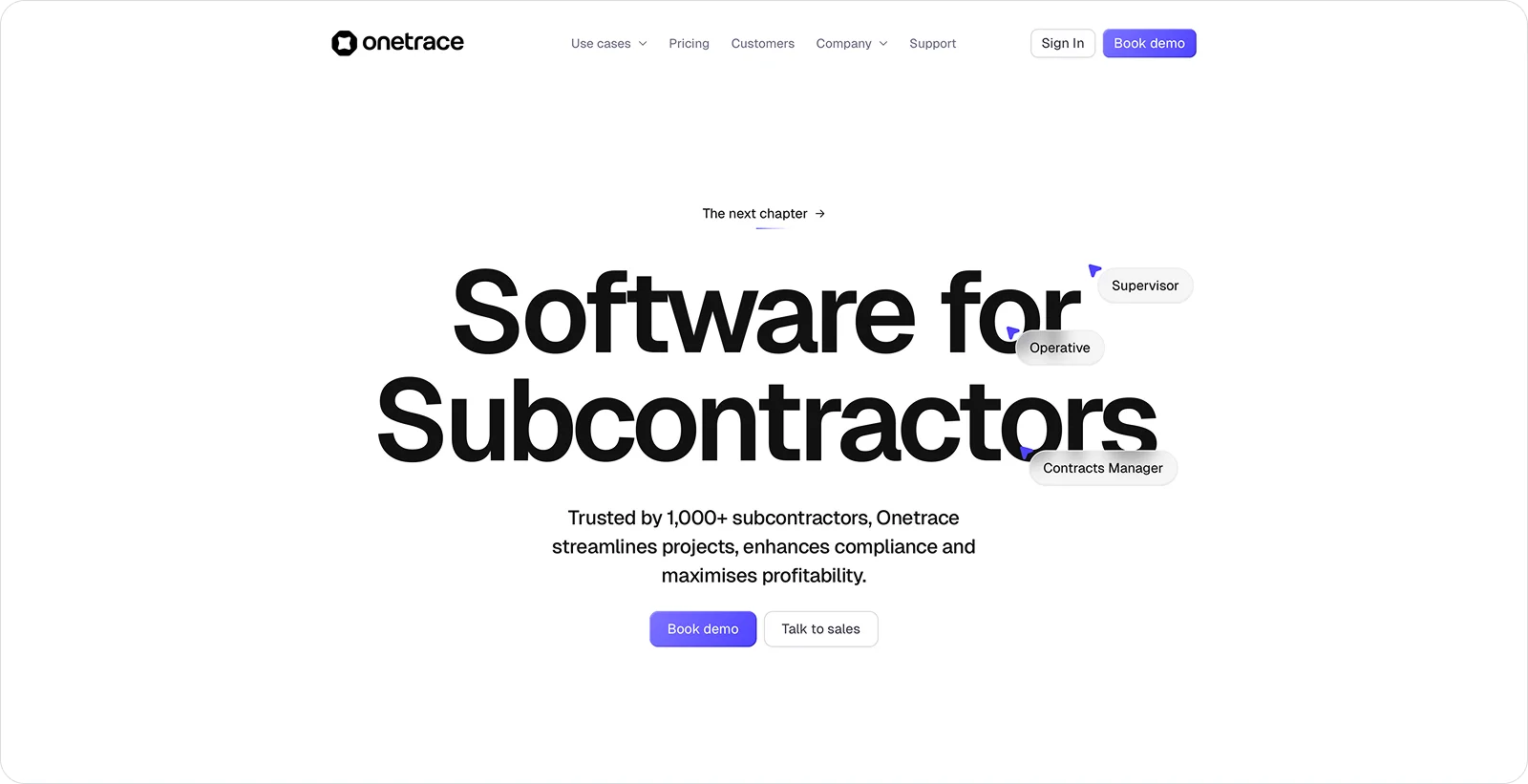
Onetrace is a construction project management platform purpose-built for subcontractors, helping manage workflows and keep structured records across projects.
It’s designed around the day-to-day realities subcontractors face: tracking workforce, capturing evidence as work happens, and giving managers a reliable view of what’s happening on site.
That focus on shared operational workflows makes it a strong fit for specialist trades like fire protection, electrical, HVAC, roofing, and plumbing, where the work differs but the way it’s managed is largely the same.
Onetrace key features
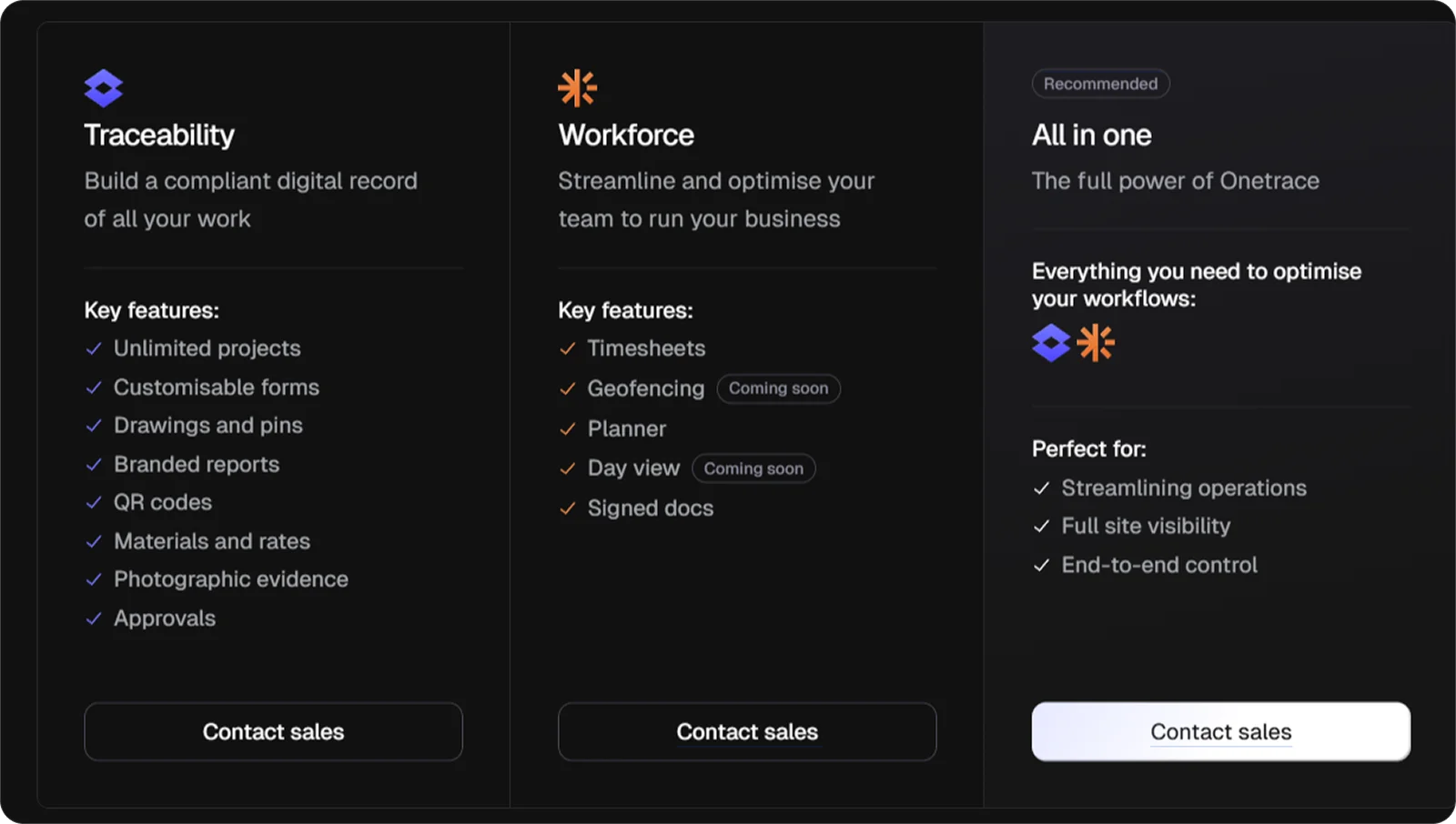
Onetrace offers two core products: Traceability and Workforce, combining site data capture with team coordination.
Together, they cover the key parts of running projects day to day, giving teams the tools to keep work moving, including:
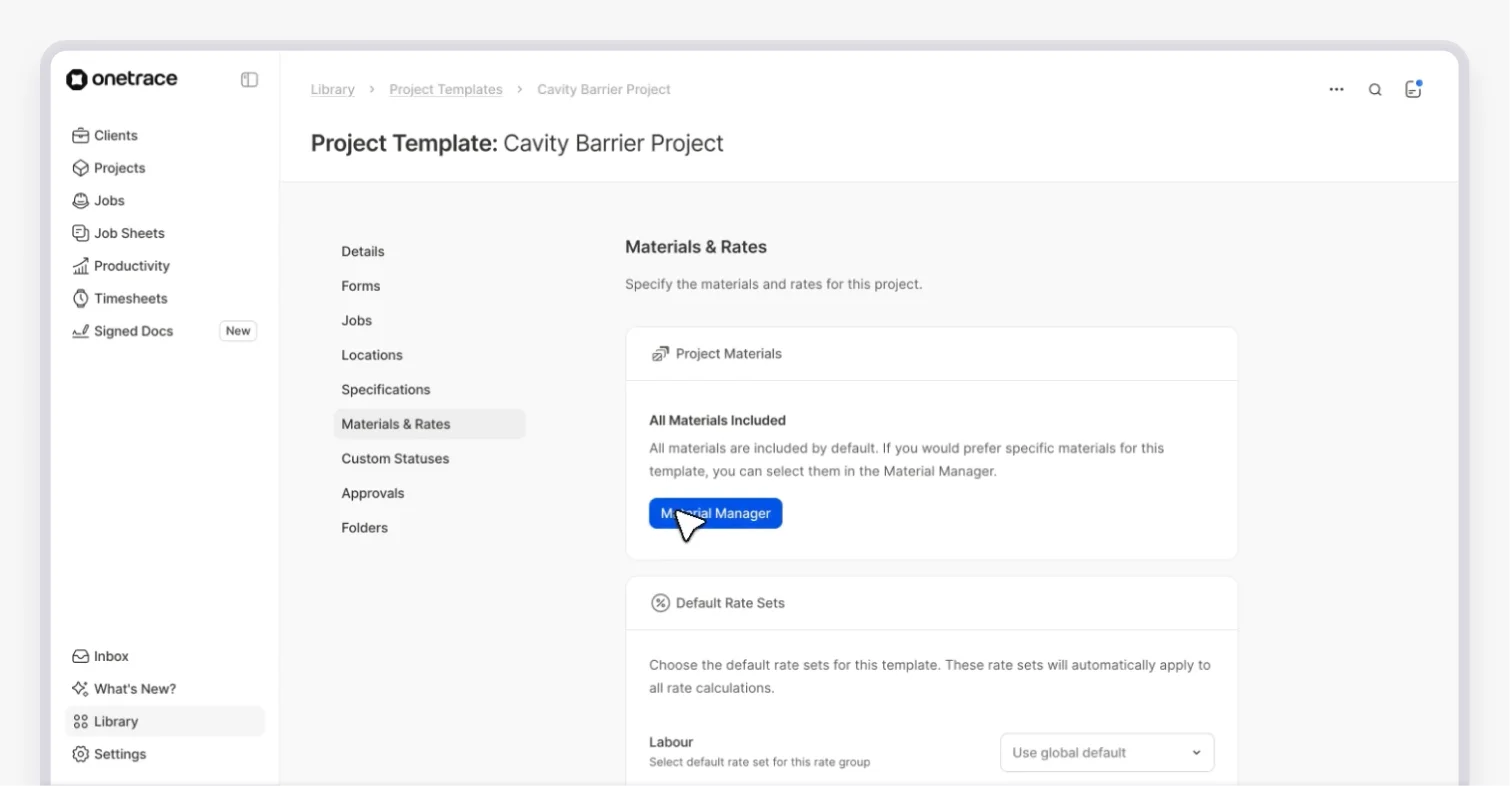
Centralised project visibility: Bring site activity, workforce data, and documentation into one place, so managers can stay on top of progress without piecing information together.
Real-time workforce tracking: Track who is on site, where they are, and how work is progressing to keep schedules grounded in actual activity.
Visual planning and scheduling: Plan and adjust work quickly with drag-and-drop scheduling, keeping teams aligned as priorities shift.
On-site data capture: Record work as it happens with photos, notes, and custom status updates to avoid gaps in reporting later.
Drawing-based project tracking: Mark up drawings with pins to show exactly where work is happening and how it’s progressing.
Structured reporting: Generate professional, branded reports from site data to support handovers and keep stakeholders informed.
Approvals and quality workflows: Move work through structured approval steps to catch issues early and reduce rework.
Compliance document management: Send, sign, and track documents digitally to keep records complete and accessible.
Mobile-first access (with offline mode): Keep work moving on site with an app that works reliably, even without signal.
Material and work records: Log what’s been used and installed on site to maintain a reliable record of completed work.
Onetrace benefits
Onetrace’s features translate into practical gains for how construction projects are managed day to day, including:
More predictable project delivery: When information is consistent and up to date, managers can make decisions earlier and avoid last-minute surprises that disrupt progress.
Stronger commercial protection: Structured records reduce the risk of disputes, support smoother sign-offs, and put teams in a better position when it comes to payment.
Lower operational overhead: Cutting down on rework, duplicated effort, and time spent chasing information keeps projects running more efficiently as teams grow.
Better coordination across teams: When everyone is working from the same picture, delays and misalignment are easier to prevent.
Onetrace pricing
Onetrace uses a flexible, per-user monthly pricing model, allowing teams to adjust usage as project demands change.
You can choose Traceability, Workforce, or both, and scale users up or down to match how your jobs are actually run.
2. Procore: Best for enterprise general contractors and large multi-project teams
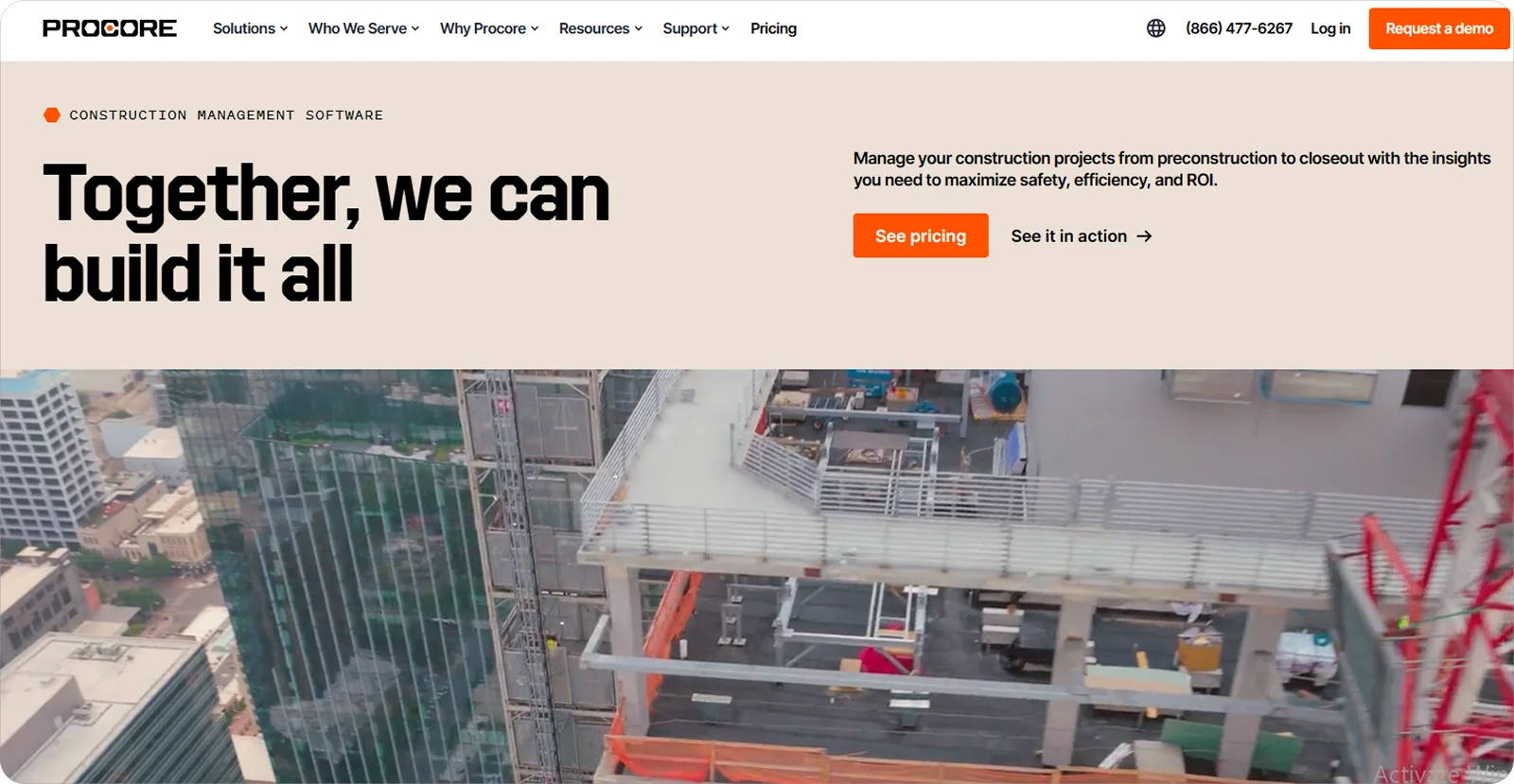
Procore is a cloud-based construction management platform that brings together project data, teams, and workflows to manage construction projects from start to finish.
It’s particularly well-suited for enterprise general contractors and large multi-project teams that need to coordinate many stakeholders, maintain consistency across projects, and keep information aligned at scale.
Procore key features
Procore supports project delivery across large, complex builds, with tools such as:
Centralised project data: Keep drawings, documents, and project records up to date in one system, so teams aren’t working from outdated information or conflicting versions.
Collaboration and communication tools: Track RFIs, submittals, and project correspondence in one place to reduce back-and-forth and keep decisions documented.
Project visibility and tracking: Monitor progress, outstanding items, and approvals across projects to spot delays early and keep work moving to schedule.
Procore pricing
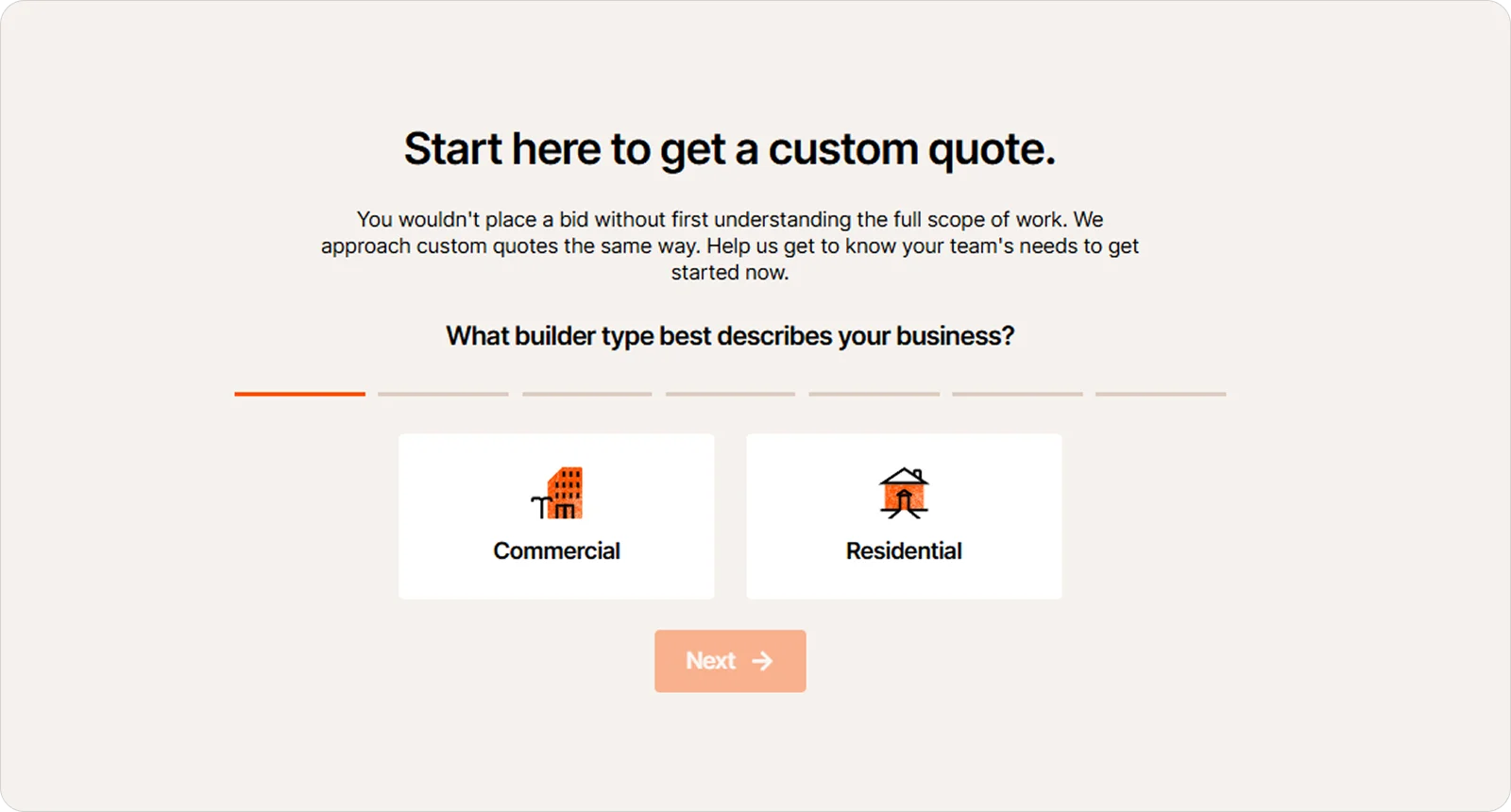
Procore’s pricing is based on custom quotes tailored to each company’s size, needs, and project scope.
3. Autodesk Forma: Best for design-driven firms, developers, and BIM-centric teams
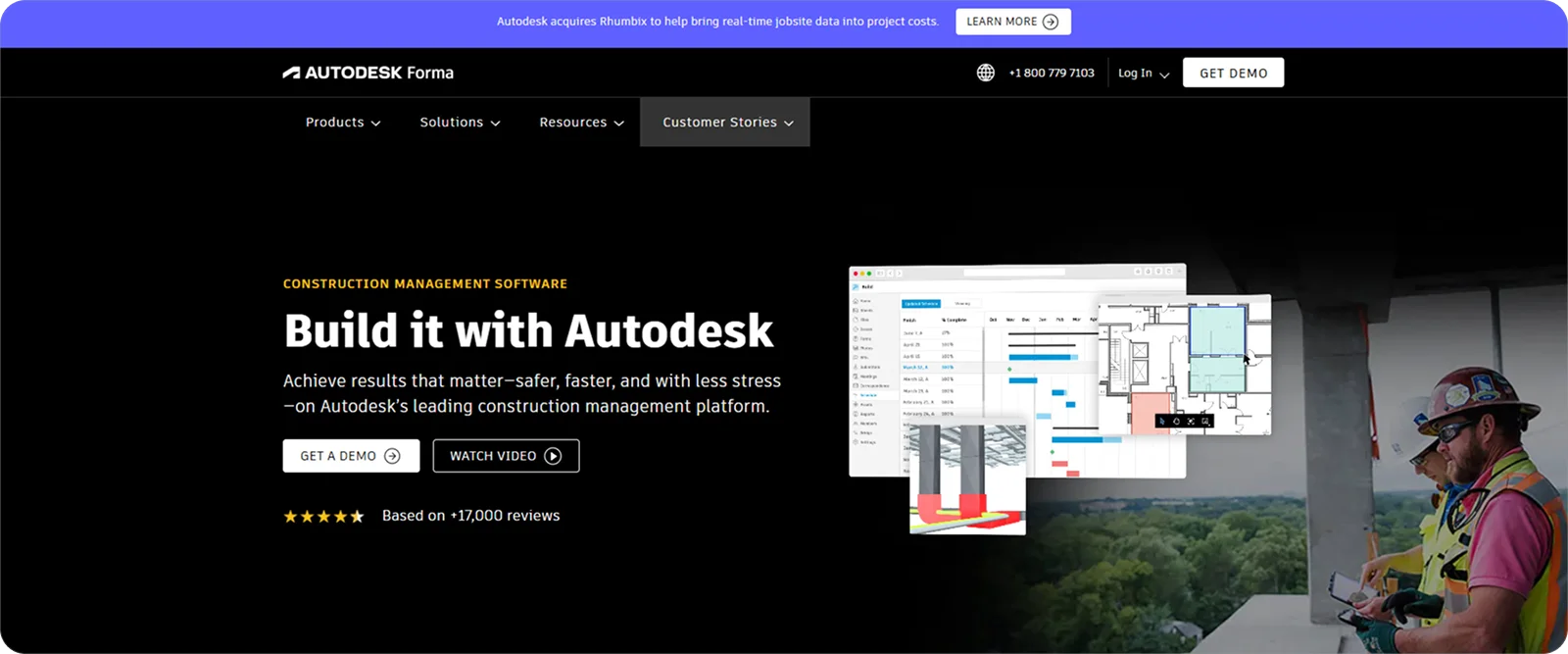
Autodesk Forma is a cloud-based construction and project management platform built to support projects from early planning through to delivery.
Design-driven firms, developers, and BIM-centric teams benefit most from it, as it allows changes made during design to flow into scheduling and execution without losing context, especially on complex projects with many dependencies.
Autodesk Forma key features
Autodesk Forma is built around connected workflows between design, planning, and site teams, with tools such as:
Integrated schedule management: Bring schedules from tools like Primavera or Microsoft Project into one place so teams can review timelines, adjust activities, and keep everyone working from the same programme.
Connected RFIs and issues: Link RFIs directly to issues and related tasks so context isn’t lost and teams can track decisions without duplicating work.
Centralised project correspondence: Keep a complete record of project communication tied to drawings, documents, and activities, making it easier to follow decisions and resolve queries.
Autodesk Forma pricing
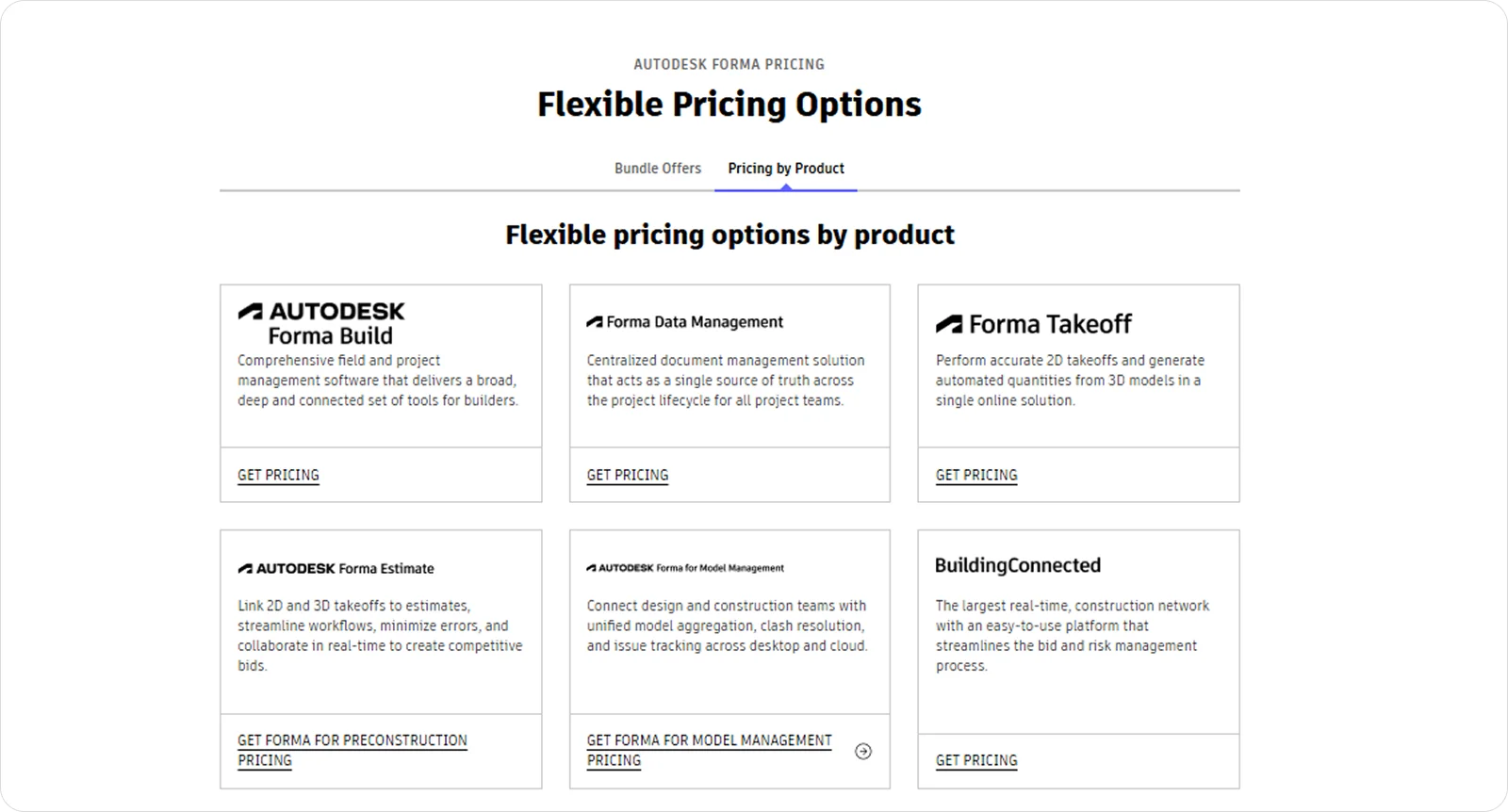
Autodesk Forma’s pricing is tailored to project requirements and team size, with options tied to Autodesk’s broader modular ecosystem.
4. Buildertrend: Best for residential builders, remodelers, and client-facing contractors
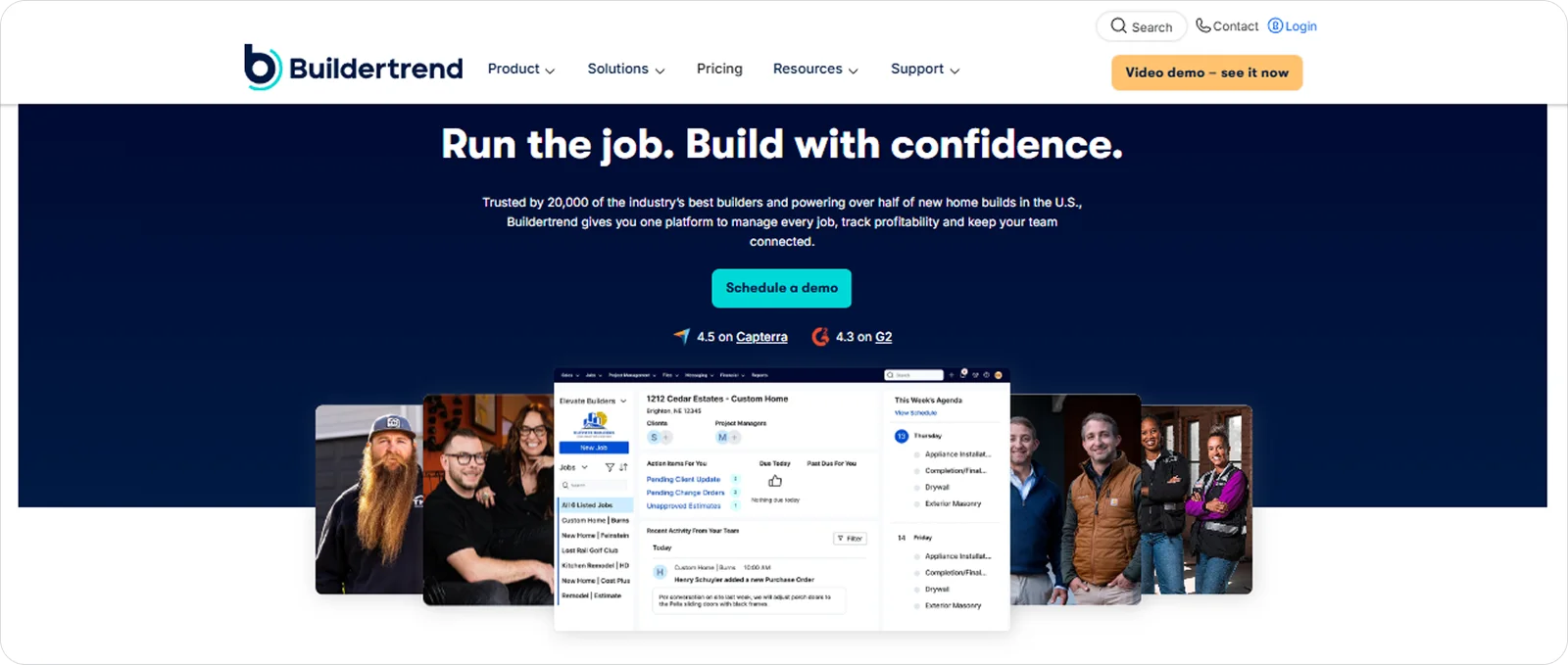
Buildertrend is a construction management platform designed to help builders manage projects, communicate with clients, and track progress from pre-sale to completion.
It’s a strong fit for residential builders, remodelers, and client-facing contractors who need to keep homeowners informed, manage frequent changes, and maintain clear communication throughout the build.
Buildertrend key features
Buildertrend focuses on keeping projects organised and clients involved throughout the build, with tools such as:
Scheduling and task management: Keep projects on track by updating schedules in real time and ensuring all parties are aware of changes as they happen.
Change order management: Create, track, and approve changes quickly to avoid missed costs and keep projects aligned with client expectations.
Client communication and daily logs: Share updates, progress photos, and key information with clients and teams to reduce confusion and keep everyone aligned.
Buildertrend pricing
Buildertrend’s pricing varies depending on the size of the company and the level of functionality required.
5. Wrike: Best for cross-functional construction teams and PM-heavy organisations
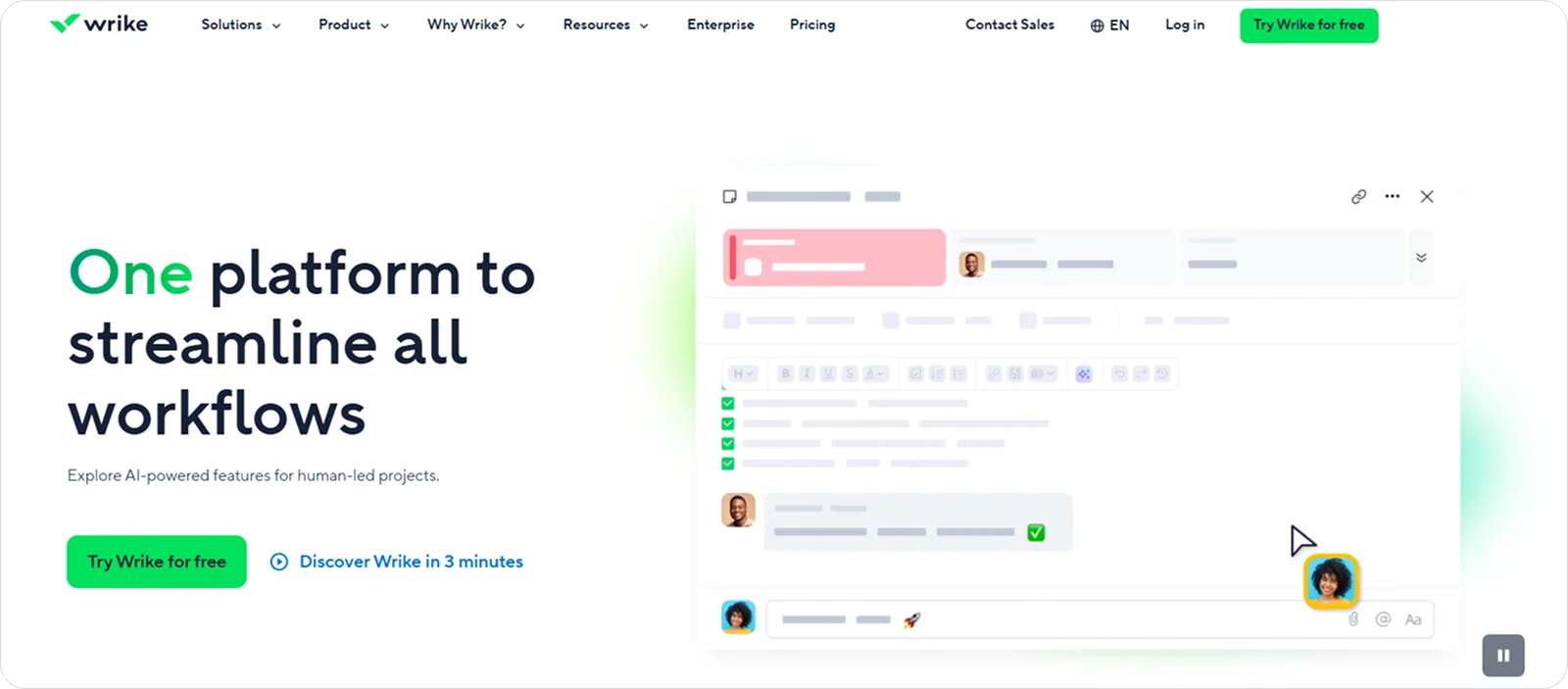
Wrike is a work management platform that helps teams plan, organise, and track projects across multiple departments and workflows.
Wrike works well for cross-functional construction teams and PM-heavy organisations, as it brings structure to projects that involve multiple roles and dependencies.
Wrike key features
Wrike is built to give teams structured oversight and control across complex workflows, with features like:
Customisable workflows and views: Adapt workflows, dashboards, and task views to reflect how different teams operate, making it easier to manage varied project requirements.
Automation and task management: Reduce manual admin by automating routine steps and keeping tasks moving through defined workflows without constant follow-up.
Real-time reporting and dashboards: Track project performance and workload through live dashboards, helping managers spot issues early and adjust plans before delays build up.
Wrike pricing
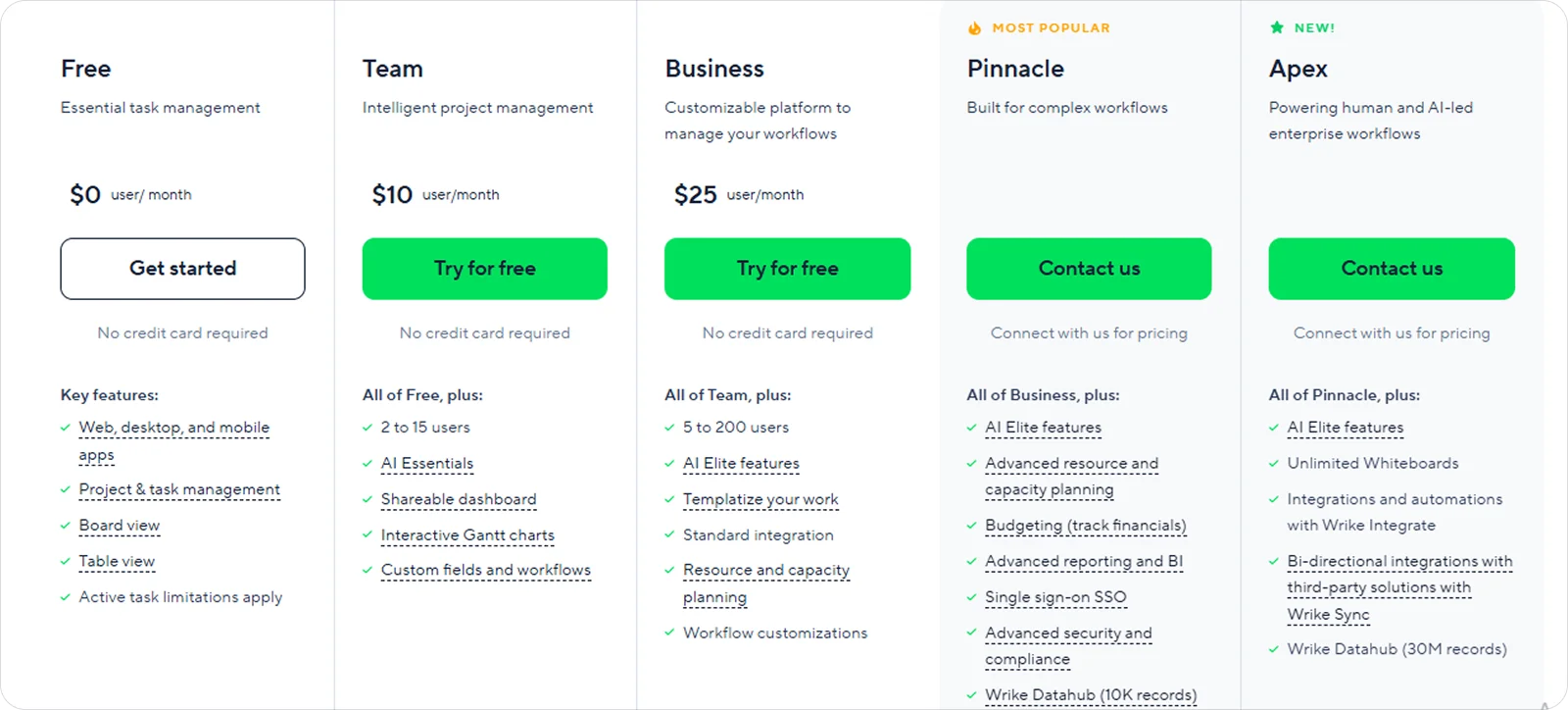
Wrike provides tiered plans depending on features, team size, and level of customisation.
6. Fieldwire: Best for field teams and site managers
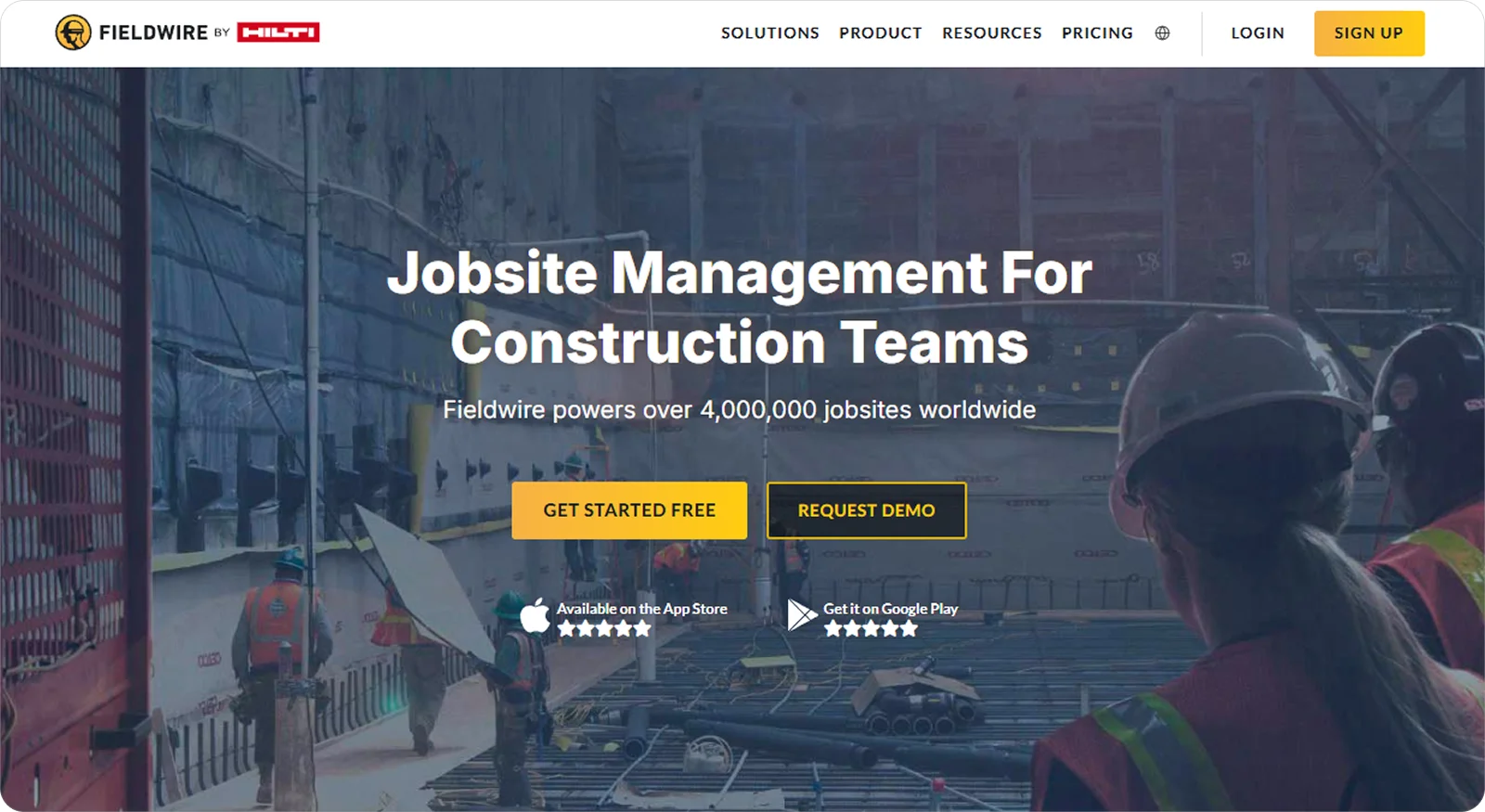
Fieldwire is a construction field management tool designed to help teams coordinate tasks, track progress, and manage work directly from the jobsite.
Field teams and site managers get the most value from it, as it keeps day-to-day site activity organised, reduces reliance on paperwork, and makes it easier to stay aligned with what’s actually happening on the ground.
Fieldwire key features
Fieldwire’s features are designed to keep site work organised and transparent. The key ones include:
Task and punch list management: Assign tasks, track issues, and record progress on site to keep work moving and avoid missed items.
Drawing management and mark-ups: Work from the latest plans, add notes, and attach photos directly to drawings so teams can act on accurate, up-to-date information.
Field reporting and documentation: Capture daily reports, inspections, and site activity in real time to maintain a reliable record of what’s been done.
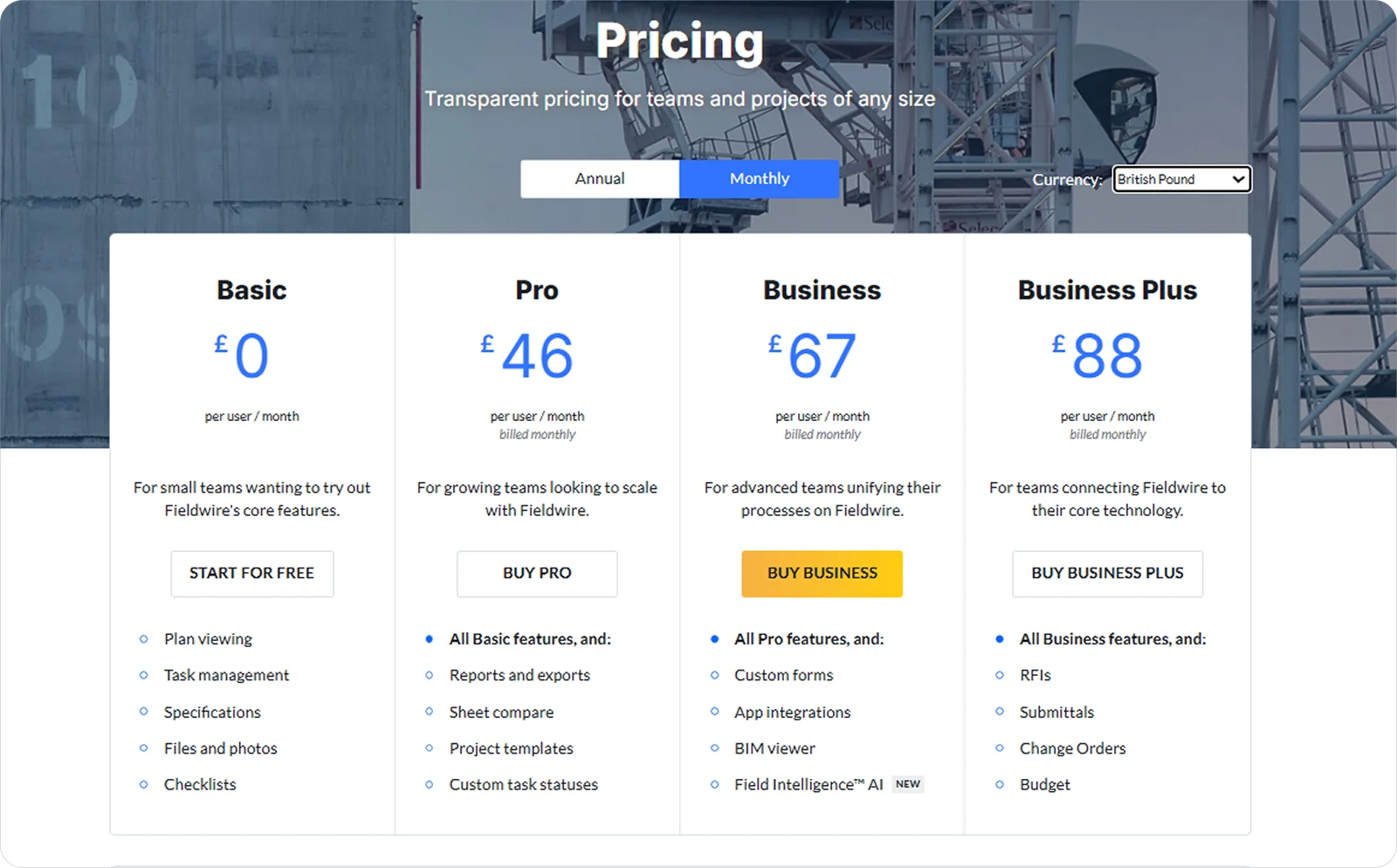
Fieldwire pricing
Fieldwire offers tiered plans based on features and team size, with pricing structured per user.
7. Contractor Foreman: Best for small-to-mid-sized contractors and cost-conscious teams
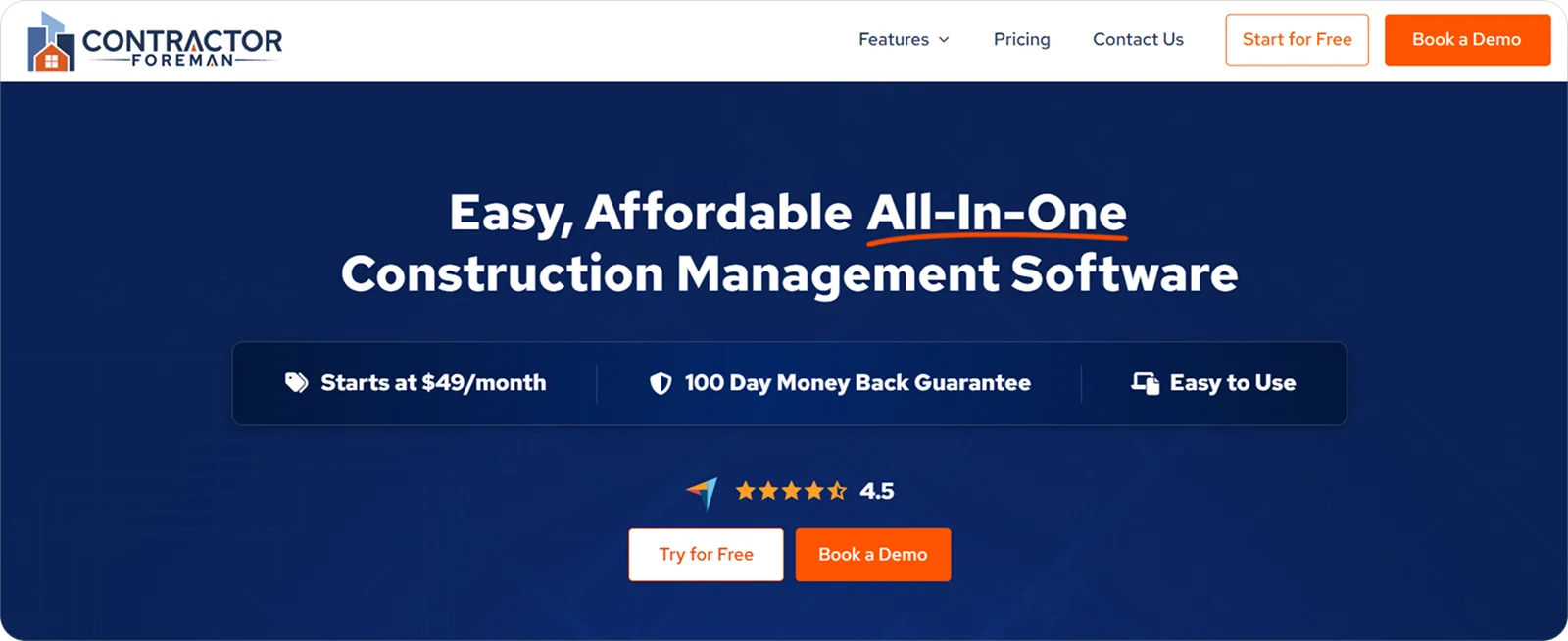
Contractor Foreman is an all-in-one construction management platform designed to help contractors manage projects, teams, and documentation from a single system.
Smaller contractors and cost-conscious teams tend to choose it because it offers broad functionality without the overhead or complexity of enterprise platforms, making it easier to manage jobs without stretching budgets or resources.
Contractor Foreman key features
Contractor Foreman covers the core parts of running projects with features like:
Scheduling and progress tracking: Build and update Gantt schedules to track timelines, monitor progress, and identify delays before they affect delivery.
Daily logs and site records: Capture detailed site activity, including labour, materials, and conditions, to maintain a complete and reliable project record.
Job costing and financial tracking: Monitor project performance through cost tracking and reporting to keep work aligned with budgets and expectations.
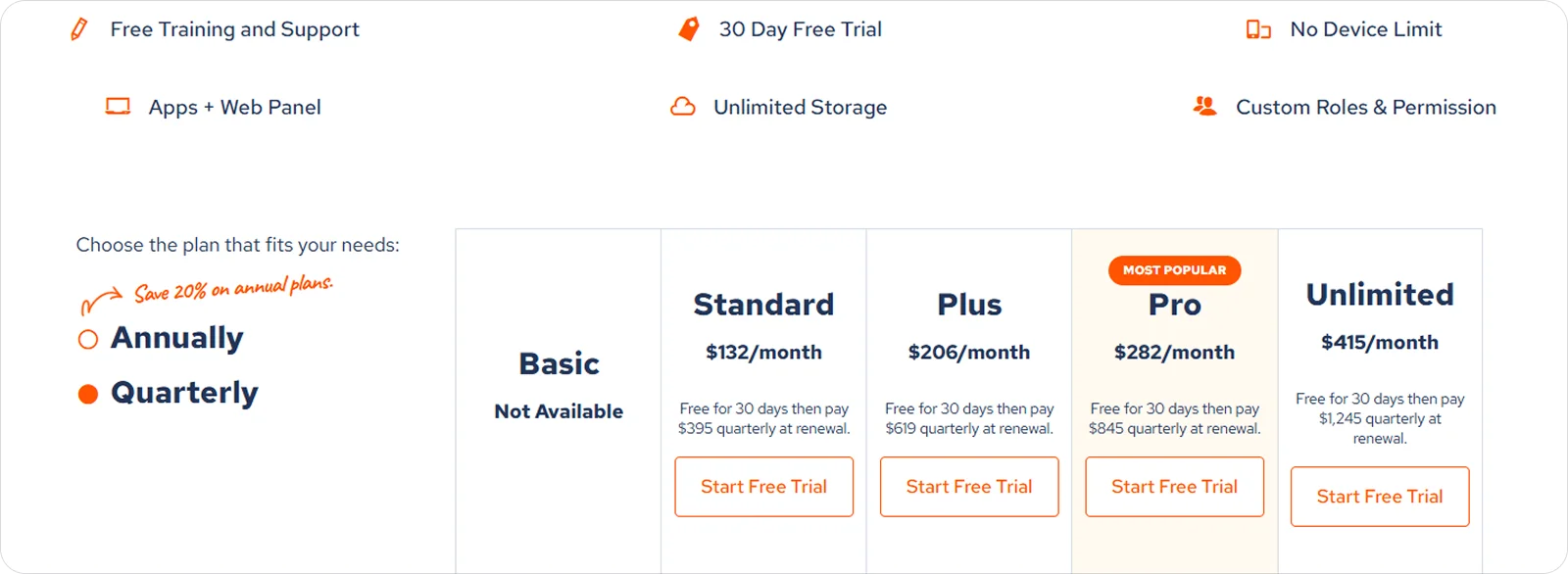
Contractor Foreman pricing
Contractor Foreman offers subscription-based pricing designed to remain accessible to smaller teams.
8. Smartsheet: Best for process-driven teams and companies transitioning from Excel
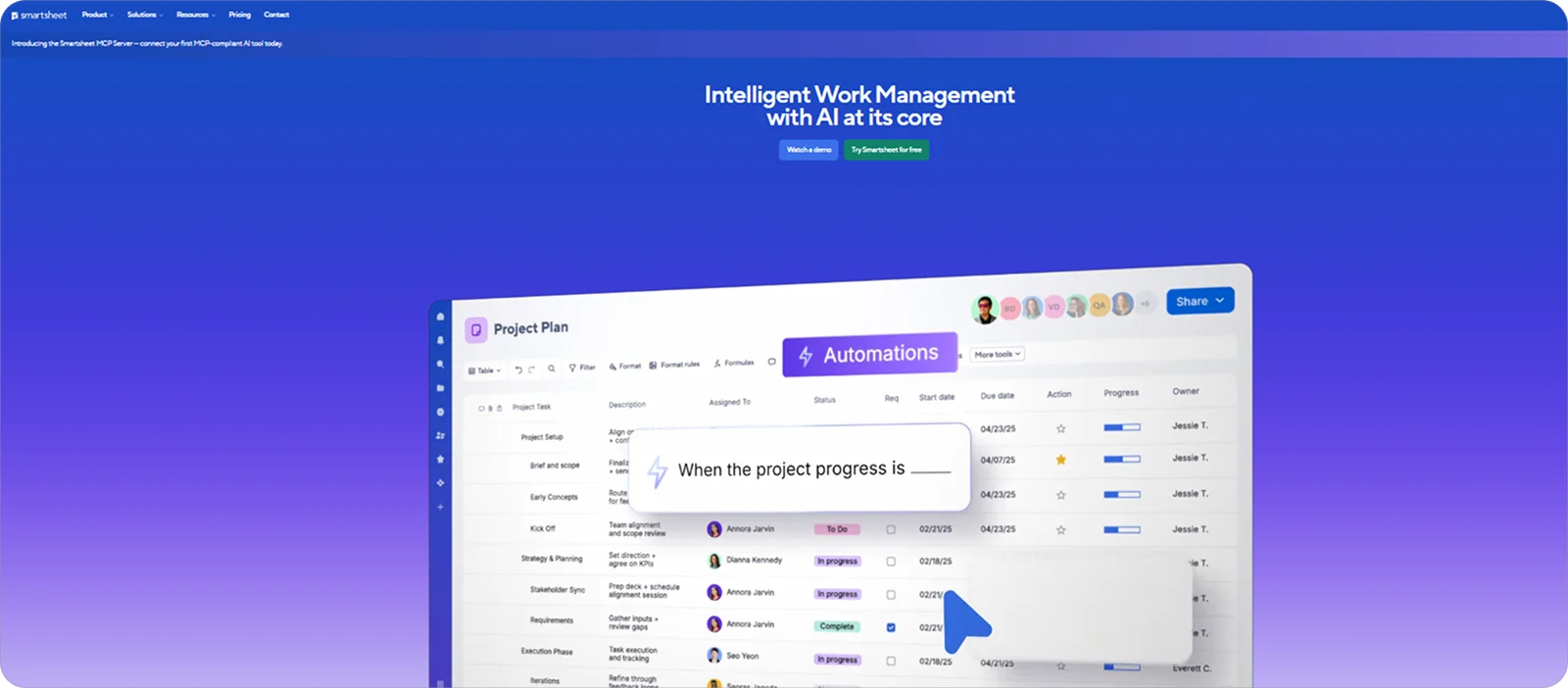
Smartsheet is a work management platform that combines spreadsheet-style interfaces with project tracking, automation, and reporting tools.
Teams moving from Excel or relying on structured processes will get the most out of it, as it keeps familiar ways of working while adding more control, consistency, and scalability across projects.
Smartsheet key features
Smartsheet offers structured, repeatable workflows for managing projects through features like:
Flexible project planning views: Build and manage plans in grid, Gantt, or board formats to track tasks, dependencies, and timelines in a way that fits how teams already work.
Workflow automation: Set up automated actions for updates, approvals, and notifications to reduce manual steps and maintain progress without constant intervention.
Real-time reporting and dashboards: Pull data from multiple projects into live dashboards to monitor performance, highlight risks, and keep stakeholders informed.
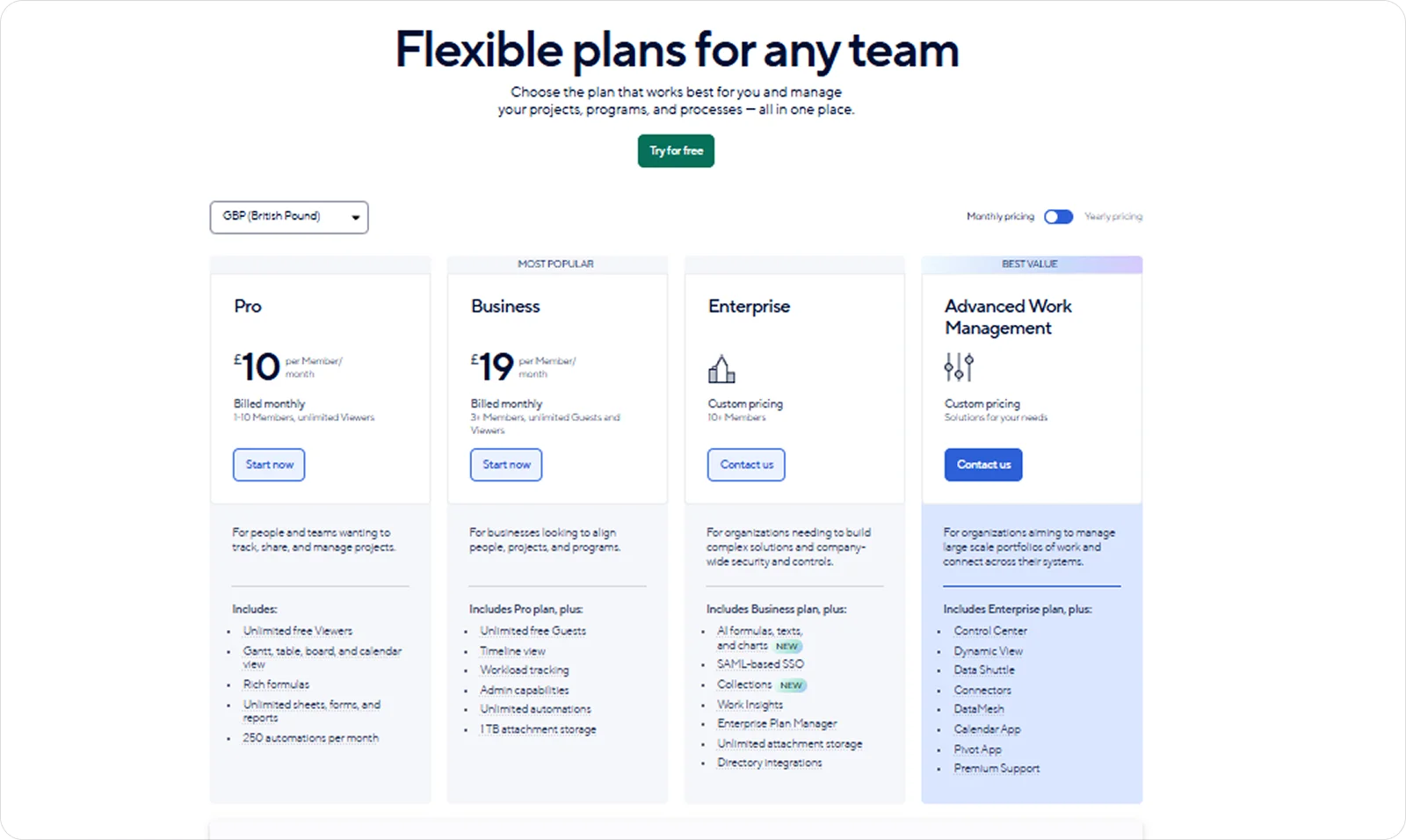
Smartsheet pricing
Pricing is structured in tiers based on users, features, and the level of control required.
9. monday.com: Best for companies building custom workflows
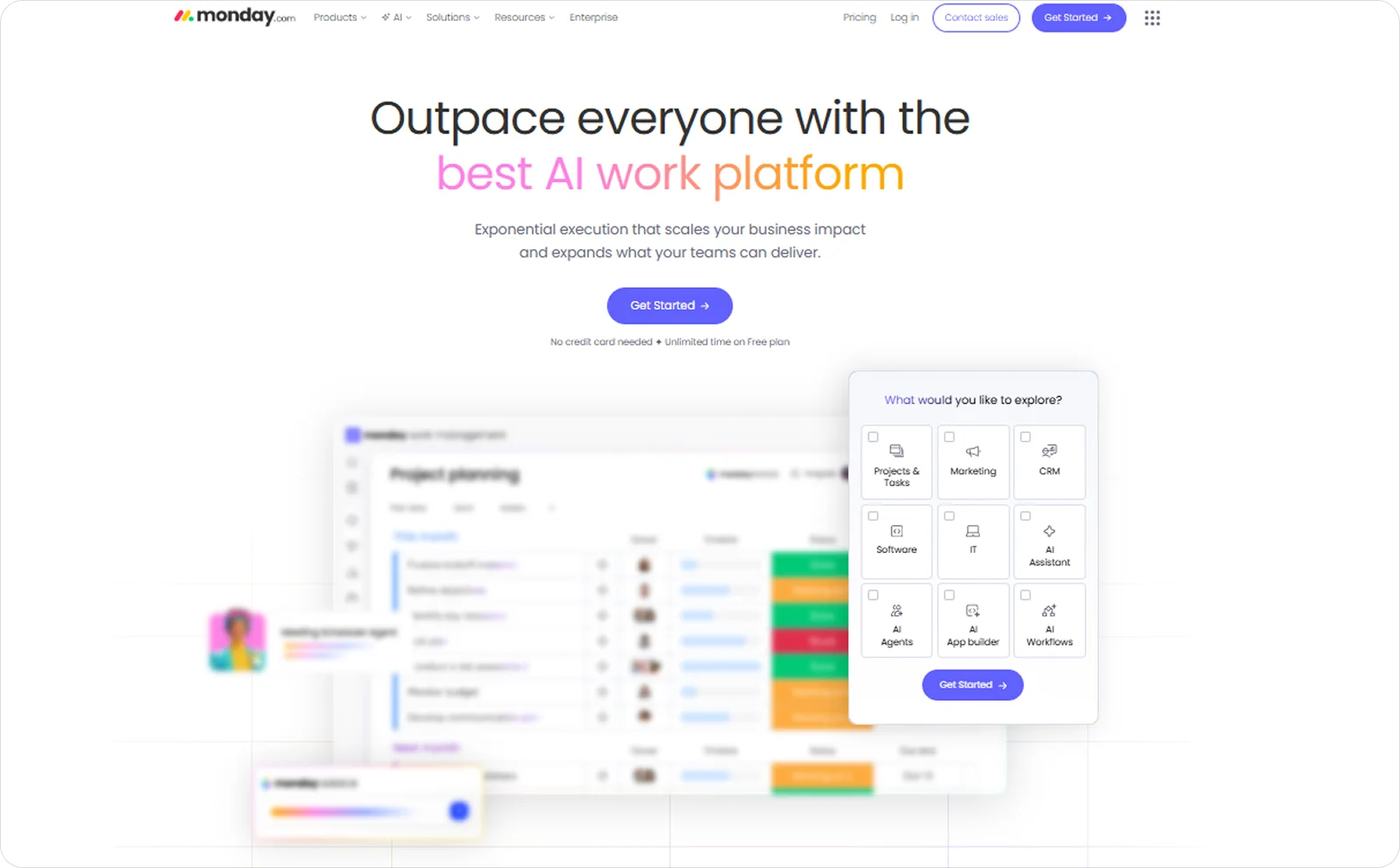
monday.com is a flexible work management platform that allows teams to build and manage projects using custom boards, timelines, and workflows.
It’s a strong fit for companies that need to shape their own processes, as it allows them to define how work is structured, tracked, and shared rather than following fixed construction-specific systems.
monday.com key features
monday.com lets teams define and run their own project structures, thanks to tools like:
Custom workflow boards: Set up boards tailored to specific processes so teams can track responsibilities, deadlines, and progress in a way that fits their workflows.
Real-time timeline tracking: Keep plans aligned with execution by updating timelines as work progresses, making delays visible as they happen.
Task ownership and accountability: Assign clear responsibility for each task so teams understand dependencies and stay accountable for delivery.
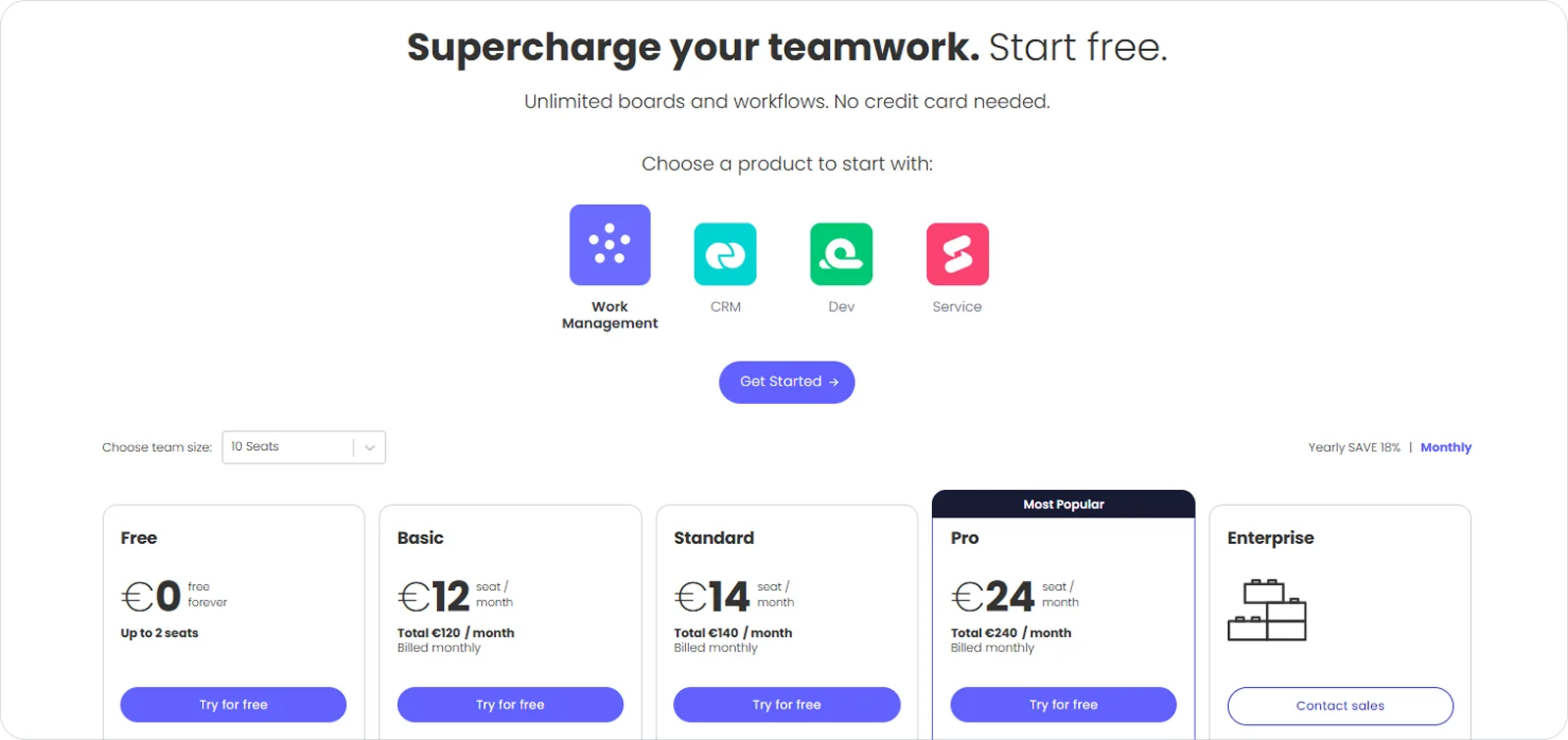
monday.com pricing
monday.com offers a range of plans that scale with team size and feature needs, starting from a free option for small teams, with a monday.com discount available on annual billing for higher tiers.
10. ProWorkflow: Best for small teams and service-oriented contractors
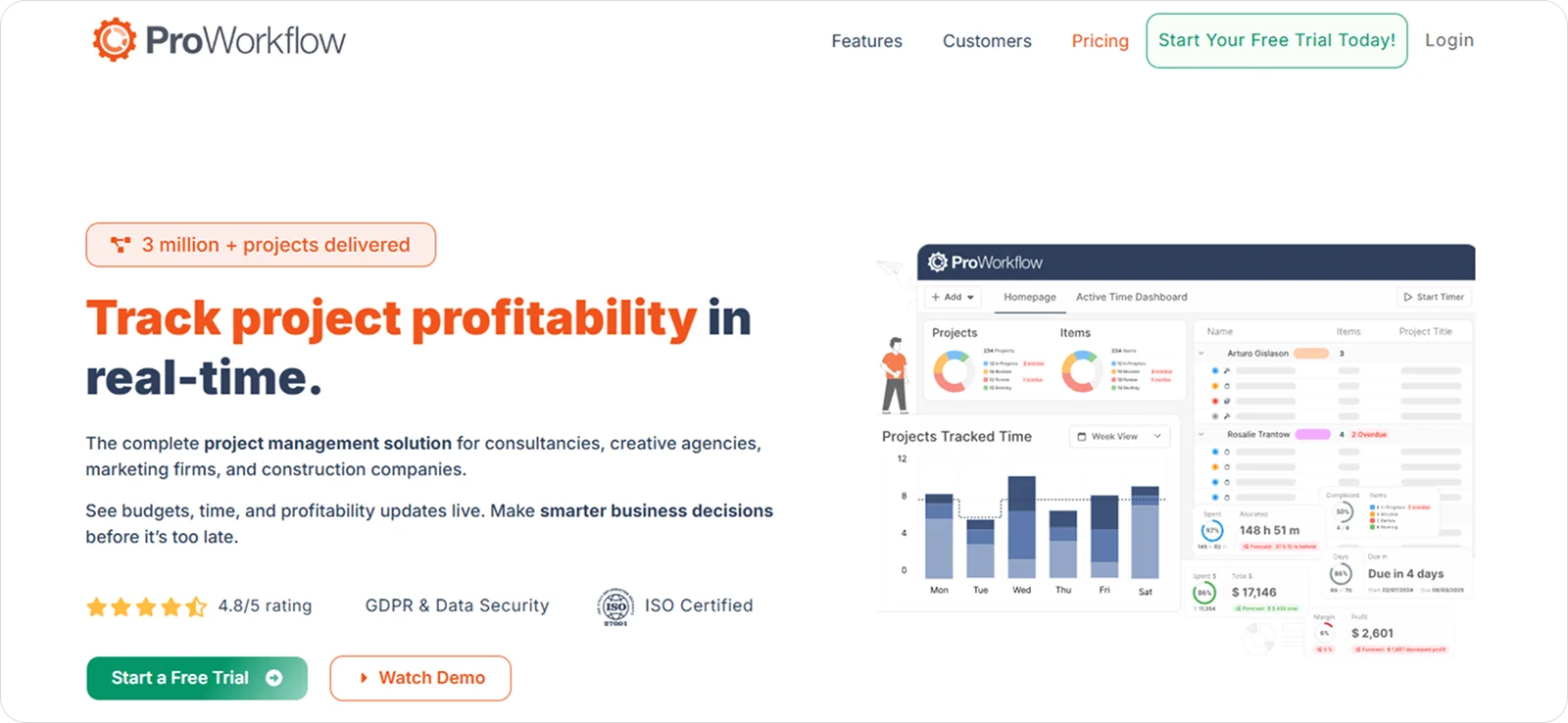
ProWorkflow is a project management system focused on task tracking, time management, and resource planning.
Smaller teams and service-oriented contractors tend to lean towards it, as it keeps project coordination straightforward while linking day-to-day work with time tracking and invoicing.
ProWorkflow key features
ProWorkflow is geared towards keeping projects organised and measurable from day to day, with tools like:
Time tracking and task management: Record time against tasks as work is completed to keep progress measurable and avoid gaps between work done and work reported.
Resource planning and workload management: Assign work based on team availability to prevent overload and ensure tasks are completed on time.
Budgeting and invoicing workflows: Link project work to budgets and invoices so teams can track performance and manage billing without switching systems.
ProWorkflow pricing
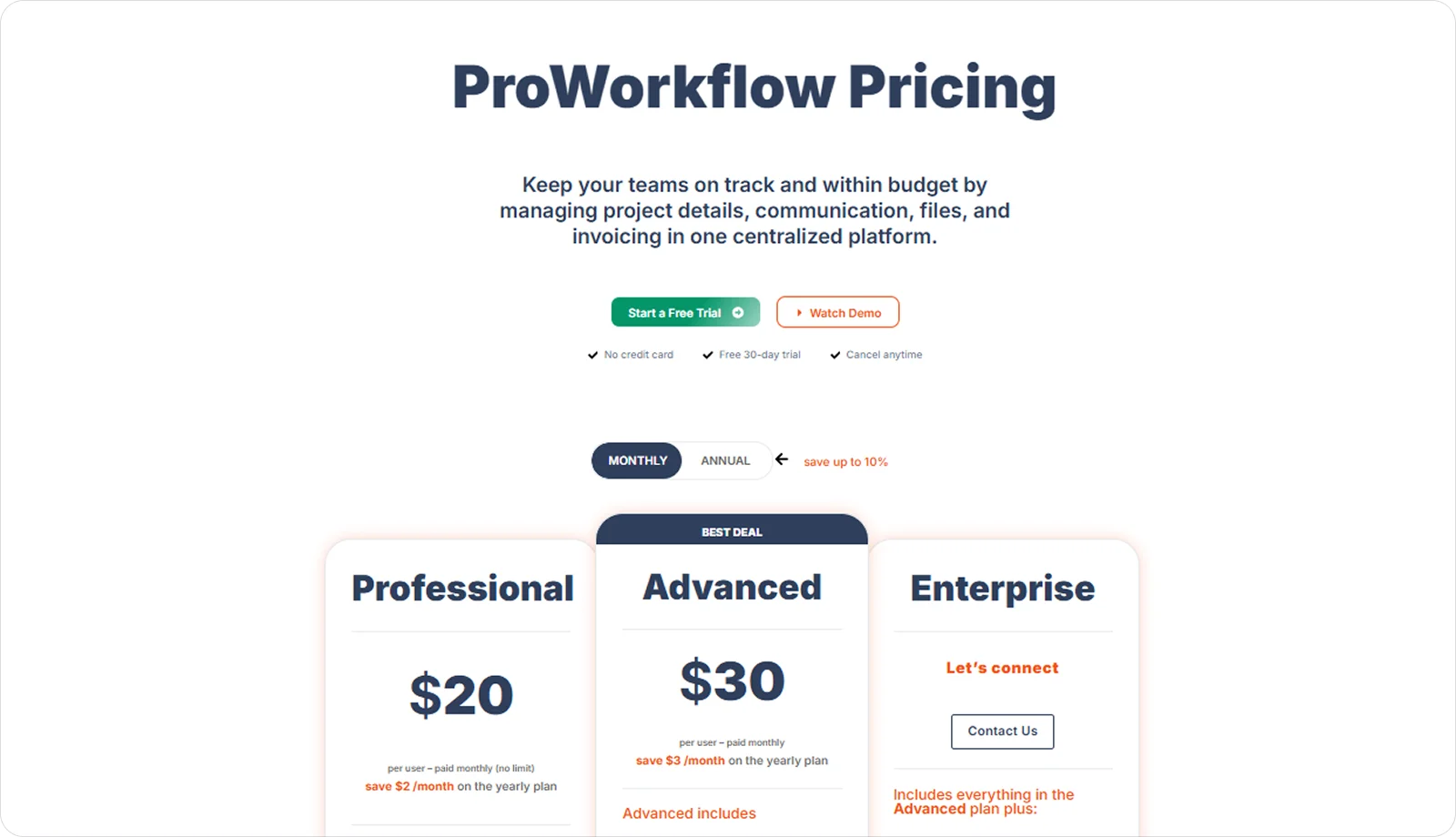
Pricing plans are set on a per-user basis, with options that expand in capability as teams need more control and support.
What is the best construction project management software?
The best construction project management software depends on your business type and what you need to manage day to day.
For example, Procore is a strong choice for enterprise contractors managing multiple projects at once, where consistency, oversight, and stakeholder coordination are critical. In contrast, Fieldwire works well for field teams that only need to stay organised on site and keep work moving without delays.
If you’re looking for an option that covers a wider range of subcontractor needs, Onetrace stands out as the most complete solution, supporting both site execution and operational workflows across different trades and project types.
Getting started with Onetrace
Schedule a tailored demo with the Onetrace team to see how the software fits your way of working.
You’ll get a practical walkthrough focused on your day-to-day challenges, with the option to get set up straight after.
FAQ
What is the best project management software for construction?
The best software depends on your business type and how you run projects day to day. If you’re a construction subcontractor, the best project management software for you is Onetrace.
What software do builders use?
Builders use software like Onetrace, Procore, and Fieldwire, depending on project size, team structure, and whether the focus is on site work or overall project control.
Is Procore difficult to learn?
Procore is difficult to learn, with many teams reporting a steep learning curve due to the number of features and system complexity.
Marketing Team
@Onetrace
The Onetrace marketing team is passionate about sharing insights, ideas, and innovations that help construction businesses stay connected, compliant, and efficient. Combining industry expertise with a love for clear communication, we aim to deliver content that empowers professionals to work smarter and safer.