Top 10 Fieldwire alternatives to consider [2026 comparison]

By
Marketing Team
@Onetrace
On-site, teams move fast, conditions shift, and everyone needs clear information at the right moment. Construction site management software that keeps people in sync, whether they’re online or offline, makes a real difference here.
That’s why many construction teams value Fieldwire. It’s quick to learn, reliable in the field, and built with day-to-day site work in mind.
But the same simplicity that makes Fieldwire easy to pick up and use can hold it back.
Some teams find they need more depth: stronger tools for managing many projects at once or more freedom to tailor workflows to how they already work. When those needs grow, Fieldwire can start to feel limiting rather than light.
If you’re at that point, the good news is that you have options. Below, we look at the top 10 Fieldwire alternatives that support multi-project and multi-site management without adding needless complexity.
Key takeaways
Fieldwire is strong for simple, site-level coordination
Under pressure on fast-moving sites, crews value Fieldwire for its ease of use and dependable offline mode. It works well for day-to-day tasks but can feel limited when teams juggle many projects or need deeper control.Growing contractors often outgrow Fieldwire’s structure
As workloads expand, users frequently report gaps around project organisation, custom workflows, and advanced tools. These limits become more visible for firms managing multiple sites or needing standardised processes.Different alternatives solve different pain points
Procore and ACC excel at enterprise-level oversight, Buildertrend and CoConstruct shine in residential and client communication, while tools like Raken focus on rapid field reporting. Each option fills a specific gap Fieldwire leaves open.The best alternative balances simplicity with flexibility
Teams want Fieldwire’s ease and offline reliability, but with more room to tailor forms, workflows, reports, and project structures. Tools that deliver both are better suited to multi-project and multi-site work.
Fieldwire overview

Fieldwire is a site management tool built for crews that need something quick, steady, and practical in the field. It brings plans, tasks, and site data into one place, regardless of your internet connection.
Fieldwire features
Instead of trying to run every part of the project at once, Fieldwire focuses on the essentials that crews rely on every day, such as:
Project management: Store, view, and mark up drawings so everyone works from the right version, even when offline.
Task tracking: Create, assign, and follow tasks in a way that matches the pace of site work, helping teams stay aligned without long briefings.
Issue reporting: Capture snags, photos, and notes on the spot, so problems are logged early and shared with the people who can fix them.
Offline mode: Keep working without a connection, so progress doesn’t stall when the signal drops.
Fieldwire shortcomings
While users praise Fieldwire for its ease of use, strong field adoption, and steady offline performance, many say it starts to feel limited once their workload grows or their projects become more complex.
Here are the most common gaps teams point out:
Limited or missing organisational tools: Several users note that managing many projects at once can become messy, slowing down companies juggling active sites across regions.
Lack of advanced tools: Fieldwire shines as a field tool, but larger contractors sometimes find it too light. One review summed it up bluntly by comparing the platform to a checklist.
Limited customisation: Teams with more detailed or unique workflows often find the platform rigid. Reports, forms, and drawings allow only modest tailoring, which can make it hard to match the software to existing processes.
Fieldwire alternatives: An overview

Alternative #1: Onetrace
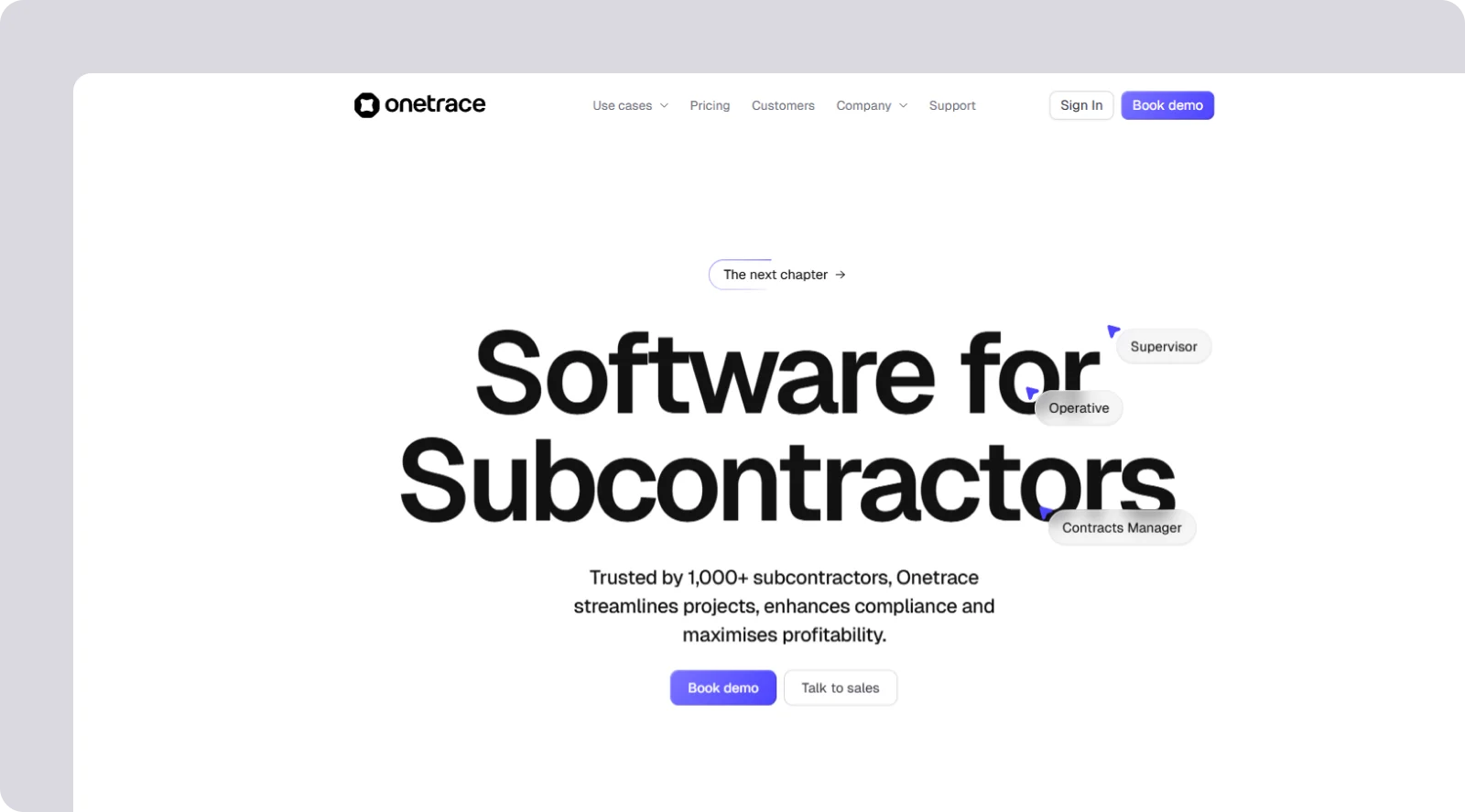
Onetrace is a purpose-built platform for subcontractors that captures project data, streamlines compliance, and provides clear proof of work across all jobs and sites.
It’s well-suited for construction professionals working across multiple projects or locations who need reliable records, strong oversight, and straightforward tools that support tight deadlines and margins.
Onetrace features
Onetrace handles multi-project and multi-site work by giving subcontractors a well-rounded suite of features, including:
Customisable forms: Create unlimited job-specific forms using conditional fields, mandatory inputs, and templates to keep data consistent and capture the right details on every site.
Evidence capture: Use photos, auto-fill options, and structured inputs to record clear before-and-after evidence, speed up form completion, and reduce disputes.
Drawings and statuses: Use drawing markups, pins, and custom statuses to locate work precisely and track progress in a way that mirrors your real workflow.
Approvals and reporting: Use staged approval flows and instant PDF or Excel reports to catch issues early, maintain quality, and hand over work without delays.
Variations and costing: Use variation tracking and built-in rate calculations to keep scope changes visible and protect project budgets.
Signed documents: Use digital signatures for RAMS and Toolbox Talks to keep compliance records complete and easy to verify.
Offline mobile app: Use offline capture and smart syncing to keep work moving, even when there’s no signal on site.
Workforce tracking: Use GPS-stamped timesheets to see who’s on site and verify attendance across all projects.
Planner: Use drag-and-drop scheduling to balance labour across sites and adjust workloads in seconds.

Onetrace benefits
Onetrace is as easy to use and adopt as Fieldwire, with the same straightforward mobile experience and offline reliability that site teams expect. But it also goes further in a few areas that matter to subcontractors managing many projects and sites, by:
Being fully customisable: Adjust forms, workflows, and statuses to match how your teams actually work, so the software fits your processes, not the other way around.
Including all features: Access every core function from day one, without paying extra for essential tools.
Delivering efficiency: Use the clean interface designed by construction and software specialists to reduce friction and keep operatives moving without delay.
Scaling smoothly: Rely on the same platform for one site or hundreds to keep data secure, sync fast, and maintain visibility as your workload grows.
Supporting profitability: Enjoy clearer records, tighter labour control, and fewer disputes, keeping projects on budget and protecting margins.
Onetrace pricing
Additional pricing details are available upon request.
Alternative #2: Procore
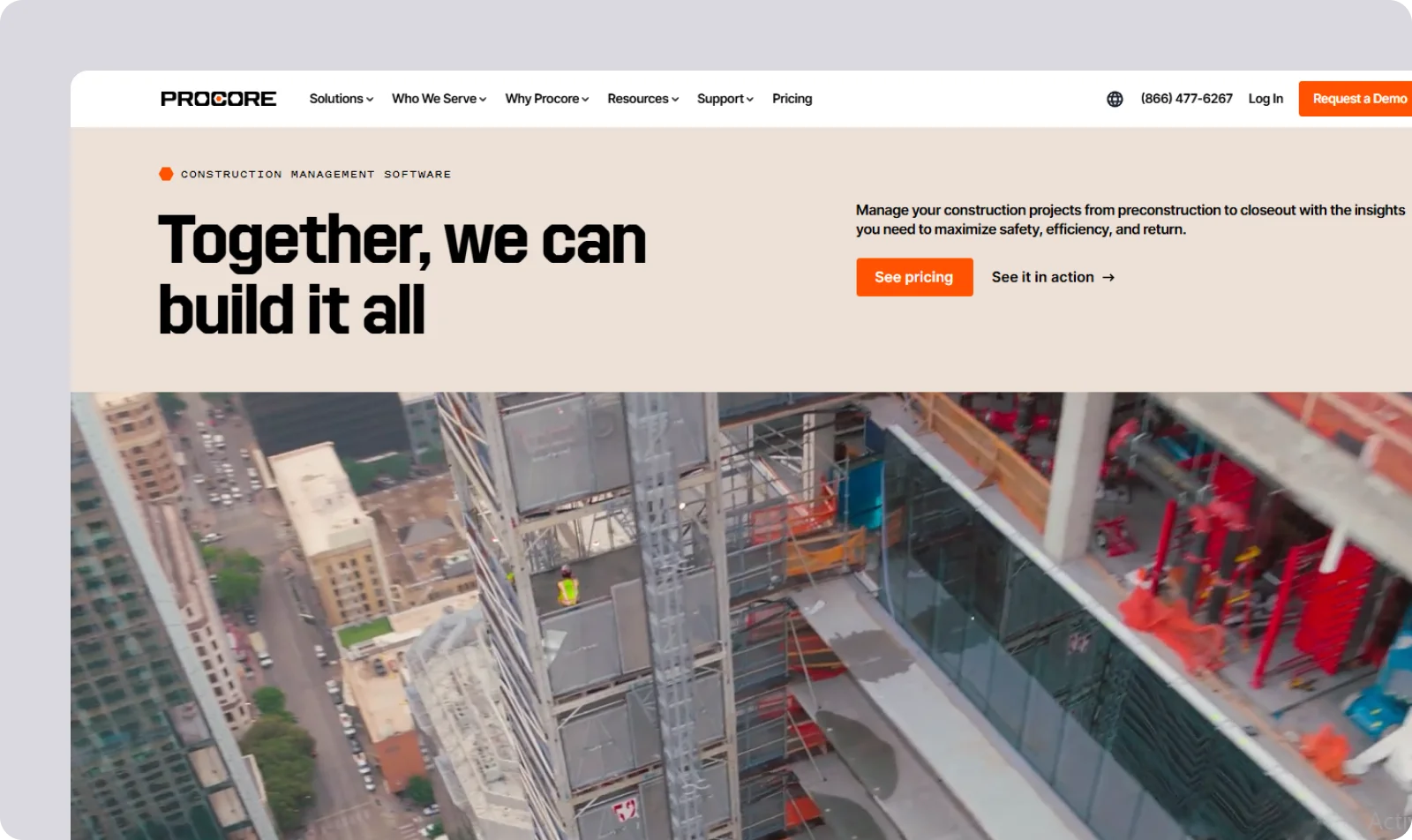
Procore is a large-scale construction management platform built to run complex projects and entire project portfolios from one system.
Procore features
Procore gives contractors a centralised platform that connects project data, financials, and teams across an entire portfolio, with tools like:
Portfolio oversight: Access organisation-wide dashboards to monitor the health of all projects and guide decisions across multiple sites.
Document and change control: Use connected RFIs, drawings, and change orders to keep every team working from the same information.
Financial management: Rely on integrated cost tracking to manage budgets, contracts, and forecasts across many jobs at once.
Procore pros and cons
Procore is stronger than Fieldwire for enterprise-scale coordination, with deeper controls for large teams and complex workflows.
However, its breadth comes with trade-offs: higher costs, a steeper learning curve, and implementation cycles that take far longer to roll out across an organisation.
Procore pricing
Procore uses custom, contract-based pricing, which can be difficult to predict.
Alternative #3: Autodesk Construction Cloud

Autodesk Construction Cloud (ACC) is a unified construction platform that connects design, coordination, and field management, with deep links to Autodesk’s BIM and modelling tools.
Autodesk Construction Cloud features
ACC allows contractors to manage many projects, standardise data, and coordinate teams from design to handover, with features like:
BIM collaboration: Use tight Revit and Civil 3D integration to bring models into daily coordination and keep design and site teams working from the same 3D data.
Centralised project control: Use project-specific dashboards to track progress across multiple jobs and give teams consistent visibility.
Document and model management: Rely on a common data environment to store drawings, versions, and models in one place for all sites.
Autodesk Construction Cloud pros and cons
ACC surpasses Fieldwire in model-driven work, offering best-in-class BIM integration and deeper coordination between design and construction.
However, it also comes with a steep learning curve, higher costs, and licensing that becomes complex when adding multiple modules.
Autodesk Construction Cloud pricing
ACC uses custom, module-based pricing, which can be costly, especially when combining products like Build, Collaborate, and Takeoff.

Alternative #4: Buildertrend

Buildertrend is an all-in-one construction platform used mainly by residential and remodeling contractors to manage schedules, budgets, communication, and client updates.
Buildertrend features
Buildertrend helps contractors track jobs, coordinate teams, and keep clients informed across many projects, with tools like:
Field productivity app: Use the mobile app to clock in or out, upload photos, complete daily logs, and mark tasks finished directly from the site.
Scheduling: Use integrated schedules that adjust for delays to keep multiple projects on track.
Client portal: Use a dedicated portal to share updates, change orders, and selections so homeowners can follow progress without constant calls.
Buildertrend pros and cons
Buildertrend beats out Fieldwire in the client communication department, with a standout portal that reduces back-and-forth and improves transparency.
However, its broad feature set results in a steep learning curve, and pricing is often higher and less transparent for smaller contractors—diasdvantages that it shares with other Fieldwire alternatives mentioned above.
Buildertrend pricing
Buildertrend uses custom-quoted pricing, which requires direct contact for a clear cost breakdown.

Alternative #5: Contractor Foreman

Contractor Foreman is an all-in-one platform that brings estimating, scheduling, financials, and field tools into one system for small and mid-sized contractors.
Contractor Foreman features
Contractor Foreman allows contractors to manage several projects without switching between different apps, thanks to features like:
End-to-end toolkit: Use built-in estimating, job costing, invoicing, scheduling, and CRM to run projects from lead to closeout.
Field tools: Use daily logs, time cards, and safety forms to keep field teams organised and ensure consistent record-keeping across sites.
Scheduling: Use Gantt and CPM tools to plan tasks and manage multiple timelines at once.
Contractor Foreman pros and cons
Contractor Foreman offers over 50 features that cover the entire business cycle, making it one of the more comprehensive Fieldwire alternatives, without the enterprise complexity.
However, Contractor Foreman also lacks a full offline mode for some tasks, and the initial setup can be time-consuming due to the number of options.
Contractor Foreman pricing
Contractor Foreman uses tiered subscription plans that are well-suited for smaller firms wanting broad functionality at a predictable cost.

Alternative #6: Wrike

Wrike is a flexible work-management platform used across many industries, offering strong tools for planning, workflows, and portfolio oversight.
Wrike features
Wrike supports multi-project and multi-site coordination through tools like:
Custom workflows and automation: Use tailored workflows, request forms, and automated approvals to standardise processes across every site.
Multiple project views: Use Gantt charts, Kanban boards, table views, and dashboards so field crews and office teams can work in the format that suits them.
Portfolio oversight: Use high-level reporting and portfolio tools to oversee many projects and keep management aligned.
Wrike pros and cons
Wrike is one of the more flexible Fieldwire alternatives, especially for companies that need customised workflows or strategic oversight across many locations.
However, this level of customisation also means Wrike has a steeper learning curve. Plus, the mobile app is less suited to quick field updates, making adoption harder for on-site teams.
Wrike pricing
Wrike uses tiered pricing, with advanced workflow and automation features available on higher plans.

Alternative #7: Raken

Raken is a mobile-first platform focused on daily reporting, time tracking, and site documentation for contractors and subcontractors.
Raken features
Raken gives teams a simple way to capture field data across unlimited sites and manage it with tools like:
Daily reporting: Use structured daily logs with voice-to-text, photos, and production data to create clear, professional reports in minutes.
Multi-project visibility: Review field reports, time cards, and safety data across all active projects in a single dashboard.
Time and production tracking: Use mobile time cards and production inputs to keep labour and output aligned across sites.
Raken pros and cons
Raken outperforms Fieldwire in daily reporting, offering one of the strongest, easiest-to-use reporting tools on the market.
However, it lacks deeper project-management features such as RFIs, submittals, drawing markups, and detailed scheduling, making it less suited to full coordination.
Raken pricing
Raken’s pricing follows a per-user structure, but it requires a custom quote.

Alternative #8: CoConstruct
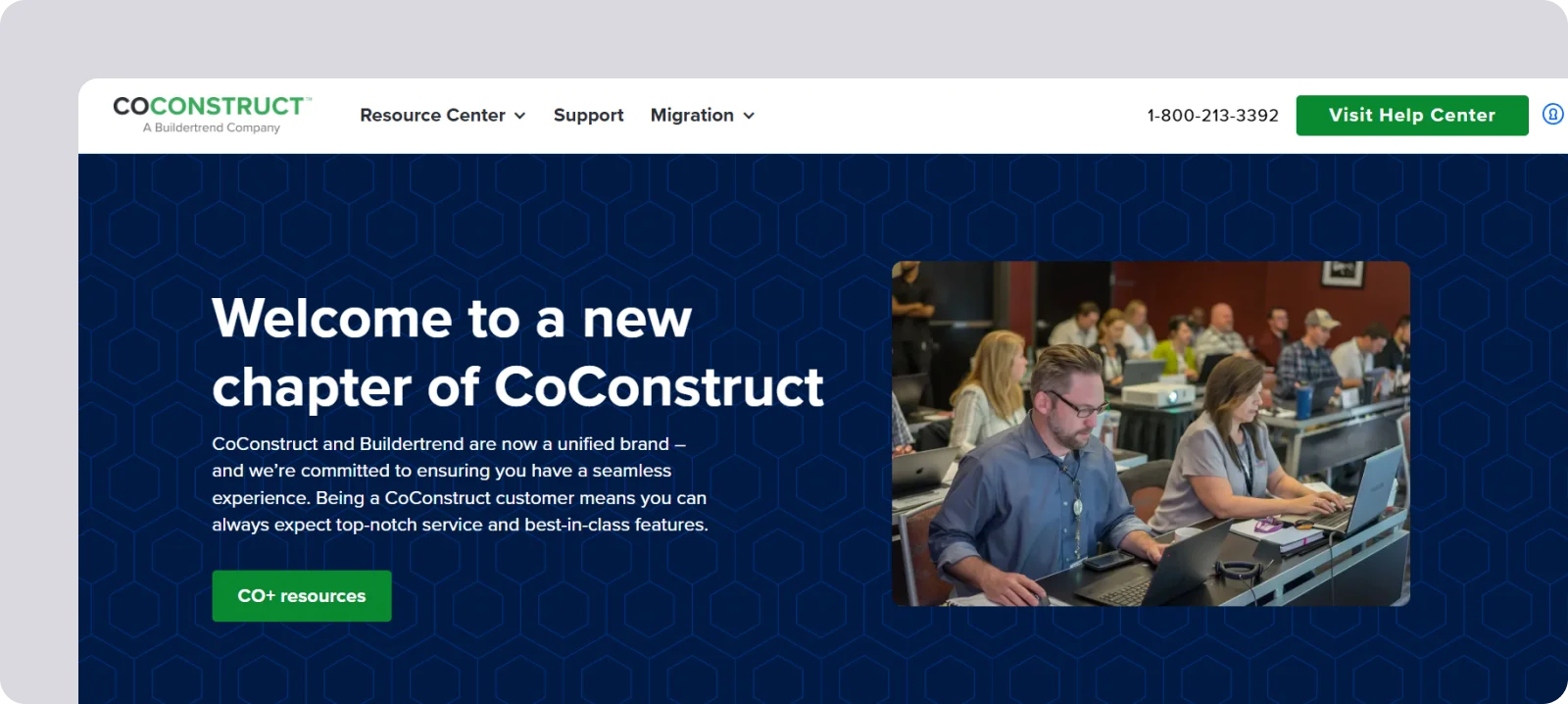
CoConstruct is a construction management platform built for custom home builders and remodelers, with strong financial tools and centralised client communication.
CoConstruct features
CoConstruct gives builders one place to manage budgets, schedules, and communication across many jobs, with tools like:
Client and trade portals: Use dedicated portals for clients and subcontractors to track decisions, selections, change orders, and messages in one place.
Project coordination: Use task management, scheduling, and time tracking to oversee daily progress across multiple builds.
Financial control: Use budgeting, forecasting, and cost tracking to keep each project on budget and maintain clear visibility of expenses.
CoConstruct pros and cons
CoConstruct is one of the leading Fieldwire alternatives for client and partner communication, offering a strong centralised communication hub for residential work.
However, it can be costly for smaller contractors, and the mobile app doesn’t perform well without a strong Internet signal.
CoConstruct pricing
CoConstruct doesn’t disclose any pricing but generally uses a custom model, often linked to construction volume.
Alternative #9: Houzz

Houzz is an all-in-one business management tool for remodelers, residential contractors, designers, and architects, with built-in marketing and lead generation tools.
Houzz features
Houzz Pro helps firms run several residential jobs at once through features like:
Client communication: Use shared messaging, selections, and approvals to keep homeowners aligned across multiple active projects.
Project and financial management: Use scheduling, estimates, invoices, and BOM tools to run jobs from planning through delivery.
Lead generation: Use Houzz’s marketplace to attract new clients directly from homeowners searching for contractors and designers.
Houzz pros and cons
Houzz stands out from Fieldwire with its integrated marketing and lead-generation tools, giving residential firms a direct pipeline to new clients.
However, this accessibility can come with high and unclear pricing, along with concerns about customer support, which often needs to be scheduled days in advance.
Houzz pricing
Houzz Pro uses custom pricing, often tied to advertising packages, which can make total costs hard to forecast for smaller firms.

Alternative #10: Bluebeam
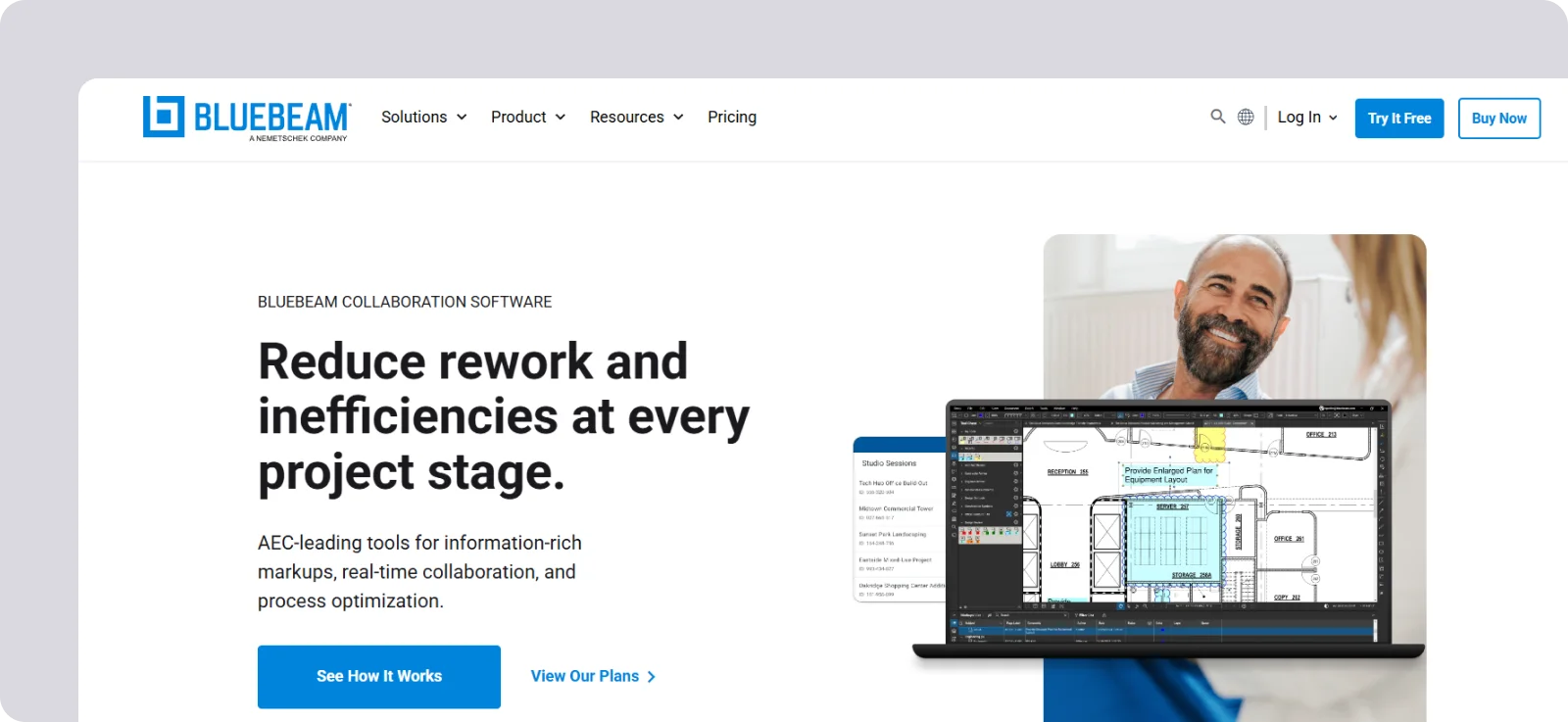
Bluebeam is a leading PDF markup and collaboration tool for the Architecture, Engineering, and Construction (AEC) industry, known for powerful drawing review, quantity takeoff, and real-time document coordination.
Bluebeam features
Bluebeam provides a shared environment with features like:
Advanced markup tools: Use industry-leading annotation, measurement, and editing tools to standardise drawing reviews across all projects.
Studio collaboration: Collaborate live on documents across multiple sites, ensuring everyone works from the latest version.
Document workflow: Organise drawings, reviews, and QA/QC workflows across distributed teams.
Bluebeam pros and cons
Bluebeam is among the top Fieldwire alternatives for drawing review, offering impressive markup tools and real-time collaboration that standardise work across sites.
But for the most part, that’s where Bluebeam’s focus ends, as it isn’t a full project management system. In addition, the system has a steeper learning curve, especially when using advanced tools like dynamic quantity takeoffs.
Bluebeam pricing
Bluebeam uses tiered subscription plans, with higher tiers unlocking more advanced markup and collaboration features.

What is the best Fieldwire alternative?
The best Fieldwire alternative should keep what people value most about Fieldwire—its ease of use and reliable offline access—while offering more depth in features and greater room for customisation.
Below, we compare the top 10 Fieldwire alternatives from this guide across these four areas:
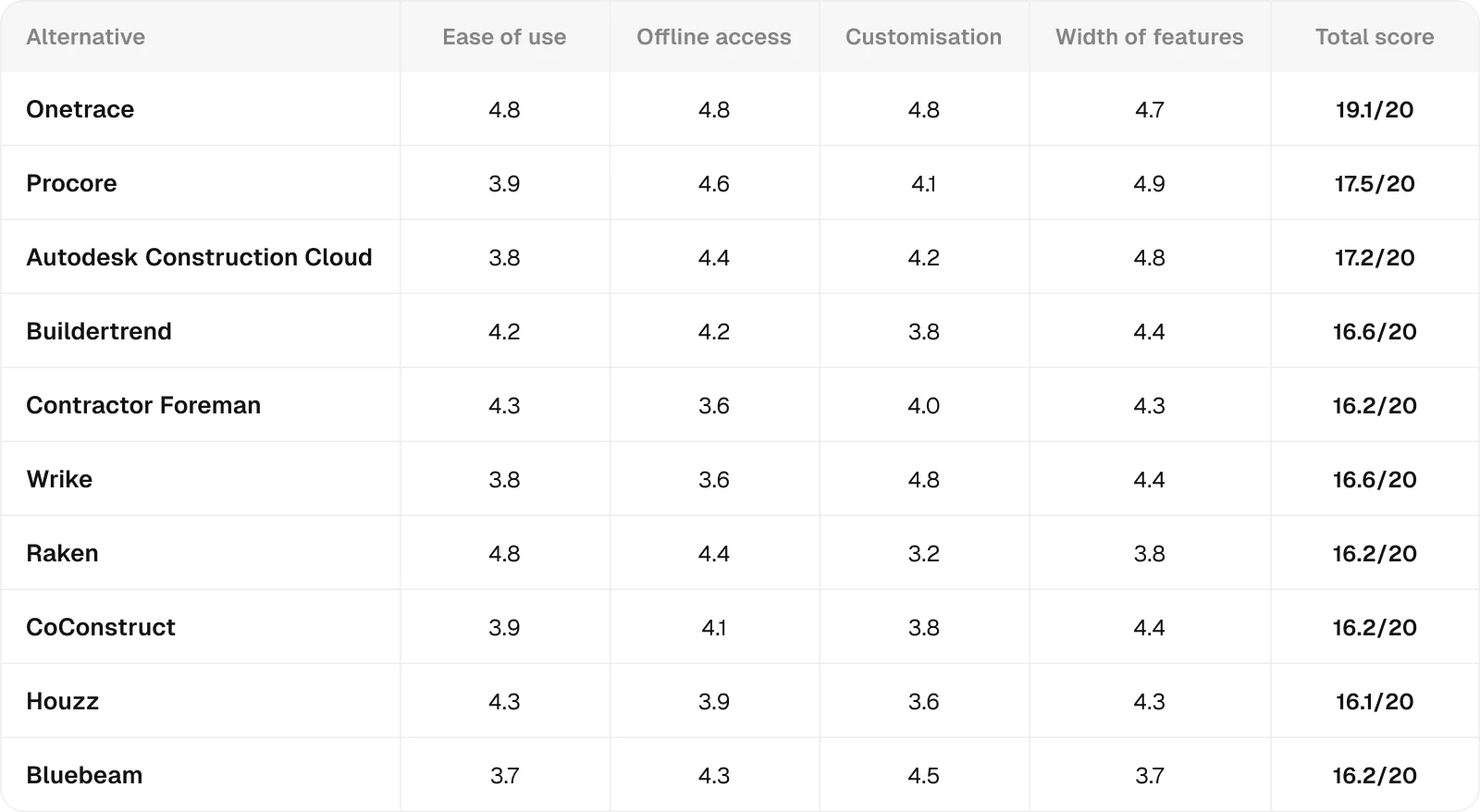
All ratings are relative to the scope of this analysis, meaning they measure how well each product performs in the specific context being evaluated, not in general.
Each score combines feature analysis, aggregated user feedback from major review platforms, and comparative AI-assisted evaluation to ensure internal consistency and eliminate outliers.
Ratings are synthesised from recurring performance patterns rather than raw averages, and minor decimal differences indicate subtle variations in relative strength within the same performance tier.
Why Onetrace stands out among Fieldwire alternatives
Most Fieldwire alternatives get at least one major thing right. Procore and ACC give you an impressive breadth of features, ideal if you need enterprise-scale controls and don’t mind the complexity that comes with them. Wrike brings the customisation many teams have been craving, especially if you want to standardise processes across sites.
However, most of these tools introduce trade-offs you need to be ready for: steeper learning curves, higher costs, heavier setup, or weaker offline performance in the field.
This is where Onetrace stands apart.
It keeps the same ease of use and reliable offline access that make Fieldwire so popular, while offering the customisation, flexibility, and depth subcontractors need to manage many projects and sites with confidence.
If you want to see how this works in practice, book a customised demo and explore how Onetrace fits your workflow.
Marketing Team
@Onetrace
The Onetrace marketing team is passionate about sharing insights, ideas, and innovations that help construction businesses stay connected, compliant, and efficient. Combining industry expertise with a love for clear communication, we aim to deliver content that empowers professionals to work smarter and safer.