7 best construction quality control software tools in 2026

By
Marketing Team
@Onetrace
Ask a contractor or subcontractor how they manage safety, and they’ll walk you through Toolbox Talks, PPE checks, and sign-off sheets without pausing. Ask the same about quality, and the answer is often much shorter.
The construction industry has historically prioritised safety over quality, with the former getting 67% more staffing and six times more training time than the latter.
This gap is hard to justify when poor quality can hit both your margins and your reputation.
Repair costs typically rise two to three times when defects are caught late rather than during construction. At the same time, 76% of clients named quality of construction their top priority when choosing a contractor, according to the 2026 Construction Management and Chartered Institute of Building (CIOB) client survey.
If you want to close this gap on your projects, a great place to start is investing in construction management software with strong quality control (QC) tools.
To help you choose the right fit, this guide looks at the best construction quality control software tools that allow you to give quality the attention it deserves.
Key takeaways
Quality issues can be costly
Avoidable errors can eat up a project's value, making quality management a financial priority.Quality can fail at any stage
Defects can originate in design as well as during construction, so QC needs to cover the wider project lifecycle.The right software depends on your needs
Consider your business type, quality workflows, field requirements, and project complexity rather than choosing by features alone.Look for practical QC capabilities
Inspections, defect tracking, corrective actions, quality records, and field usability are key areas to assess.Subcontractors need the right fit
Onetrace provides dedicated quality workflows built around subcontractor operations, helping teams manage quality throughout the project’s lifecycle.
How we chose the 7 best construction quality control software tools
With avoidable errors costing companies up to 25% of project value, according to the Get It Right Initiative, there’s a lot at stake when it comes to quality management. Plus, the mistakes causing that costly rework can start long before anyone steps onto the site. An older Building Research Establishment study found that 50% of quality-related events originated during the design phase of a construction project, while 40% did so during actual construction.
Since quality can be affected during almost every phase of construction project management, we looked for platforms that can support the wider quality process, from documentation and inspections to defect tracking and corrective actions.
To compose the list of the seven best construction quality control software tools, we evaluated 25 platforms against five key criteria:
Business and workflow fit (30%): We looked into how well the software serves a specific type of construction business, project, or quality workflow.
Quality management capabilities (25%): We examined the depth of the software’s tools for inspections, defects, compliance, corrective actions, and quality records.
Operational differentiation (20%): We made sure each shortlisted software had a different approach to construction quality, such as BIM-linked data, plan-based workflows, or structured audit trails.
Field usability (15%): We reviewed how well the tool supports day-to-day work through mobile access, drawings, documentation, and connected workflows.
Evidence of adoption (10%): We consulted independent reviews, customer evidence, and other signs of real-world use to gauge how established and widely used each platform is.
7 best construction quality control software at a glance
Software | Description | Rating | Best for |
1. Onetrace | Cloud-based construction management and compliance software | 5/5 on G2 | Subcontractors and specialist trades managing field quality and compliance |
2. Procore | Cloud-based construction management platform | 4.6/5 on G2 | Large and enterprise construction companies managing complex projects |
3. Autodesk Forma | Construction management and project delivery software | 4.4/5 on G2 | BIM-focused contractors working on complex commercial projects |
4. PlanRadar | Cloud-based construction and real estate management software | 4.5/5 on G2 | Contractors and QA/QC teams managing inspections and defects across projects |
5. Fieldwire | Digital jobsite management and construction project management software | 4.5/5 on G2 | Field-focused contractors and speciality trades managing work directly from the jobsite |
6. Mitti | Construction operations and workplace management platform | 4.6/5 on G2 | Construction teams needing a dedicated quality management workflow |
7. Buildertrend | Cloud-based construction management software | 4.3/5 on G2 | Residential builders and remodellers managing projects from start to finish |
Note: Review ratings are based on publicly available scores at the time of writing and are subject to change.
1. Onetrace: Best for subcontractors and specialist trades managing field quality and compliance
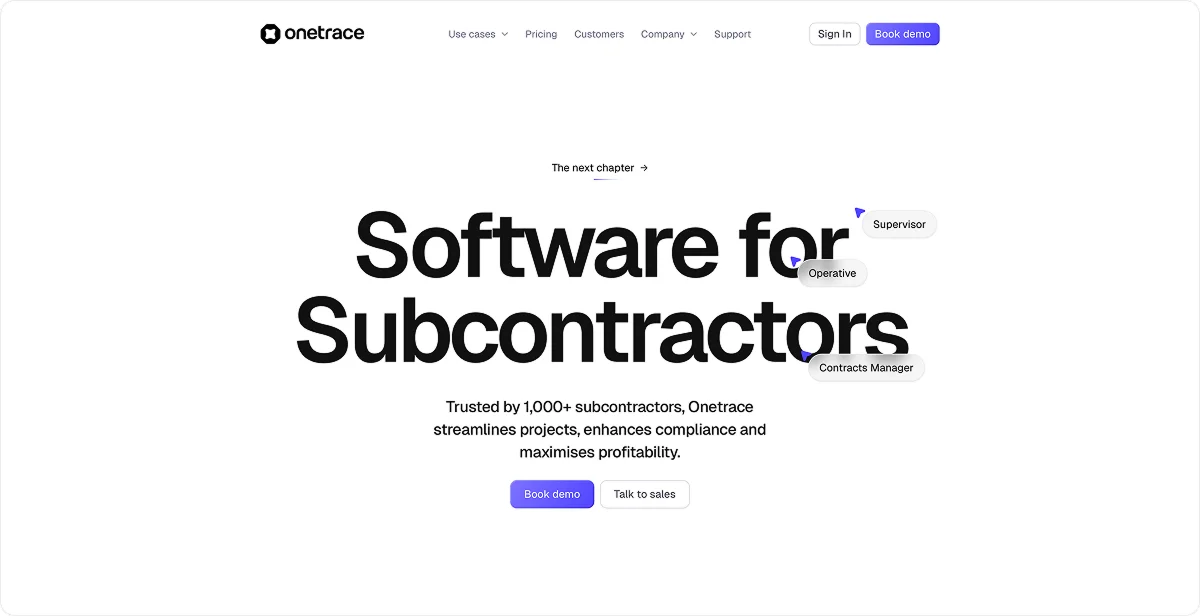
Onetrace is a cloud-based construction management and compliance platform used by over 1,000 subcontractors for projects ranging from small surveys to multi-site programmes.
Quality management is a core part of Onetrace, but the platform is broader than a standalone QC tool.
It brings quality into a wider system for subcontractor operations, covering surveys and inspections, compliance, project documentation, workforce management, and project reporting.
Still, Onetrace serves as a great QC and QA software for subcontractors because it was built specifically around the needs of subcontracting businesses rather than adapted from software designed for general contractors. This means quality can be managed at the level where the work actually happens, giving subcontractors a complete record of what was done, who did it, and whether it met the required standard.
Key quality control features
Onetrace takes a standardised, evidence-led approach to quality, giving teams a structured way to capture, review, and approve work as it progresses. Its standalone features include:
Custom inspection forms: Build job-specific inspection forms with required fields, structured inputs, photos, and checklists to capture consistent quality data and reduce missed information.
Multi-stage approvals: Route completed work through defined review stages so issues are caught and corrected before work moves forward or reaches handover.
Approval history: Track submissions, rejections, feedback, and sign-offs in one record to maintain accountability and spot recurring quality issues.
Approval reporting: Include approval stages and sign-off records in PDF reports to give clients, auditors, and internal teams a verifiable record of the quality review process.
Photographic evidence: Capture before, during, and after photos to document completed work and provide evidence for client sign-off and compliance.
Specification attributes: Add custom fields to specifications, such as material grades or installation methods, to standardise quality documentation and support audits and compliance reporting.
Custom location statuses: Set distinct statuses for each work location to show where it stands in the quality process and give teams a consistent view of progress.
Form automations: Trigger location status changes when job sheets are created, submitted, approved, or rejected to keep quality workflows and progress records consistent.
Project templates: Standardise forms, approvals, and other project requirements across jobs so the same quality process can be repeated as the business takes on more work.
Offline mobile access: Keep inspections and evidence capture moving on sites without a reliable connection, with drawings and data available offline.
Pricing
Onetrace uses a per-user monthly subscription, so subcontractors can adjust the number of users as project workloads change. This flexible pricing model is designed to suit businesses whose workforce needs can vary from project to project.
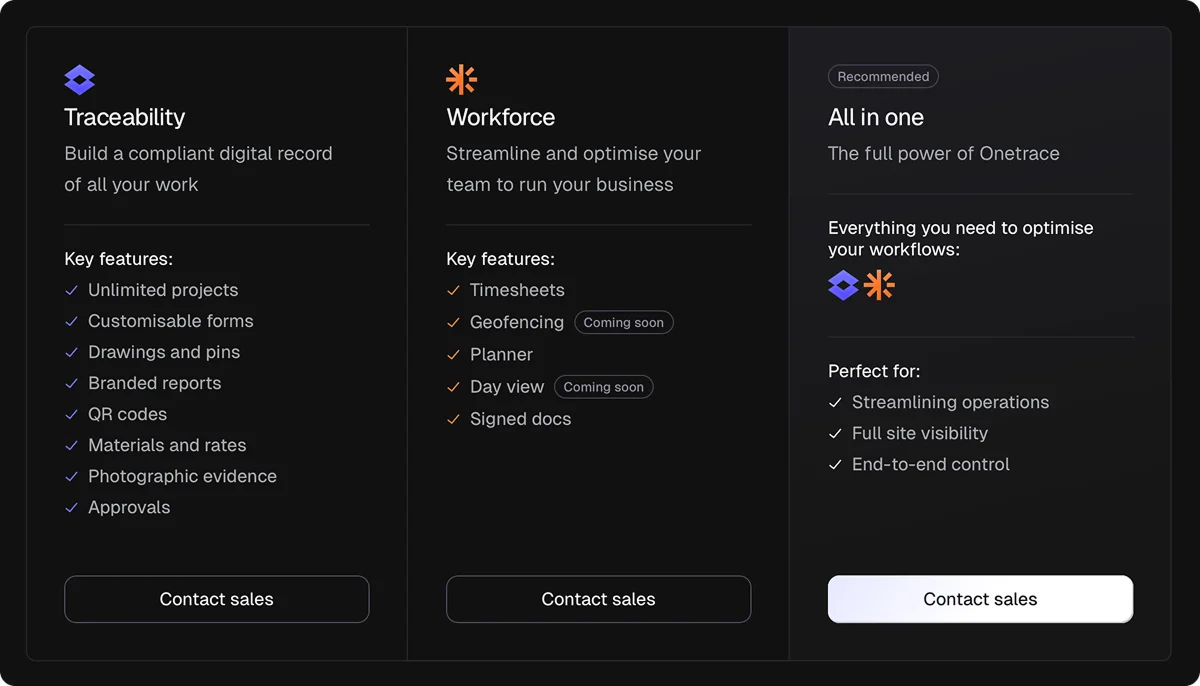
Onetrace’s QC capabilities are covered by its Traceability product, which can be purchased separately. However, you can also pair it with the Workforce product if you need tools for managing your team, such as timesheets and the Planner.
2. Procore: Best for large and enterprise construction companies managing complex projects
Procore is a cloud-based construction management platform that has supported more than 3 million projects worldwide.
It’s a great choice for large construction companies managing complex projects because its quality tools can account for the many dependencies that affect quality at this scale.
A quality issue can be tied back to inspections, observations, drawings, RFIs, submittals, schedules, and other project records, giving large teams more context to identify problems, assign corrective action, and prevent them from affecting later stages of the build.
Key quality control features
Procore brings quality checks into day-to-day project workflows, helping teams identify issues in the field and follow them through to resolution. Key tools include:
Inspection templates: Configure reusable inspection checklists that teams can access from any smart device, with failed items generating actionable observations for follow-up.
Quick Capture: Capture field information quickly with AI-powered speech-to-text, making it easier to document quality issues without slowing down site work.
Action Plans: Define company- and project-specific requirements and add verification checkpoints so teams can confirm that required standards have been met before work moves forward.
Pricing
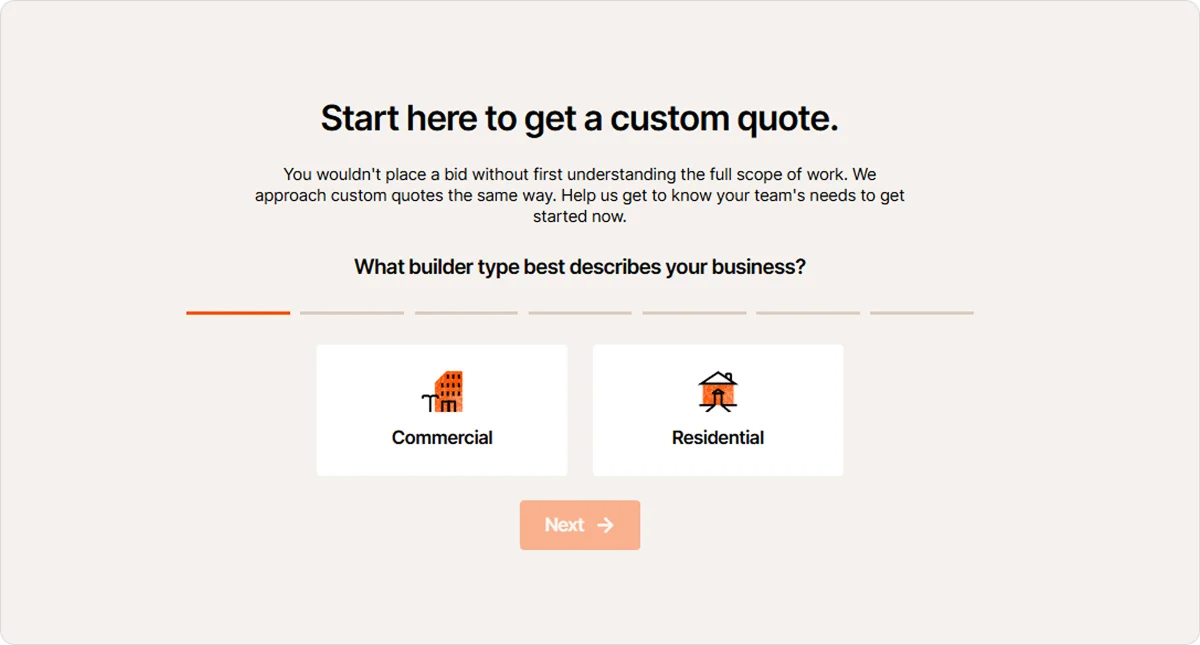
Procore pricing is based on the products a company needs and its Annual Construction Volume (ACV). Customers receive a custom quote, with annual contracts covering the selected products.
3. Autodesk Forma Build: Best for BIM-focused contractors working on complex commercial projects
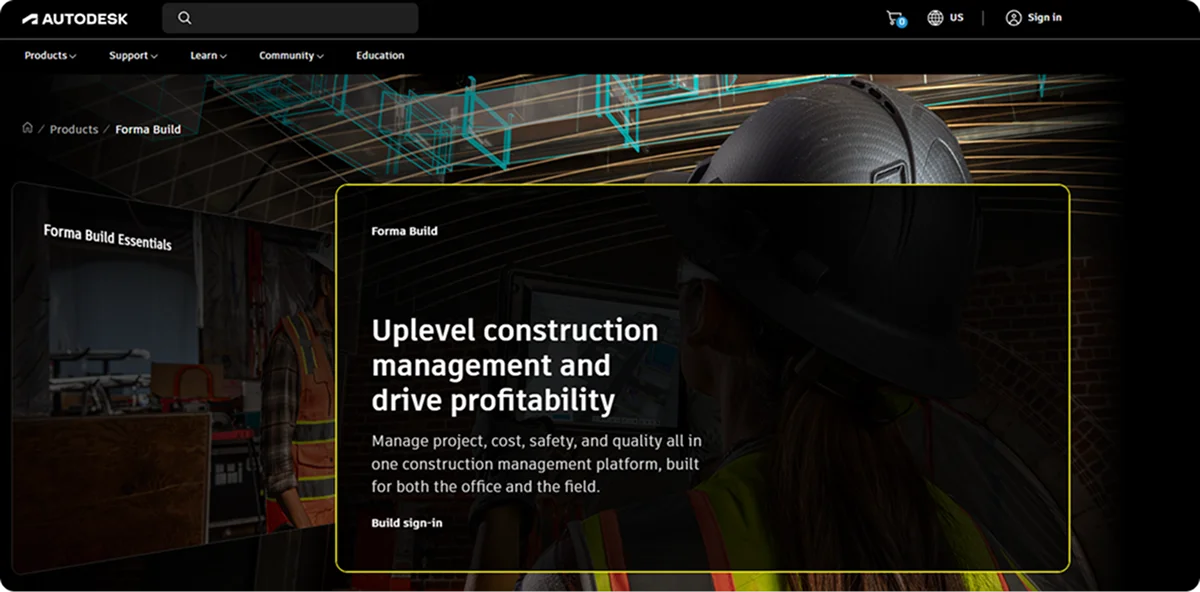
Autodesk Forma Build is a construction management platform that connects project delivery with design data, including drawings and 3D models.
It’s a strong fit for BIM-heavy contractors and complex commercial projects where quality issues need to be understood in the context of the building model.
Key quality control features
Forma Build brings quality management into the design and construction workflow, helping teams spot issues early and maintain context as work progresses. Key features include:
Digital quality checklists: Standardise inspection processes across teams with checklists that support notes, signatures, and photos, while turning non-conforming items into trackable issues.
Model-based issue management: Pin quality issues directly to 2D sheets or 3D model elements so field teams can identify exactly how a defect or problem relates to the design.
Connected RFIs: Link quality issues and checklists to RFIs and project documents to retain the information needed to resolve problems and make decisions.
Pricing
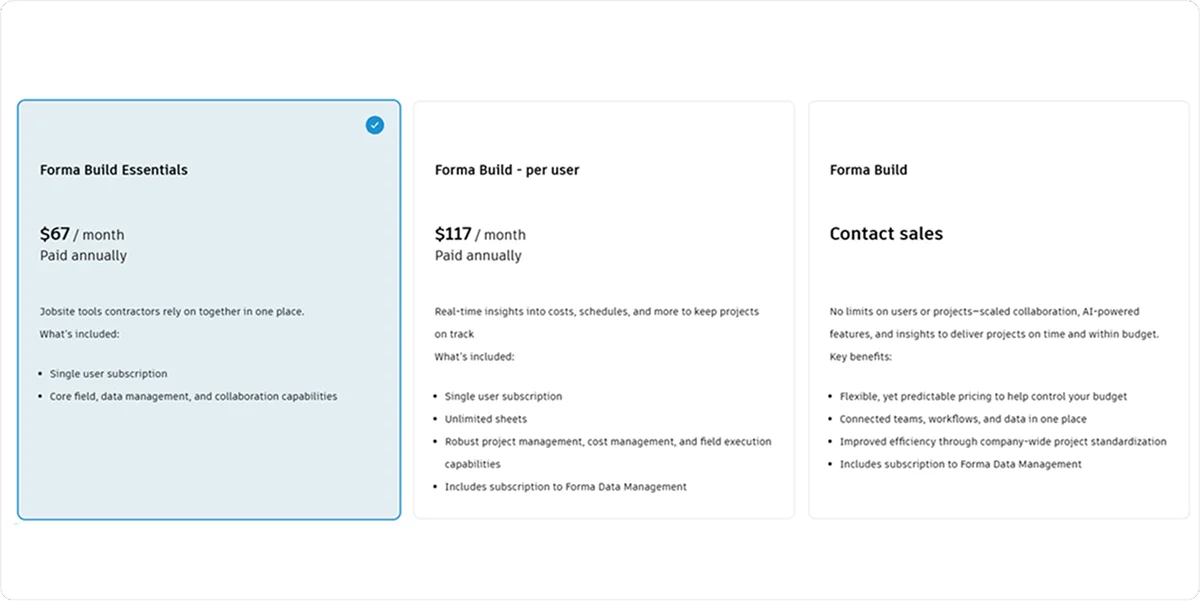
Forma Build offers several subscription options, with pricing varying by product tier and the level of project management and field capabilities required. The platform also offers an enterprise option, with pricing available through contacting sales.
4. PlanRadar: Best for contractors and QA/QC teams managing inspections and defects across projects
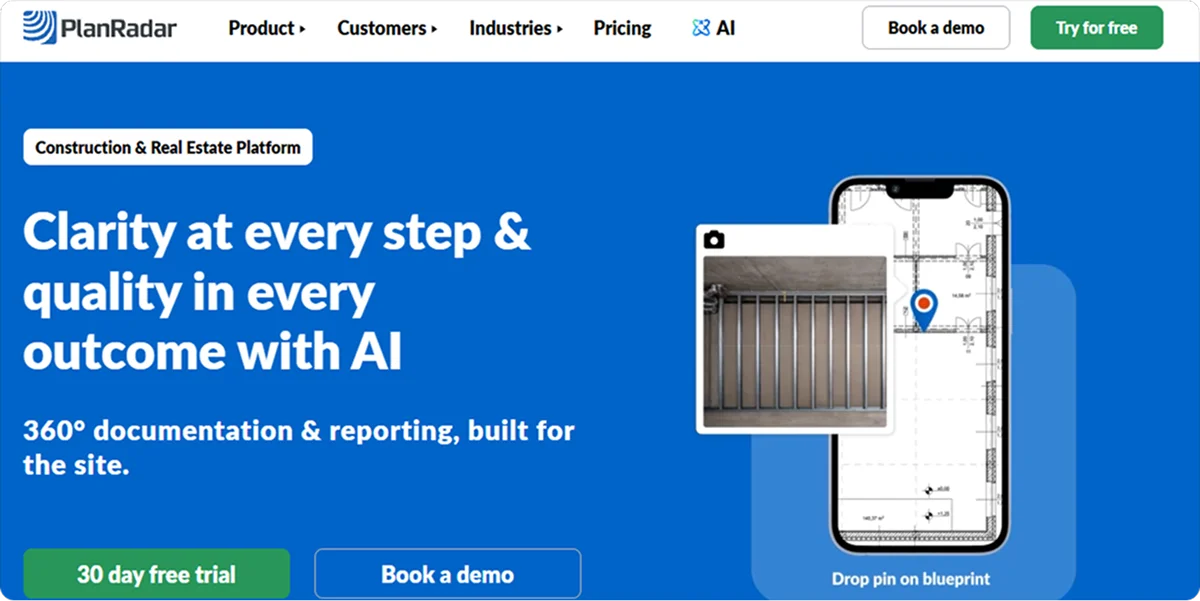
PlanRadar is a cloud-based construction and real estate management platform with more than 200,000 users across over 75 countries. It has a dedicated focus on QA/QC, bringing inspection, defect management, documentation, and reporting into one platform.
It’s particularly well-suited for contractors overseeing multiple projects because it gives them a consistent quality workflow that can be applied across different sites, teams, and project requirements.
Key quality control features
PlanRadar helps teams standardise quality processes through tools like:
Custom QA/QC templates: Set required fields, predefined checks, and project-specific standards so inspections are carried out consistently across teams and sites.
Location-based QA records: Pin inspection findings and evidence to drawings or specific project areas so teams can identify exactly where a quality issue occurred.
QA/QC reporting: Turn field-collected inspection data into formatted reports to document quality checks, findings, and sign-offs for project stakeholders.
Pricing
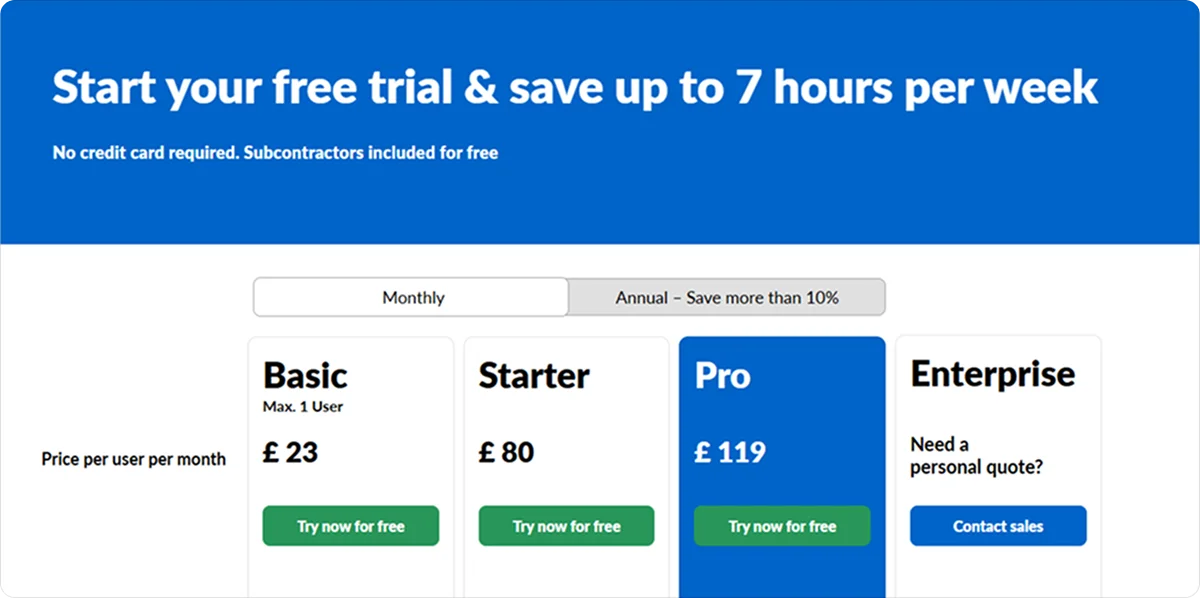
PlanRadar offers several subscription tiers with different levels of data capture, reporting, BIM, and workflow functionality. Enterprise customers can request a tailored quote.
5. Fieldwire: Best for field-focused contractors and speciality trades managing work directly from the jobsite
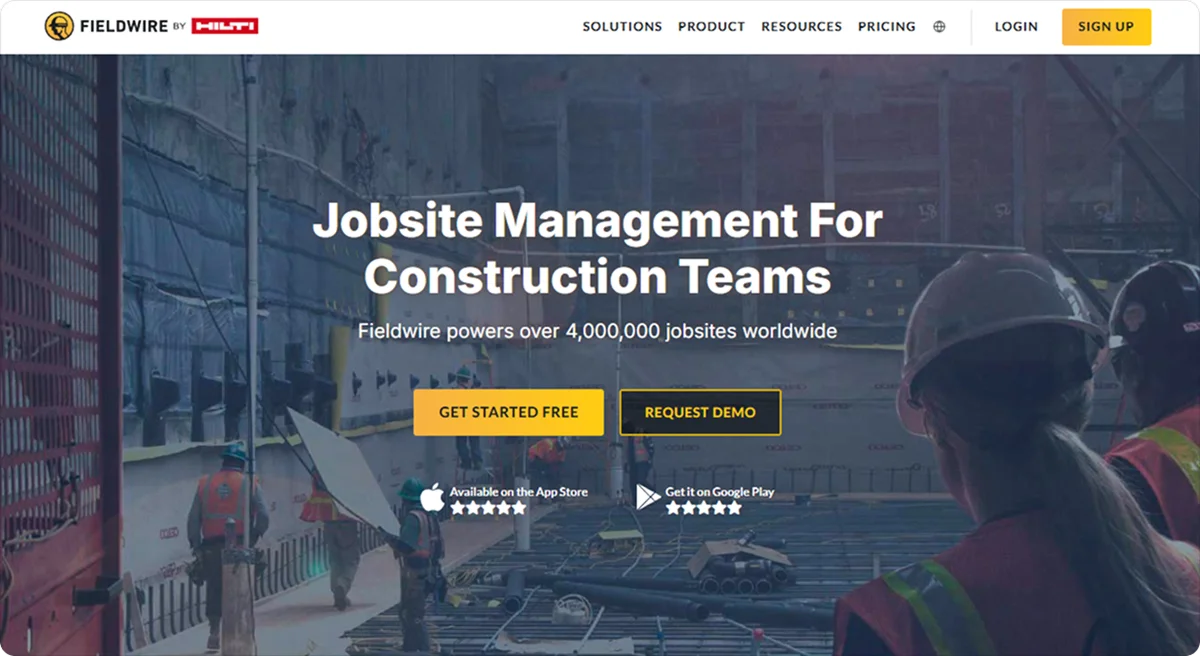
Fieldwire is a digital jobsite management and construction project management platform that powers more than 4 million jobsites worldwide. Its focus is on helping field teams manage work directly from drawings and plans.
Field teams and speciality contractors will benefit from Fieldwire’s plan-centric workflow, particularly on projects where punch walks and quality checks happen largely in the field. It also works offline, making it a practical choice for crews working in basements, remote sites, or other areas with unreliable connectivity.
Key quality control features
Fieldwire supports QA/QC through practical tools like:
Plan-linked punch lists: Pin deficiencies directly to floor plans, add photos and due dates, and assign them to the responsible subcontractor for resolution.
Custom forms: Standardise inspection requirements across projects while capturing site conditions, photos, notes, and signatures against specific drawing locations.
Scheduled inspection reports: Compile task and photo data into customised reports and schedule them for automatic delivery to keep quality documentation up to date.
Pricing
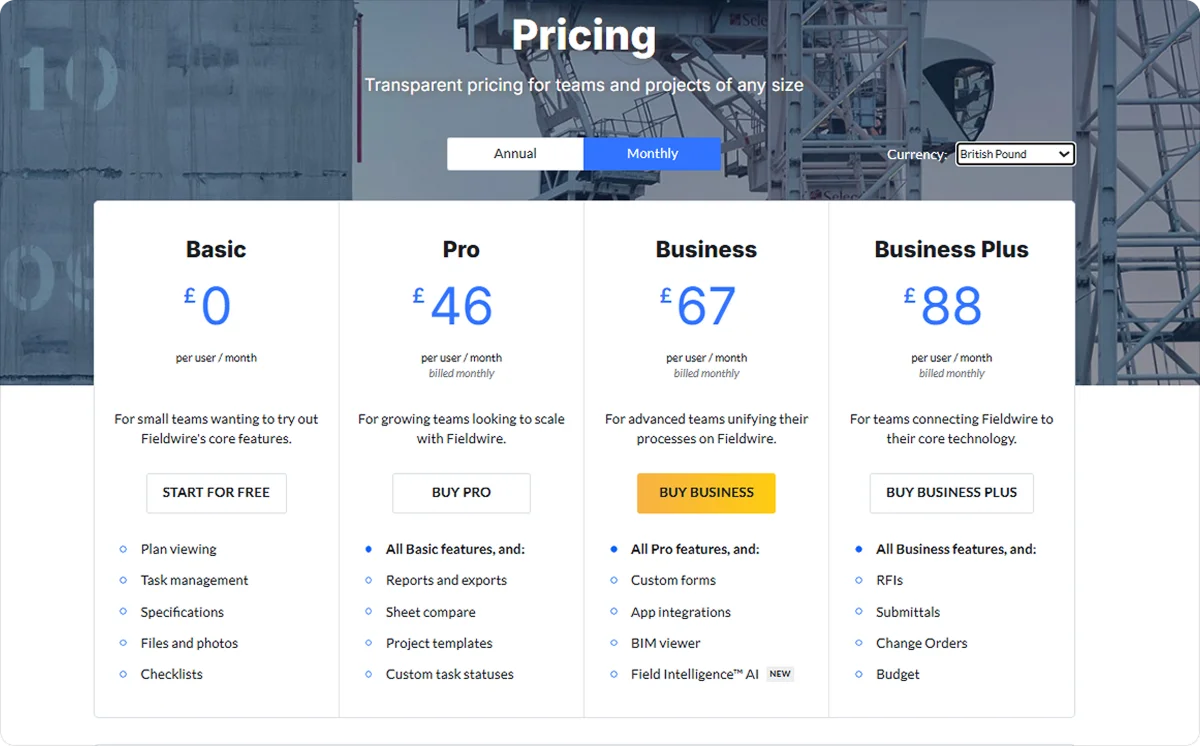
Fieldwire offers several subscription tiers, with features varying by plan. Enterprise requirements are handled through custom plans.
6. Mitti: Best for construction teams needing a dedicated quality management workflow
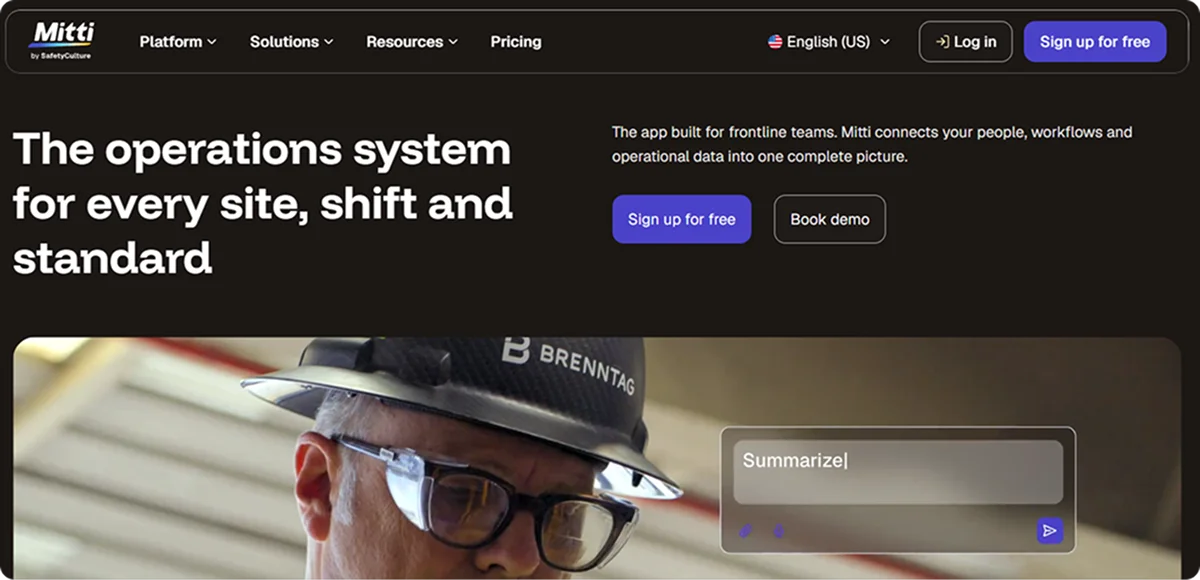
Mitti, formerly SafetyCulture, is a quality management and frontline operations platform with more than 2 million active users, supporting inspection, issue management, and quality processes across multiple sites.
Construction teams with formal quality programmes will get the most from Mitti when they need to apply the same quality standards across a high volume of sites and checks. Its flexibility also makes it a good fit for organisations where quality sits alongside wider Health, Safety, Environment, and Quality (HSEQ), compliance, or audit requirements.
Key quality control features
Mitti embeds quality checks into everyday fieldwork, offering tools like:
Inspection templates: Create standardised digital checks that teams can complete from any device, keeping quality requirements consistent across sites.
Automated corrective actions: Automatically trigger an action when a check fails and assign it to the relevant person, so issues move towards resolution without manual follow-up.
Quality dashboard: Monitor inspection scores, open actions, and recurring issues across sites to spot patterns and address repeat quality problems.
Pricing
Mitti offers multiple plans, with functionality expanding from basic inspections and reporting to advanced analytics, integrations, permissions, and enterprise controls.
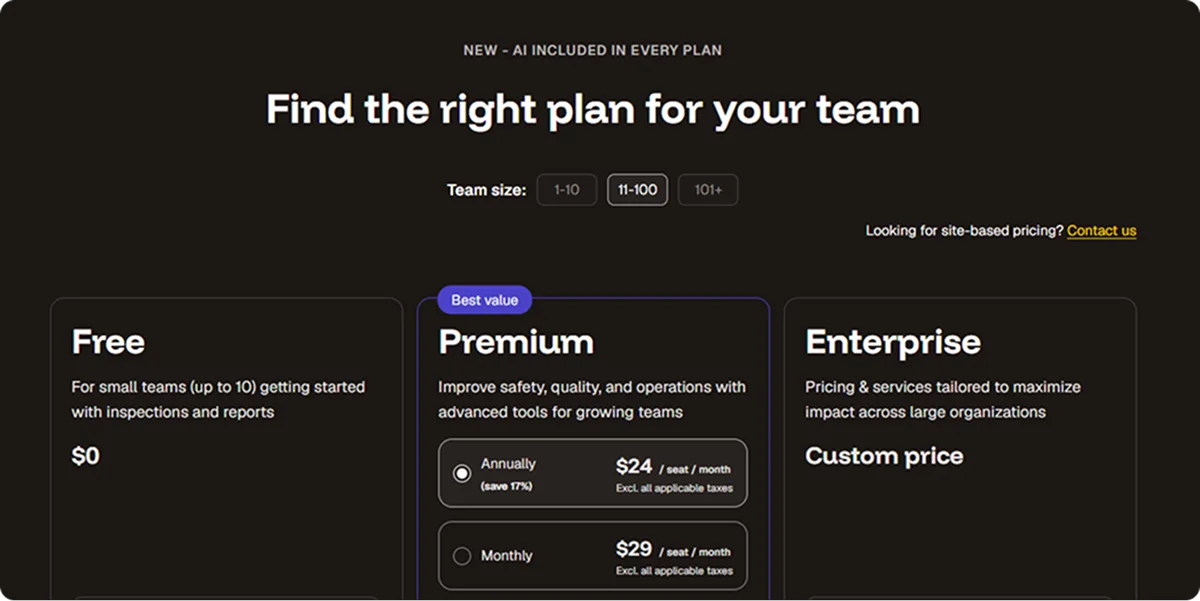
Site-based pricing is also available for organisations with larger or distributed teams.
7. Buildertrend: Best for residential builders and remodellers managing projects from start to finish
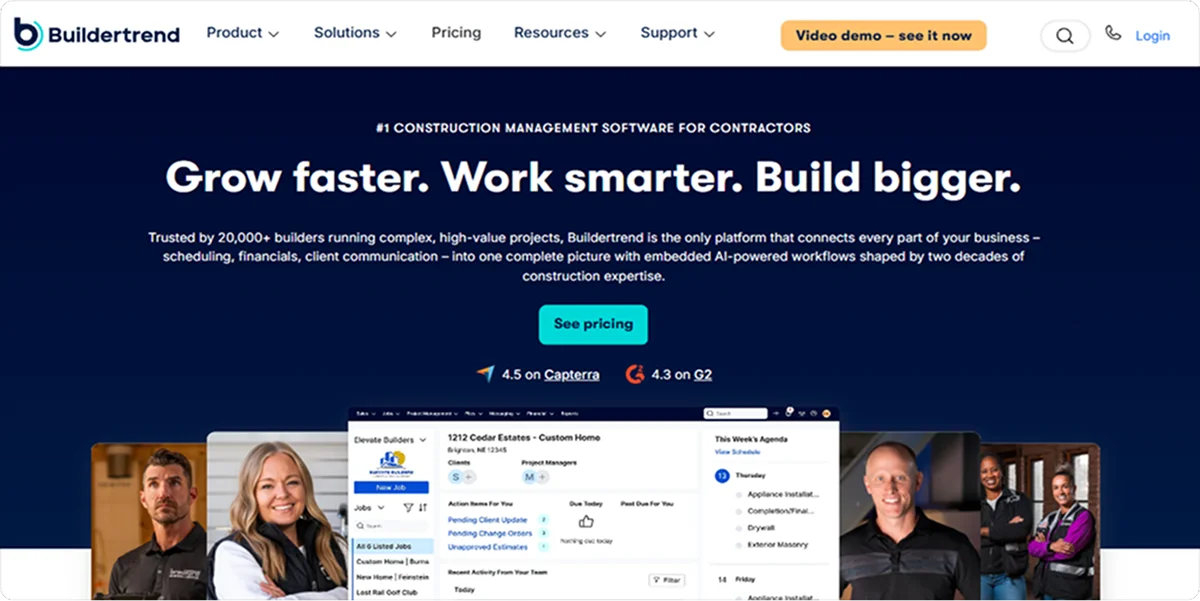
Buildertrend is a cloud-based construction management platform trusted by over 20,000 builders, with tools covering project management, financials, client communication, and other core residential construction workflows.
Custom homebuilders and remodellers will get the most value from Buildertrend. That’s because its residential focus brings quality-related work into the same workflow as client communication and warranty management, making it a natural fit for businesses where homeowner sign-off and post-handover issues matter as much as the build itself.
Key quality control features
Buildertrend supports quality through day-to-day project workflows that can be managed through features like:
Daily logs: Record time-stamped site notes and photos to document progress and spot potential quality issues while work is underway.
Punch lists: Break defects into assigned tasks with due dates, attachments, and comments so subcontractors can address outstanding work before sign-off.
Specifications and guidelines: Keep scopes of work, quality benchmarks, and project standards in a shared location so teams can check completed work against agreed requirements.
Pricing
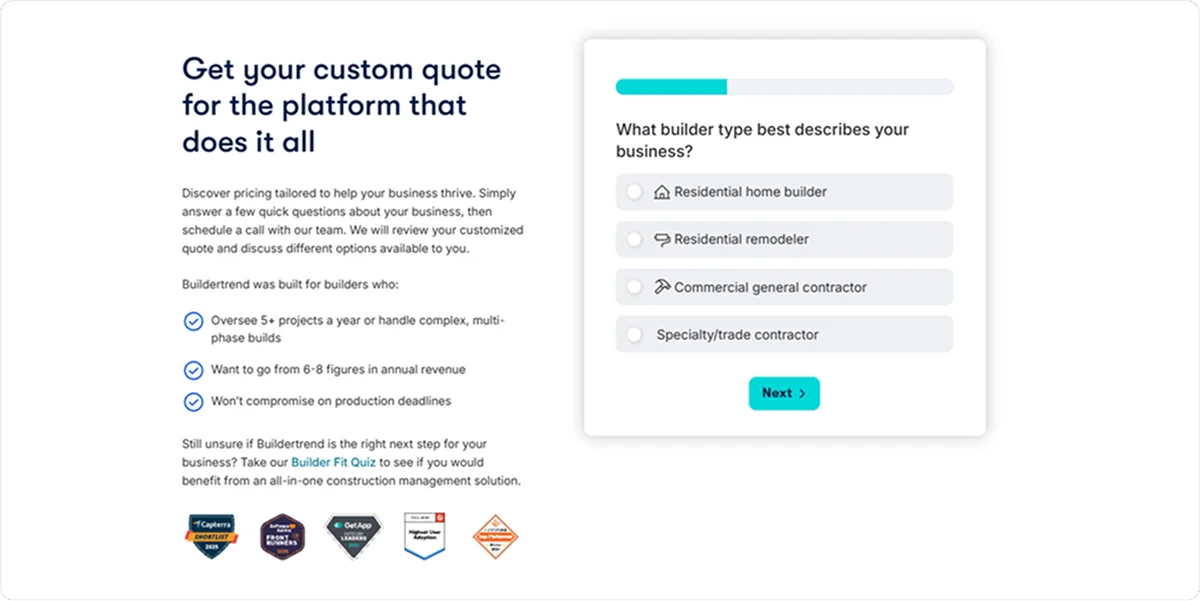
Buildertrend provides tailored pricing based on the needs and setup of each construction business. Prospective customers can request a custom quote after providing details about their business.
What is the best construction quality control software for your team?
The best construction quality control software for your team depends on the size of your operation, the complexity of your projects, and the type of work you deliver.
A small speciality contractor with a field-heavy team may find Fieldwire enough for managing punch lists, inspections, and quality documentation from the jobsite. A large general contractor running complex, multi-project operations, however, is more likely to need a heavyweight platform like Procore, where quality management connects with the wider project ecosystem.
Onetrace is the best choice when you need QC and QA software for subcontractors that understands how specialist work is delivered and documented.
It gives teams a dedicated system for managing quality evidence throughout their work, making it a strong fit for businesses that need more than a basic quality control app. Construction teams can use it to build quality checks and documentation into their day-to-day workflows rather than treating them as a separate task.
Getting started with Onetrace
To get started with Onetrace, schedule a tailored walkthrough of the platform. If it proves to be the right fit for your team, we can help you get started right away.
FAQ
What is QC in construction?
Quality control (QC) in construction is the process of checking completed or ongoing work against specified standards to identify and correct defects.
Which comes first, QC or QA?
QA comes first. Quality assurance sets the processes and standards intended to prevent defects, while quality control checks whether the resulting work meets those requirements.
What’s the difference between QC and QA?
The main difference between QC and QA is that the latter is preventive and process-focused, while the former is detective and output-focused.
What is the best software for construction quality control management?
The best software for construction quality control management depends on the type and scale of your construction business. Teams looking for dedicated QC and QA software for subcontractors will find Onetrace the best fit.
Marketing Team
@Onetrace
The Onetrace marketing team is passionate about sharing insights, ideas, and innovations that help construction businesses stay connected, compliant, and efficient. Combining industry expertise with a love for clear communication, we aim to deliver content that empowers professionals to work smarter and safer.