7 best software for subcontractors in 2026 [Full Comparison]

By
Marketing Team
@Onetrace
Technology can bring real, practical benefits to a subcontractor’s business. The right software can help you keep work moving, stay organised, and free up time off site so you can get more done on site.
However, finding the right software isn’t always easy.
Subcontractors have specific needs, from managing crews and site work to proving compliance and tracking progress across multiple jobs. Not every construction tool is built with those realities in mind.
To help you focus on what actually works, we’ve put together a list of the seven best software for subcontractors in 2026, each chosen for how well it supports the day-to-day work that subcontractors are responsible for.
Key takeaways
The best software depends on your priorities
Different tools are designed for different needs, from estimating and workforce planning to site coordination and compliance.Ease of use is critical
Software only delivers value when teams actually use it. Simple workflows and strong mobile access are just as important as features.The right software helps reduce admin
Good subcontractor software streamlines everyday tasks, helping teams spend less time on paperwork and more time delivering work.Visibility leads to better decisions
Having a clear view of labour, site activity, progress, and project records makes it easier to manage jobs and keep projects on track.Onetrace offers the most complete solution
Onetrace combines compliance, field reporting, workforce management, and project records in one platform, making it a strong choice for subcontractors looking to replace multiple tools with a single system.
An overview of the 7 best software for subcontractors
Here’s a quick overview of the best solutions worth considering in 2026:
Software | Description | Best for | Pricing |
1. Onetrace | Software built specifically for subcontractors | Subcontractor compliance, field reporting, and workforce management | Upon request |
2. eSUB Cloud | Project management software for trade subcontractors | Structured project documentation and subcontractor communication | Starts at £29.15/user/month |
3. Assignar | Workforce and asset management software | Workforce, crew, and equipment scheduling | Custom pricing |
4. Projectler | Cloud-based project management software | Subcontractor-focused project oversight and workflow tracking | 1. Basic: £37.37/user/month (up to 3 users) 2. Team: £33.64/user/month (4 to 20 users) 3. Pro: £31.77/user/month (21 to 50 users) 4. Enterprise: £29.90/user/month (51+ users) 5. Plan Takeoff Module: £149.49/user/month (separate pricing) |
5. STACK | Cloud-based estimating and takeoff software | Estimating and takeoff accuracy for subcontractor bids | Starts at £443.47/user/year |
6. Bridgit | Workforce planning software | Workforce resource planning and labour forecasting | Custom pricing |
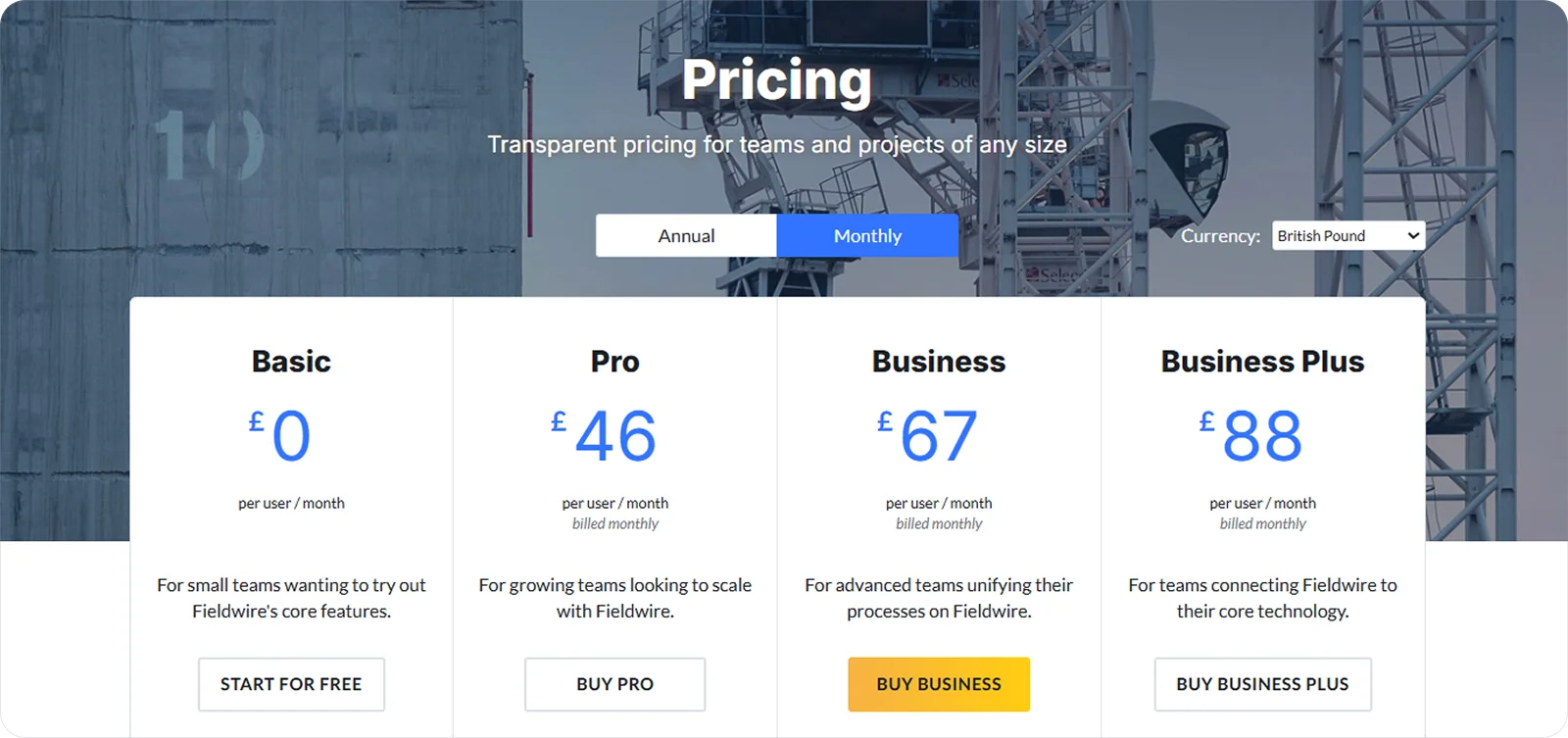
7. Fieldwire | Field management software | Day-to-day field task and jobsite coordination | 1. Pro: £46/user/month 2. Business: £63/user/month 3. Business Plus: £88/user/month |
1. Onetrace: Best for subcontractor compliance, field reporting, and workforce management
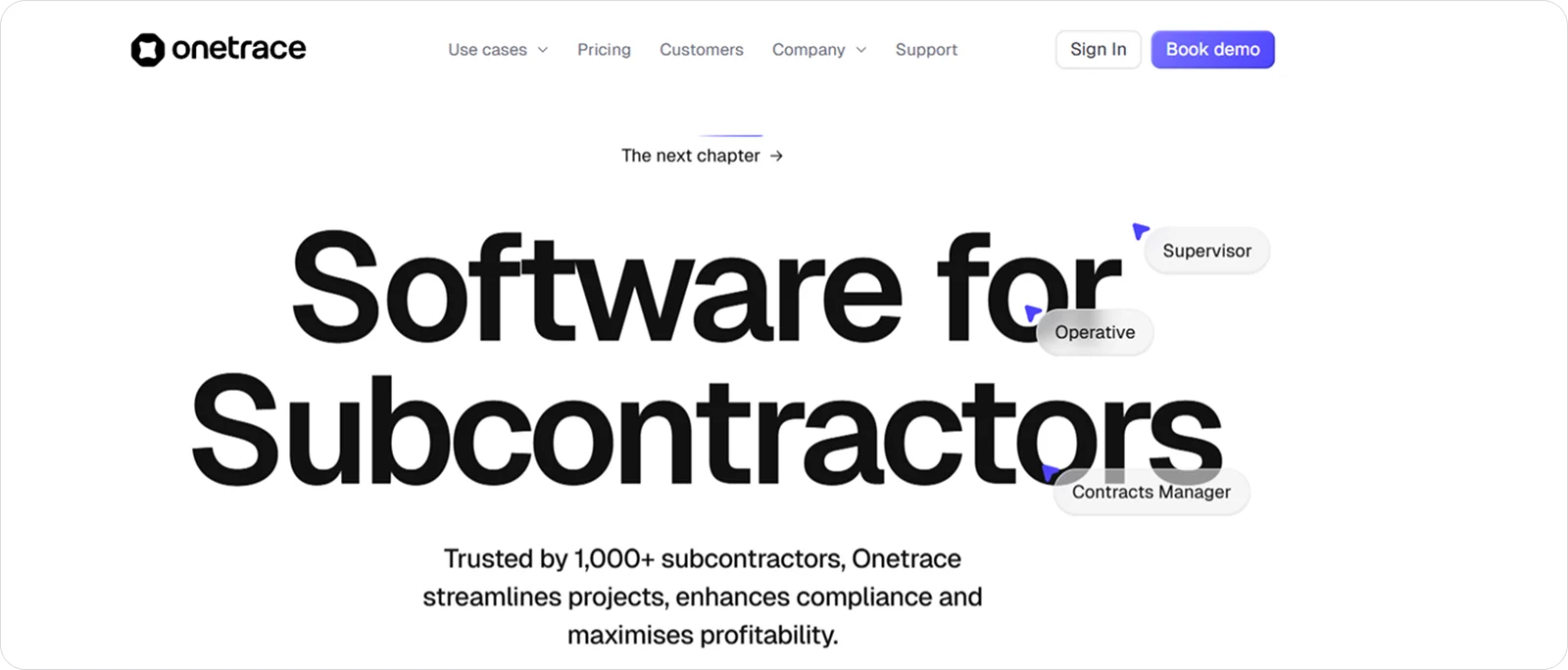
Onetrace is software built specifically for subcontractors, trusted by more than 1,000 businesses across the UK. The company behind the software has become one of the UK’s fastest growing technology businesses and was recognised in the 2025 UK Fast Growth Index as such.
The software allows subcontractors to capture site activity, record photographic evidence, manage signed site documents, track labour, and schedule crews from a single platform. By bringing together field reporting, compliance records, and workforce management, Onetrace gives subcontractors an accurate overview of what work was completed, who carried it out, and what documentation is in place to support it.
This makes it a strong choice for subcontractors looking to replace fragmented processes with a single source of truth for their projects, people, and records.
Onetrace best features
Onetrace combines two connected products, designed around day-to-day needs of subcontractors.
Traceability focuses on capturing, structuring, and approving site activity, while Workforce Management brings together planning, time tracking, and signed site documents to keep labour and records aligned.
Here’s what these features look like in practice:
Custom digital forms: Create unlimited, job-specific forms with mandatory and conditional fields to capture consistent, high-quality site data and avoid missed details.
Photographic evidence and audit trails: Capture before, during, and after photos to prove completed work, support sign-off, and resolve disputes faster.
Drawing mark-ups and site structure: Pin work directly to drawings, organised by blocks, levels, and zones to keep progress clear and searchable.
Approvals and quality assurance: Move job sheets through multi-stage approval flows with clear feedback to improve quality and prevent late snagging.
Live reporting and handovers: Generate clear, branded reports in PDF or Excel to share progress, evidence work, and support faster payments.
Timesheets and attendance tracking: Record operative hours with live visibility and GPS-supported clock-ins to keep labour aligned with schedules.
Planner and crew scheduling: Plan and adjust work quickly using a visual calendar that shows who’s on site, where, and when.
Mobile app built for site teams: Use an iOS or Android app to capture data, update statuses, log time, and sign documents on site, even offline, with minimal training.
Signed site documents: Manage RAMS, Toolbox Talks, and acknowledgements digitally with real-time visibility of who has read and signed them.
Onetrace benefits
What sets Onetrace apart is how closely it aligns with the way subcontractors already work. These benefits focus on the outcomes that matter once the software is in daily use:
Ease of use: Clear language, smart defaults, and simple workflows reduce training time and give operatives and managers confidence from day one.
Proof of work: Reliable, structured records support sign-off, audits, and accreditations, helping subcontractors reduce disputes and smooth handovers.
Cost and time control: Better visibility of labour, activity, and progress helps keep projects on budget and cash flow steady.
Performance and scalability: This fast, dependable software performs well on busy sites and scales with changing team sizes and workloads.
Onetrace pricing
Onetrace’s pricing is structured around its two products, with separate per-user monthly pricing for Traceability and Workforce Management.
Each product has a minimum number of seats, reflecting how subcontractor teams typically work across sites, while still allowing you to scale users up or down as workloads change.
2. eSUB Cloud: Best for structured project documentation and subcontractor communication
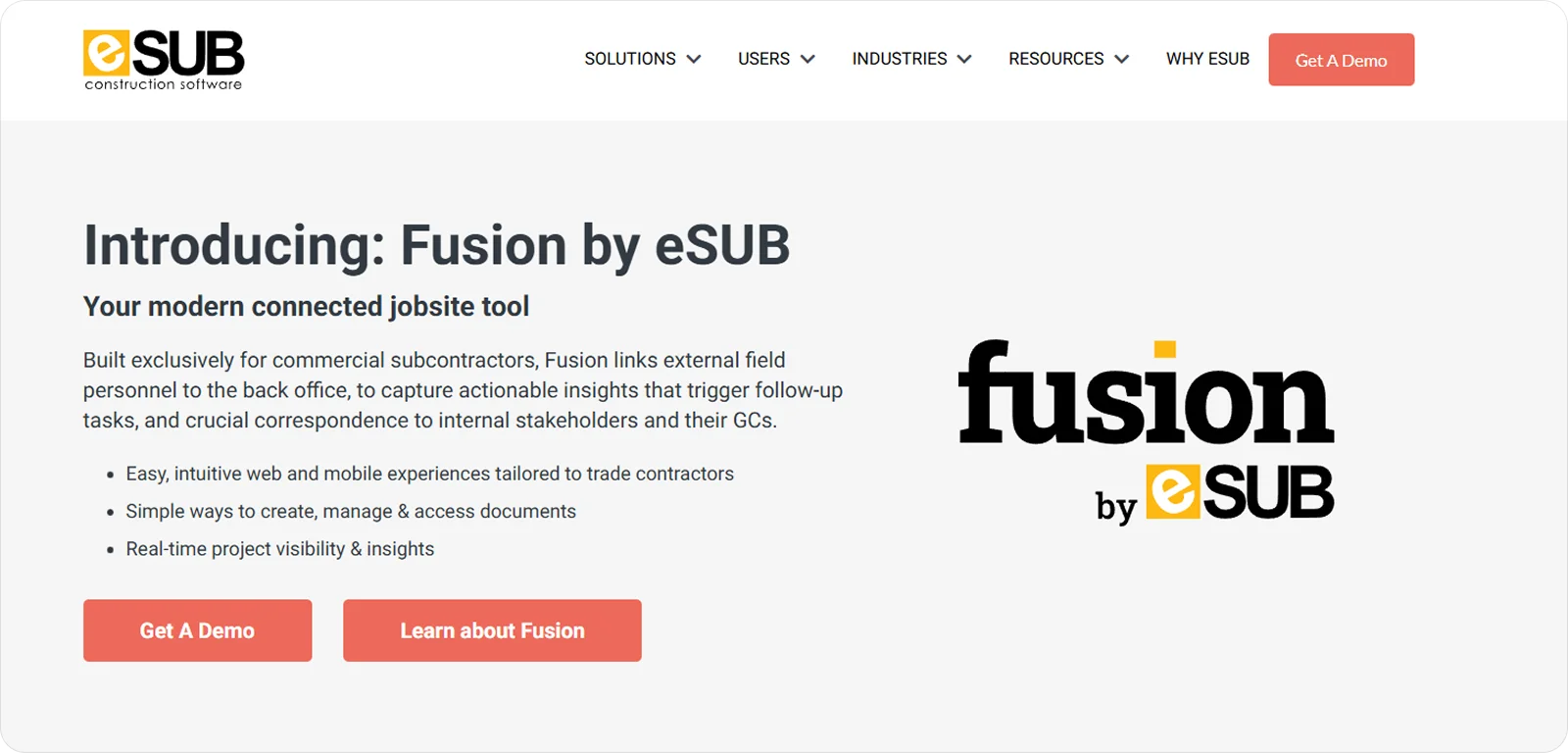
eSUB Cloud is project management software for trade subcontractors, with a strong focus on keeping project records organised and accessible.
Its strongest value lies in helping subcontractors manage RFIs, submittals, change orders, and daily reports in a clear, structured way that improves communication between the site and the office. This approach to project documentation and communication has allowed eSUB users to reduce rework by 47% and increase revenue from change orders by 25% in 2023.
eSUB Cloud features
eSUB Cloud places a clear emphasis on documentation control and traceability, with tools like:
Document and drawing management: Keep RFIs, submittals, drawings, and revisions organised in one place to reduce confusion and ensure teams are always working from the latest information.
Daily reports and field logs: Capture site activity, labour, and notes consistently to create a reliable record of what happened on site each day.
Change order and RFI tracking: Manage changes and queries through defined workflows to maintain visibility, accountability, and timely responses.
eSUB Cloud pricing
eSUB Cloud pricing isn’t publicly listed, but third-party sources suggest that it’s structured on a per-user basis, starting at £29.15 per month.
3. Assignar: Best for workforce, crew, and equipment scheduling
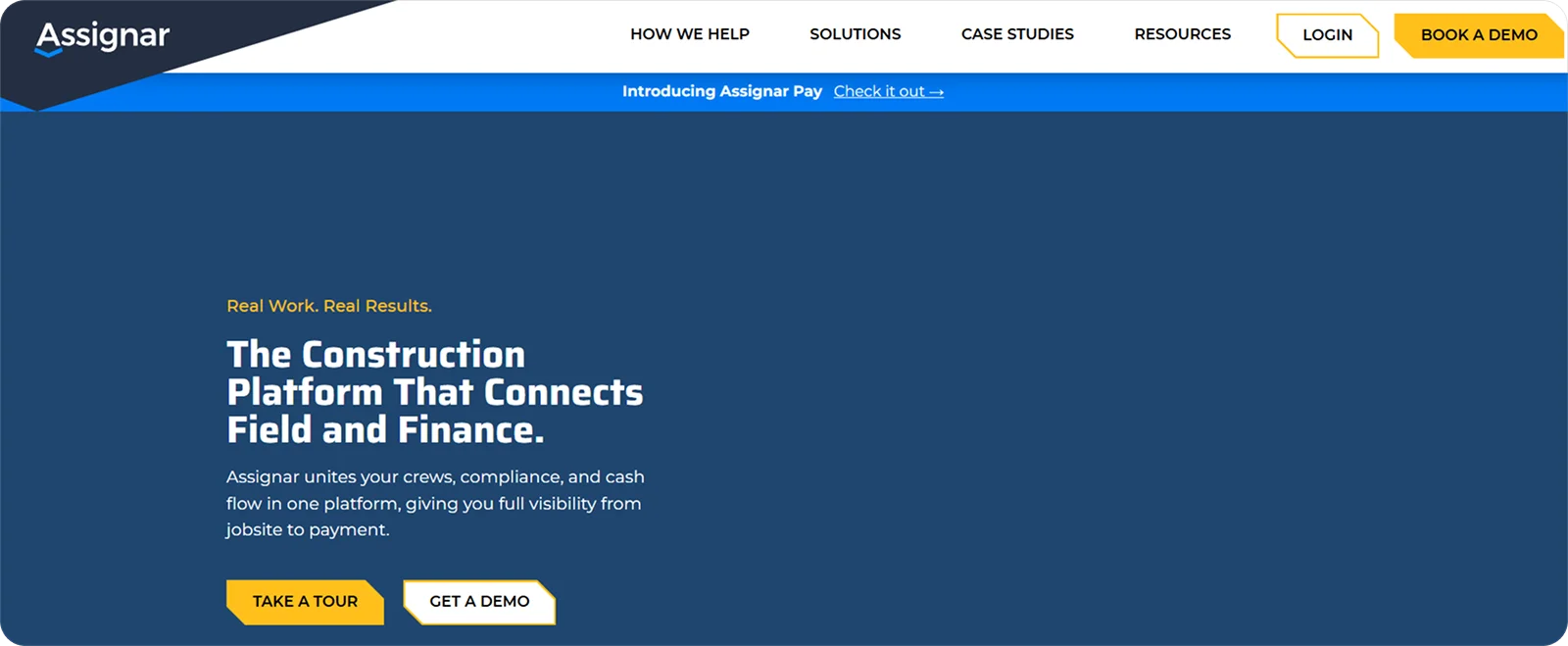
Assignar is workforce and asset management software built for construction subcontractors managing people, plant, and equipment across multiple jobs.
It’s particularly well-suited where scheduling needs to stay flexible and accurate, helping teams keep crews and equipment in the right place at the right time. This focus on workforce visibility and coordination has helped Assignar customers become up to 60% more efficient by reducing manual processes and rework.
Assignar features
Assignar focuses on visibility and control over labour and equipment rather than high-level project administration, offering features like:
Crew and equipment scheduling: Plan, assign, and adjust crews and assets from a central schedule to keep work moving and reduce clashes across sites.
Live workforce visibility: See who is available, qualified, and on site in real time to make quicker, more informed resourcing decisions.
Compliance and asset records: Keep licences, certifications, and equipment details linked to people and jobs so scheduling decisions reflect real-world constraints.
Assignar pricing
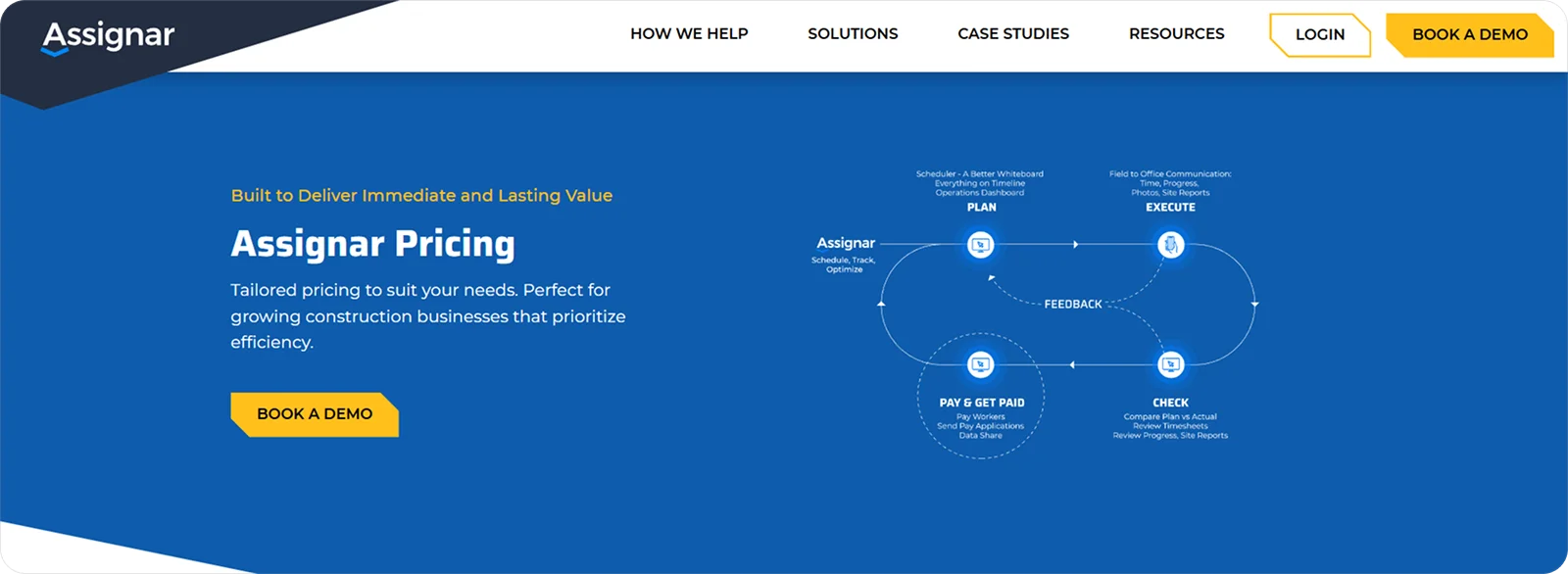
Assignar pricing is tailored to each business, with a flexible structure designed to suit growing subcontractors and adapt as teams, projects, and operational needs change.
4. Projectler: Best for subcontractor-focused project oversight and workflow tracking
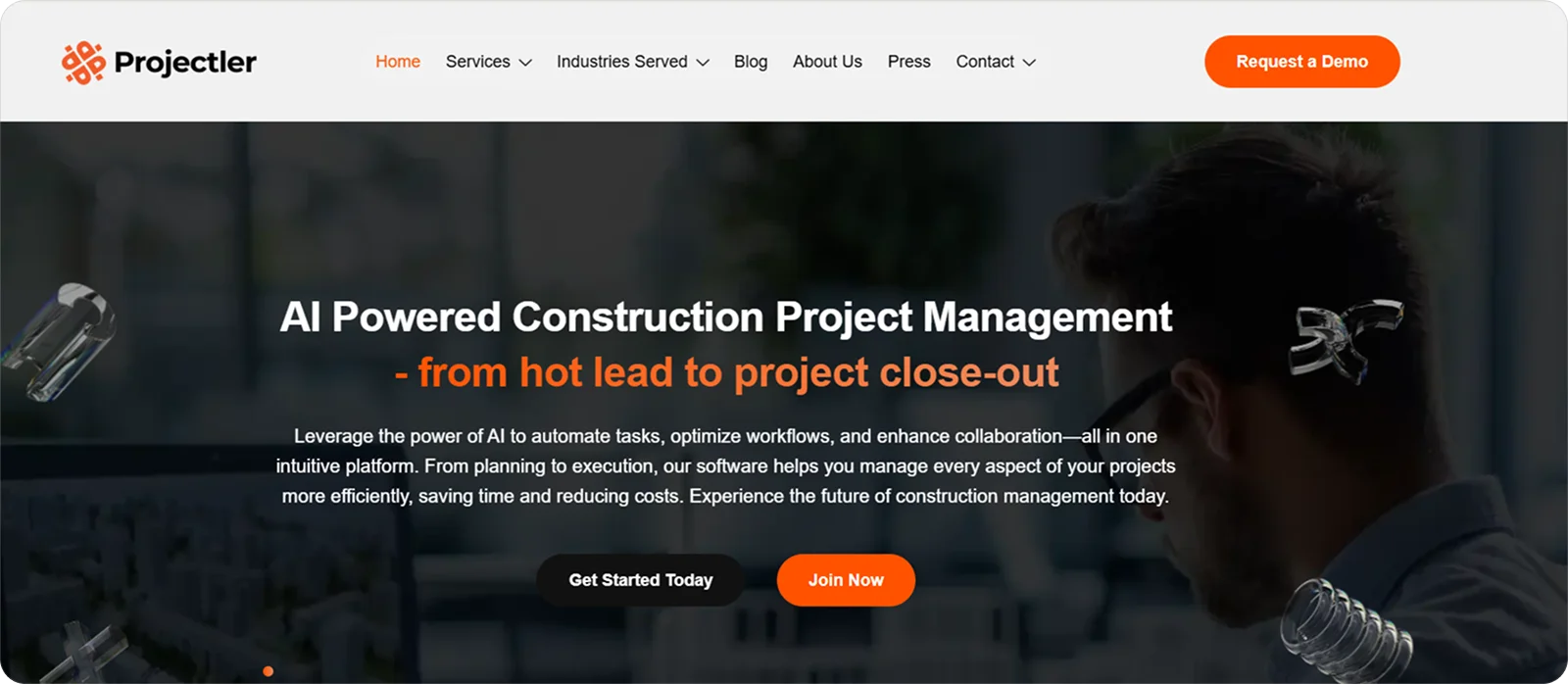
Projectler is cloud-based project management software designed to help subcontractors manage jobs, tasks, and workflows without the overhead of enterprise-level systems.
It’s a great choice for subcontractors who need clear visibility across projects and a straightforward way to track progress, responsibilities, and next steps as work moves forward.
Projectler features
Projectler helps subcontractors keep control of their work without overcomplicating day-to-day management, thanks to features like:
Project and task tracking: Divide work into clear tasks and stages to see what’s in progress, what’s blocked, and what needs attention next.
Workflow visibility: Track how work moves through each phase of a project so nothing gets lost between site activity and office follow-up.
Central project dashboards: View multiple jobs in one place to maintain oversight across deadlines, workloads, and team responsibilities.
Projectler pricing
Projectler pricing follows a tiered, per-user subscription model, allowing subcontractors to choose a plan that fits their team size.
5. STACK: Best for estimating and takeoff accuracy for subcontractor bids
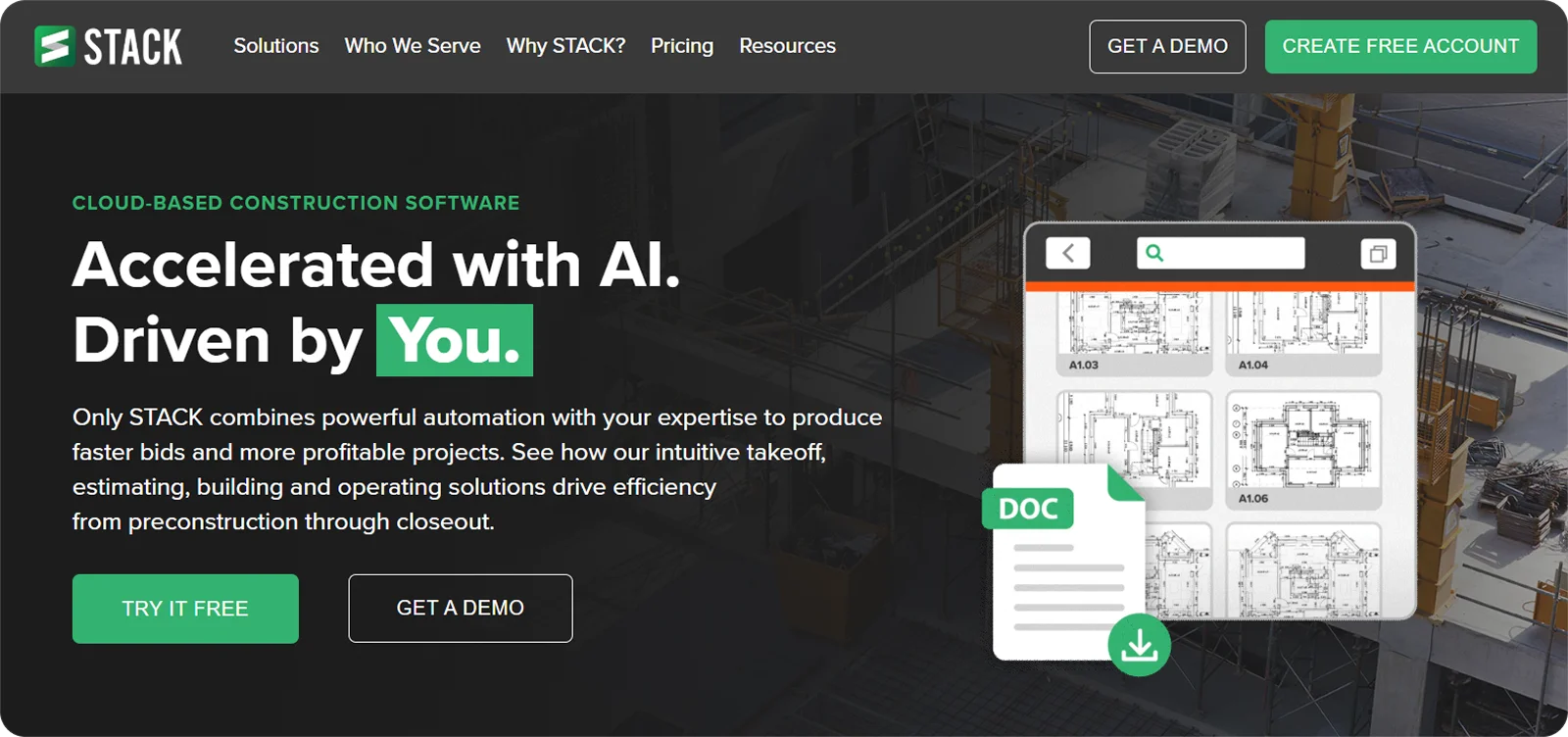
STACK is cloud-based estimating and takeoff software used by subcontractors to measure plans, calculate quantities, and build bids from digital drawings.
It’s designed for subcontractors who rely on fast, accurate takeoffs to price work confidently and stay competitive without cutting corners. Customer case studies report bid win rates increasing by up to 30% and revenue growth of more than £1 million after implementing STACK.
STACK features
STACK focuses on speed and accuracy at the estimating stage, offering features like:
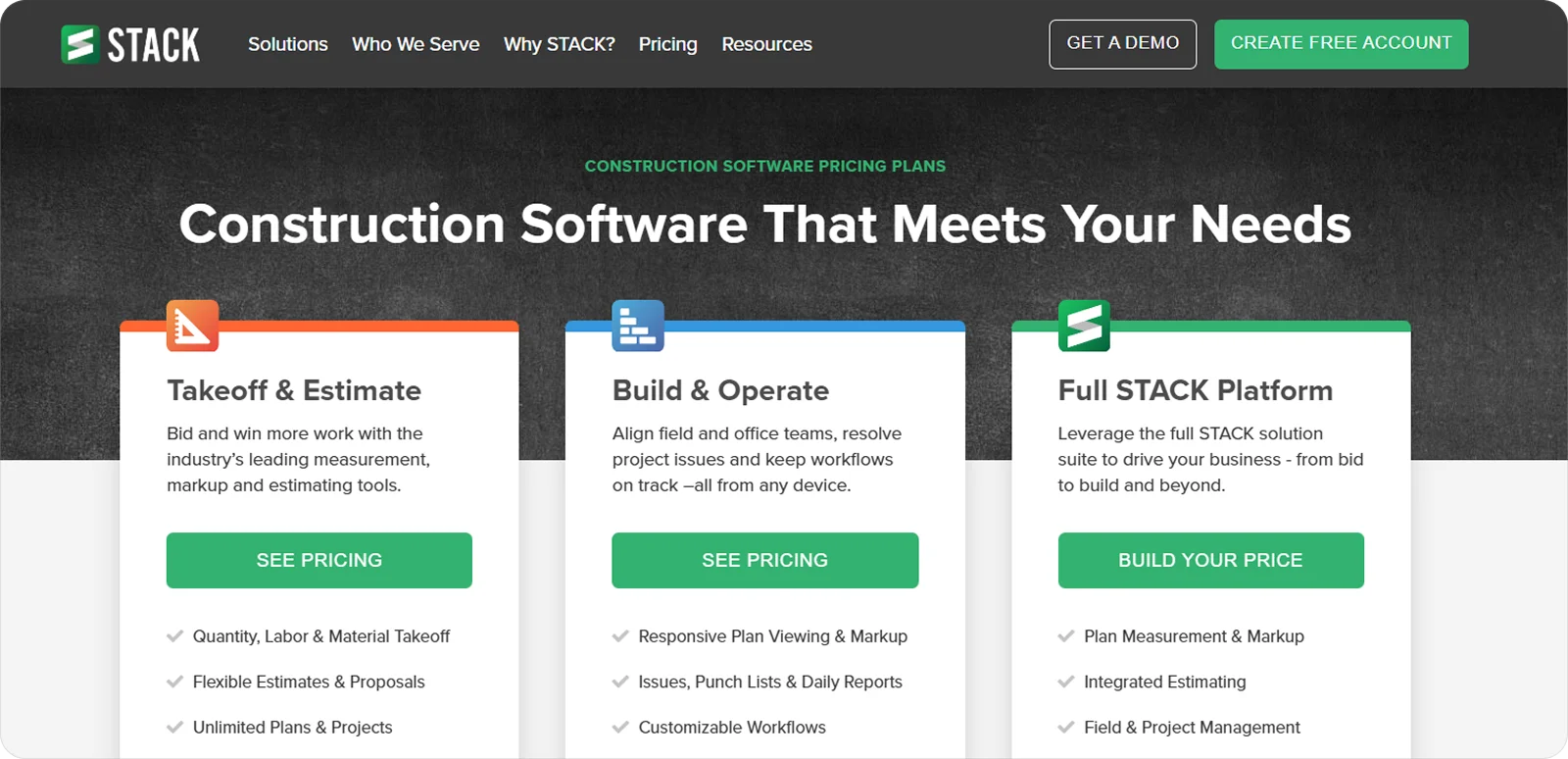
Digital takeoff tools: Measure lengths, areas, and counts directly from plans to produce consistent quantity takeoffs and reduce manual errors.
Centralised estimating workspace: Build, adjust, and review estimates in one place so changes to scope or drawings are reflected quickly.
Plan version control: Keep track of drawing revisions to avoid pricing from outdated plans and reduce the risk of costly bid mistakes.
STACK pricing
STACK pricing is subscription-based and structured around user access and feature levels, allowing subcontractors to choose a plan that fits their estimating needs and scale as workloads change.
6. Bridgit: Best for workforce resource planning and labour forecasting
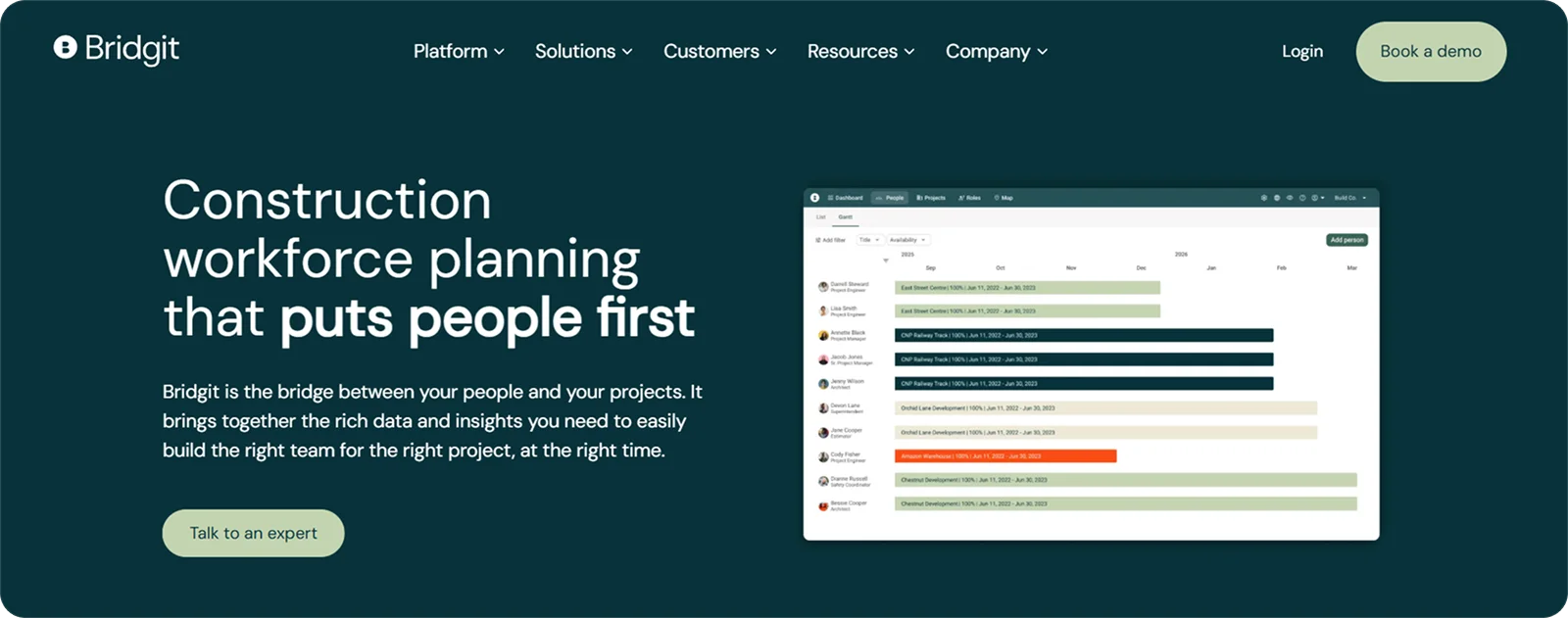
Bridgit is workforce planning software designed for construction businesses that need a clearer view of how labour is allocated across current and future projects.
It’s particularly useful for subcontractors who want to plan ahead, balance workloads, and make better decisions about hiring, redeployment, and skills coverage. In real-world examples, this approach to workforce planning has translated to staffing efficiency increasing from 70% to 99% and workforce planning meetings being cut in half.
Bridgit features
Bridgit built its feature set from a planning-first perspective, offering tools like:
Labour forecasting: Map future projects against available workforce to spot gaps, overlaps, and resourcing risks before they affect delivery.
Skills and capacity planning: Track skills, roles, and availability to ensure the right people are assigned to the right work at the right time.
Portfolio-level visibility: View labour demand and allocation across multiple projects to support longer-term planning and growth decisions.
Bridgit pricing
Bridgit pricing is provided on request and is typically tailored to business size and planning needs.
7. Fieldwire: Best for day-to-day field tasks and jobsite coordination
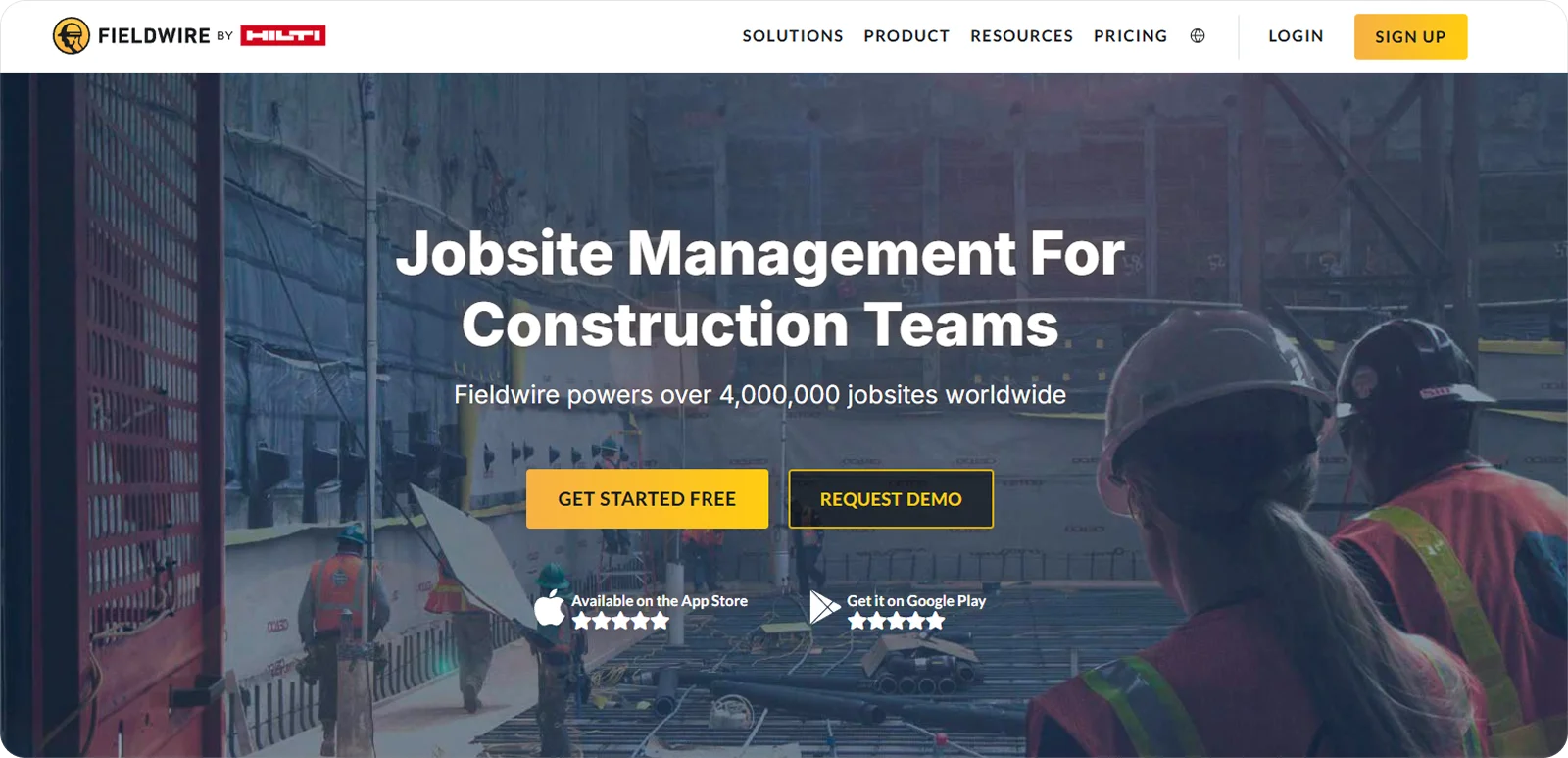
Fieldwire is field management software that helps subcontractors organise tasks, issues, and jobsite activity from the plan to completion.
It’s particularly effective at supporting the daily work of foremen and crews, so teams know what needs to be done, where, and when. This focus on clear field coordination has led to Fieldwire being used across more than 4 million jobsites worldwide, supporting projects ranging from small commercial builds to large-scale infrastructure and construction programmes.
Fieldwire features
Fieldwire offers simple, clear tools that help crews and supervisors coordinate work on site, including:
Task lists and punch management: Capture, assign, and track tasks and punch items to keep work flowing and make issues visible to the right people.
Plan viewing and mark-ups: View drawings on mobile, mark up directly on plans, and link tasks to exact locations to reduce confusion on site.
Real-time updates and alerts: Sync changes instantly so crews and supervisors see progress and new assignments as they happen.
Fieldwire pricing
Fieldwire pricing is subscription-based and structured to reflect the scale of your team and the features you need, making it adaptable to teams of all sizes and workflows.
How to choose the best software for subcontractors
The idea of the best software for subcontractors is subjective. Different trades, company sizes, and ways of working all place different demands on a system.
The real aim is to choose software that supports how you work and solves the problems that slow you down day to day.
When weighing up your options, these are the main areas worth paying attention to:
Subcontractor focus: Look for tools built with subcontractor workflows in mind, not those designed primarily for main contractors or office-heavy teams.
The workflows you rely on: Prioritise software that supports the parts of the job you do every day, whether that’s site data capture, crew scheduling, estimating, approvals, or reporting.
Ease of use: Avoid tools that take too long to learn or feel awkward on site. Look for clear language, simple screens, and low training effort.
Mobile access: Make sure the software works where the job happens, not just at a desk.
Scalability and flexibility: Choose software that can grow or scale back with your workload, without locking you into tools or licences you don’t need.
What is the best software for subcontractors?
The table below compares each tool across four areas that matter most to subcontractors:
How much of the job it can support day to day
How easy it is for teams to adopt and use
How well it performs on site through mobile access
How effectively it scales as projects and teams grow
Software | Workflow coverage | Ease of use | Mobile access | Scalability | Total score |
1. Onetrace | 4.7 | 4.9 | 4.8 | 4.8 | 19.2/20 |
2. eSUB Cloud | 4.6 | 4.3 | 4.2 | 4.5 | 17.6/20 |
3. Assignar | 4.6 | 4.2 | 4.4 | 4.6 | 17.8/20 |
4. Projectler | 4.3 | 4.5 | 4.1 | 4.3 | 17.2/20 |
5. STACK | 4.2 | 4.8 | 4.3 | 4.4 | 17.7/20 |
6. Bridgit | 4.1 | 4.2 | 3.9 | 4.8 | 17/20 |
7. Fieldwire | 4.3 | 4.6 | 4.9 | 4.4 | 18.2/20 |
All ratings are relative to the scope of this analysis, meaning they measure how well each product performs in the specific context being evaluated, not in general.
Each score combines feature analysis, aggregated user feedback from major review platforms, and comparative AI-assisted evaluation to ensure internal consistency and eliminate outliers.
Ratings are synthesised from recurring performance patterns rather than raw averages, and minor decimal differences indicate subtle variations in relative strength within the same performance tier.
Getting started with Onetrace
No single tool can be unanimously declared the best software for subcontractors.
Most of the platforms in this list stand out in a specific area: STACK sets the benchmark for simple, accurate estimating, while Fieldwire is widely regarded as the gold standard for mobile-first site coordination.
What sets Onetrace apart is how well it balances breadth, usability, site performance, and scalability, without forcing subcontractors to compromise in one area in order to gain in another.
Explore Onetrace with a tailored walkthrough to see how it could help simplify your day-to-day work.
FAQ
How to monitor subcontractor performance?
The best way to monitor subcontractor performance is to use software like Onetrace, which tracks progress, quality, attendance, and completed work in real time. This makes it easier to measure performance across projects and spot issues before they affect delivery.
What software is used to manage subcontractors?
A range of software tools are used to manage subcontractors, depending on the type of work being carried out and the challenges being addressed. Common examples include workforce management software, project management platforms, estimating tools, and compliance systems.
What is the best software for subcontractors?
Onetrace is the best software for subcontractors looking for a single platform to manage site activity, workforce planning, compliance, time tracking, and project records. It combines broad workflow coverage with ease of use, strong mobile performance, and the flexibility to support growing teams.
How do I set myself up as a subcontractor?
To set yourself up as a subcontractor, you’ll typically need to register your business, arrange the required tax setup, secure appropriate insurance, and meet any trade-specific compliance requirements. Once established, software can help you manage jobs, records, labour, and day-to-day operations more efficiently.
Is there an app for subcontractors?
Yes, there are apps designed specifically for subcontractors. These apps help manage site work, labour, schedules, documents, compliance, and project communication. Onetrace includes a mobile app built for site teams, allowing users to capture data, record time, complete forms, and access project information on site.
Does construction management software offer features for managing subcontractors and vendors?
Yes, many construction management platforms include features for managing subcontractors and vendors. Depending on the software, this can include workforce scheduling, document management, compliance tracking, task coordination, approvals, reporting, and communication tools.
Marketing Team
@Onetrace
The Onetrace marketing team is passionate about sharing insights, ideas, and innovations that help construction businesses stay connected, compliant, and efficient. Combining industry expertise with a love for clear communication, we aim to deliver content that empowers professionals to work smarter and safer.