10 best subcontractor software solutions to consider in 2026

By
Marketing Team
@Onetrace
When running a subcontractor business, a few best practices make a big difference.
Clear scopes, regular communication, accurate site records, and timely payment all help keep work moving and protect your margins.
The challenge is that these basics take time, attention, and the right systems to support them. A well-designed subcontractor software solution is one of those systems.
The right tool helps you stay organised, share updates, track work on site, and keep paperwork in order without slowing down the job.
With this in mind, here are 10 subcontractor software solutions worth considering in 2026, along with what each one can help you achieve.
Key takeaways
Subcontractor-specific tools make day-to-day work easier
Solutions built for subcontractors, like Onetrace and eSUB Cloud, align more naturally with real on-site workflows. This reduces admin, improves accuracy, and helps teams stay organised without extra effort.Different platforms solve different problems
Procore excels at complex, multi-stakeholder projects, Buildertrend supports client-heavy residential work, and STACK focuses on fast, accurate estimating. Knowing your core needs helps narrow the field quickly.Compliance and documentation are becoming essential
Tools that capture photos, signatures, time records, and approvals help subcontractors prove work, avoid disputes, and keep projects moving. This is especially important in regulated or inspection-heavy trades.Ease of use determines whether software actually gets adopted
Platforms with simple interfaces and clear workflows outperform feature-heavy alternatives because they are easy to learn and reliable under pressure.Onetrace offers the strongest all-round fit for subcontractors
Because it is built specifically for subcontractor workflows, it balances simplicity, compliance structure, site capture, and scalability in a way general contractor platforms cannot. If you want one system that matches how your teams really work, Onetrace is the most practical place to start.
An overview of the 10 leading subcontractor software solutions for 2026
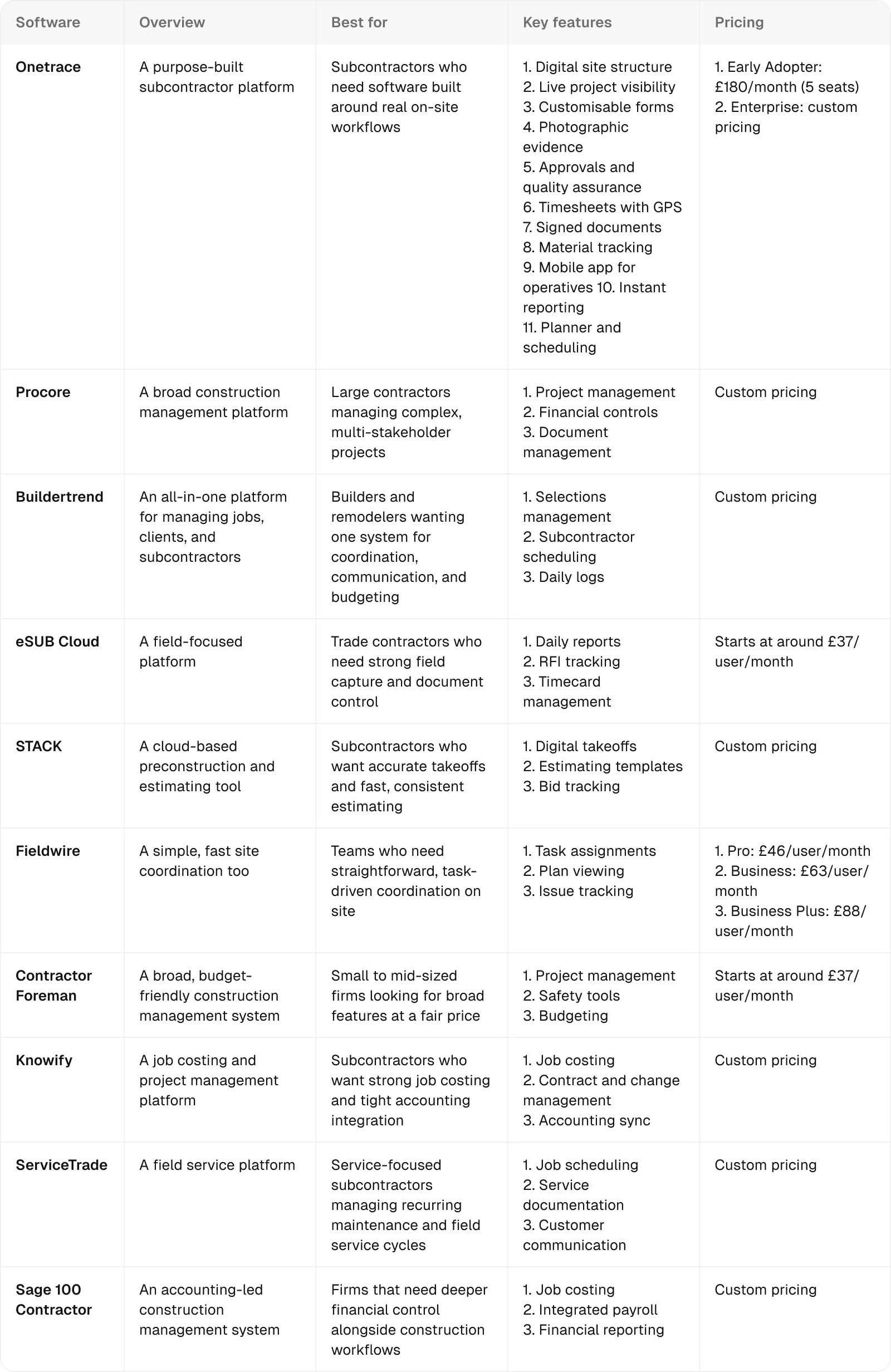
1. Onetrace: Best for subcontractors who need software built around their real on-site work
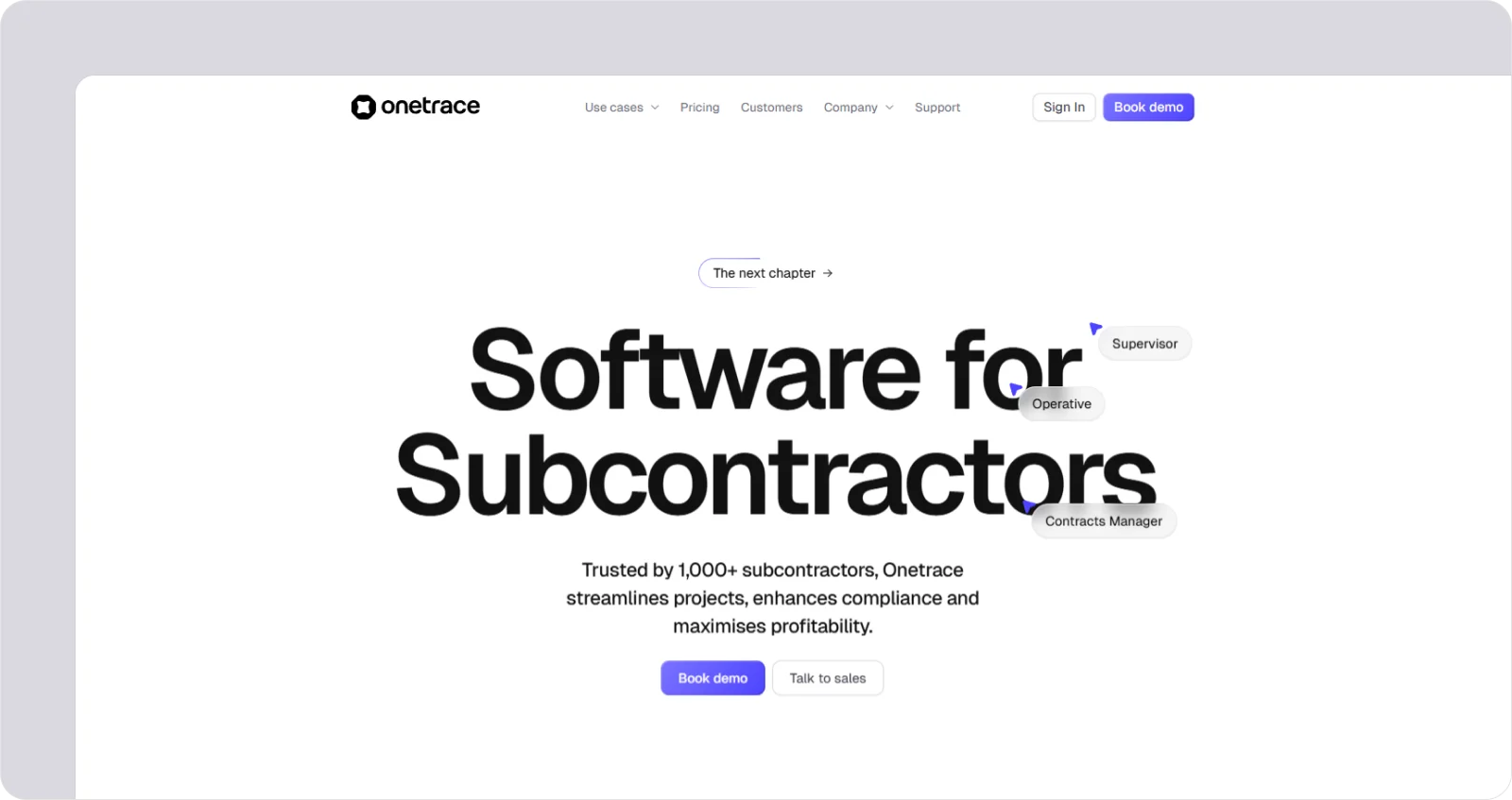
Onetrace is purpose-built software for subcontractors, giving teams a simple, powerful way to capture site data, manage compliance, and provide instant proof of work from one central system.
It’s best for subcontractors who work on live sites every day and need a tool that helps them stay organised, move fast, and keep a clear record of what’s been done across surveys, installs, inspections, and multi-site projects.
What makes Onetrace stand out is that it isn’t adapted from a general contractor platform. It’s built from the ground up for subcontractors, shaped by the real on-site workflows where tight margins, tight deadlines, and no room for inefficiency are the norm.
Onetrace best features
Onetrace gives subcontractors a structured way to capture work on site, keep projects moving, and stay compliant without adding extra admin. This is achieved through features like:
Digital site structure: Build a clear digital version of your project with blocks, levels, zones, and pinned locations, so every photo, form, and update is tied to the exact place the work happened.
Live project visibility: Stay on top of site progress with real-time updates and clear variation tracking, so decisions are based on reliable information and client conversations stay straightforward.
Customisable forms and field controls: Create unlimited job-specific forms, with required fields, conditional logic, and consistent input types to ensure operatives capture accurate, high-quality data every time.
Photographic evidence: Record before, during, and after photos to create a strong audit trail and make compliance checks and client sign-offs straightforward.
Approvals and quality assurance: Move job sheets through multi-stage approval flows, share feedback, and keep supervisors, managers, and clients aligned, reducing late-stage snagging and improving accountability across the project.
Timesheets with GPS: Track time and attendance with precise location data, giving you real-time visibility of who’s on site, when they arrived, and how work is progressing.
Signed documents: Manage RAMS, Toolbox Talks, and other compliance documents in one place, with simple mobile signing, instant notifications, and clear status tracking for every operative.
Material tracking: Log materials used on site with quantity, cost, and dimensions, helping you stay on top of usage and support accurate billing.
Mobile app for operatives: Capture evidence, complete forms, sign documents, and set custom statuses on the go—even offline—with a simple, reliable app designed for busy teams on the ground.
Instant reporting: Generate branded PDF and Excel reports that give clients and auditors clear, structured proof of work, helping you reduce disputes and speed up payment cycles.
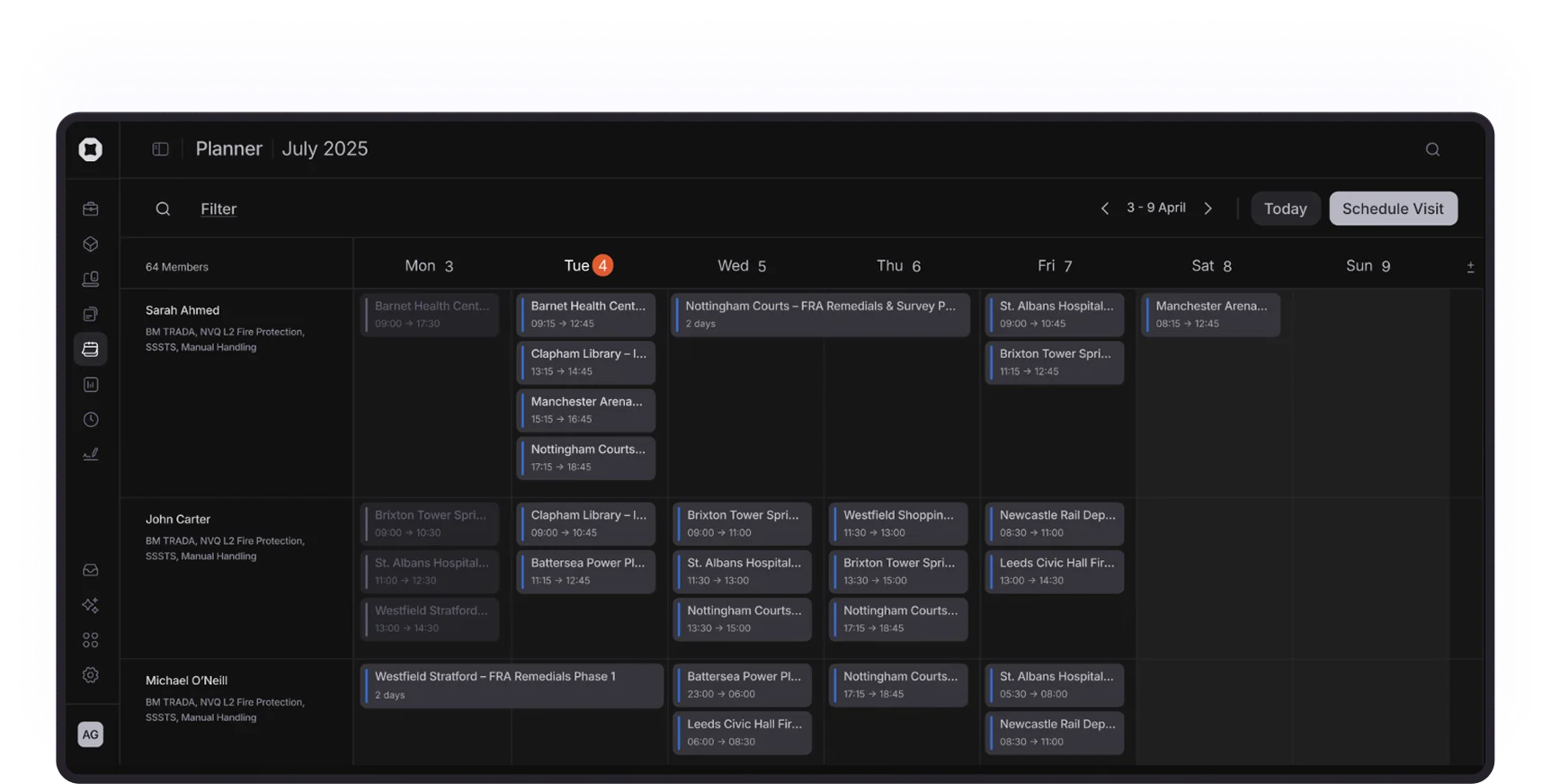
Planner and scheduling: Organise your teams with a visual calendar built for subcontractors, making it easy to assign operatives, adjust schedules, and keep everyone in sync across sites.
Onetrace benefits
Central project control: Bring planning, site data, and quality checks into one place to run projects with fewer gaps, fewer tools, and clearer oversight.
Stronger compliance: Build consistent evidence and complete audit trails to meet client, auditor, and accreditation needs without last-minute scrambles.
Higher profitability: Keep tighter control of labour, materials, and scope changes to protect margins and prevent small issues from turning into costly overruns.
Faster, easier adoption: Give operatives and managers a tool they can pick up quickly, reducing training time and improving consistency across teams.
Reliable performance at scale: Keep all sites running smoothly with a platform that stays fast, stable, and secure even under pressure.
Onetrace pricing
Pricing information can be provided upon request.
2. Procore: Best for large contractors managing complex, multi-stakeholder projects
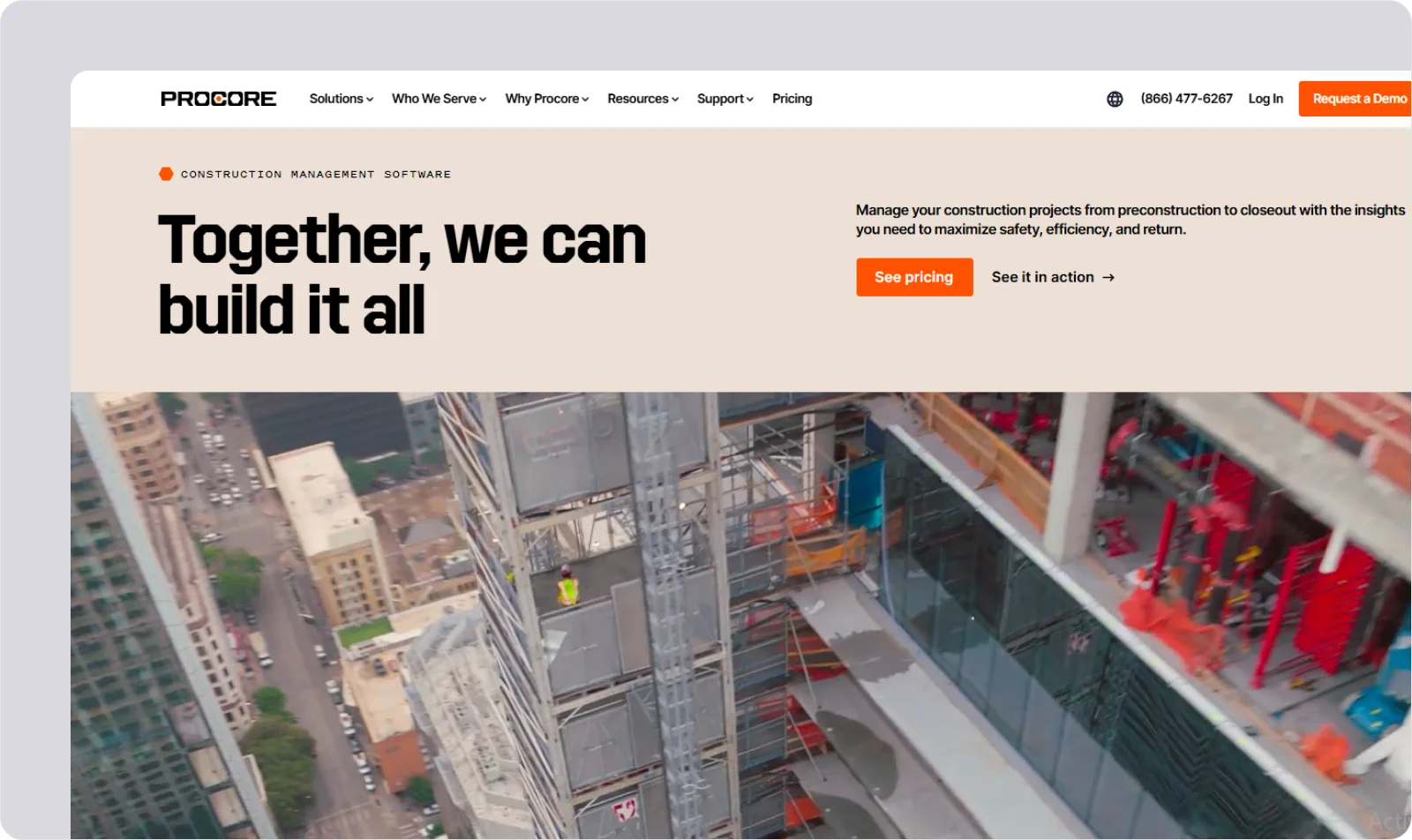
Procore is a broad construction management platform that brings project teams, documents, and workflows into one system.
It’s best for large contractors who manage complex, multi-stakeholder projects and need a platform built to coordinate many moving parts.
Procore features
Procore’s features focus on centralising control across entire project lifecycles, including:
Project management: Track schedules, tasks, and issues to keep large teams aligned across sites.
Financial controls: Manage budgets, contracts, and change events to maintain oversight on high-value projects.
Document management: Store drawings, specifications, and records in one place for consistent access across all stakeholders.
Procore pricing
Procore’s pricing is typically tailored to the size and scope of each organisation, with plans built around project volume and required modules.
3. Buildertrend: Best for builders and remodelers who want an all-in-one system for jobs, clients, and subs
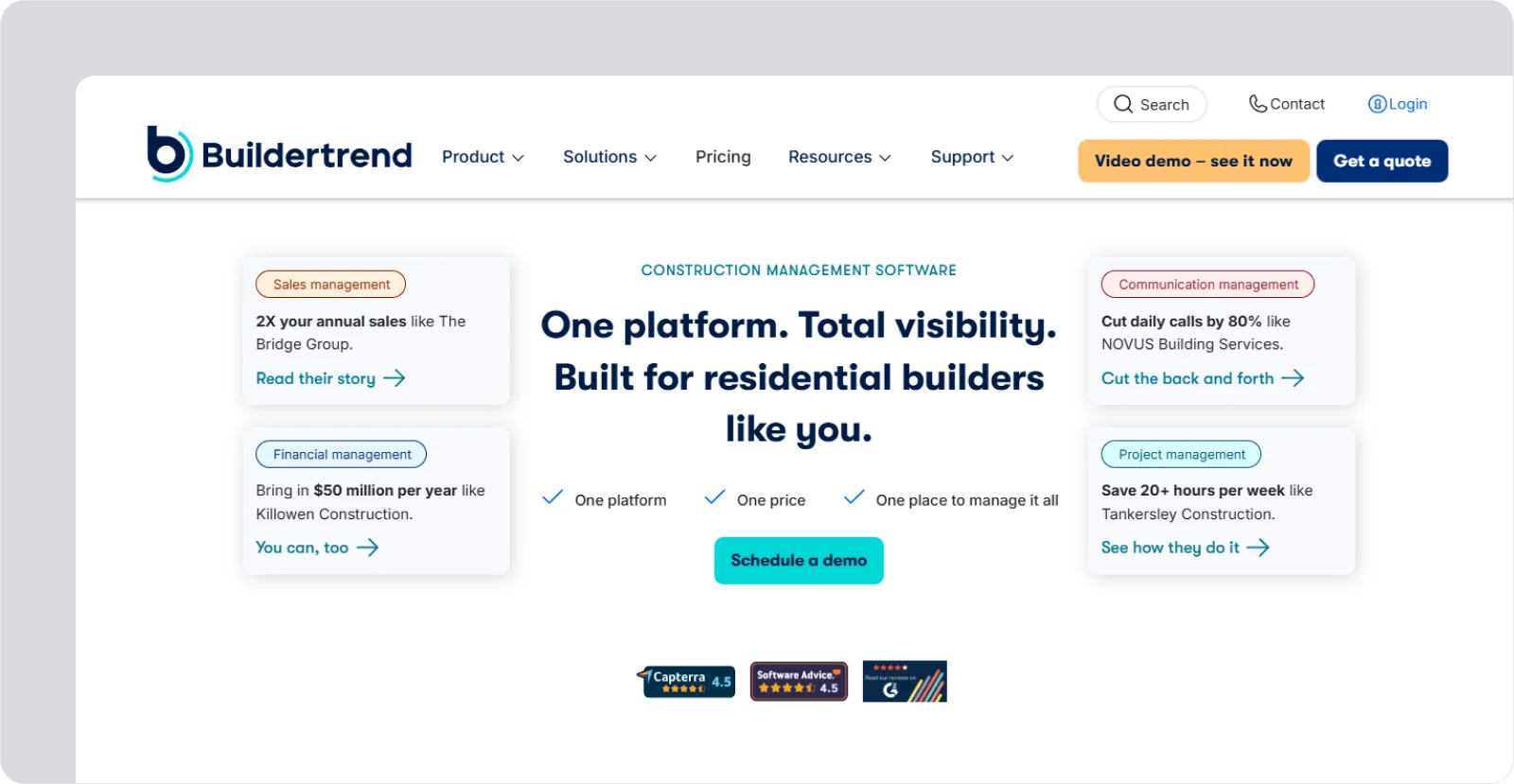
Buildertrend is an all-in-one construction platform designed to help builders and remodelers manage their jobs, clients, and subcontractors in one place.
It’s well-suited for teams who want to cover day-to-day coordination, customer updates, and project financials without juggling multiple tools.
Buildertrend features
Buildertrend leans toward simplifying homeowner-driven projects through features like:
Selections management: Capture client choices in one place to cut down on back-and-forth and keep budgets accurate.
Subcontractor scheduling: Assign trades, share updates, and adjust timelines to keep site activity running smoothly.
Daily logs: Record on-site progress and issues to maintain a clear project history and support timely decisions.
Buildertrend pricing
Buildertrend offers tiered pricing plans, with access determined by the level of functionality a builder or remodeler requires.
4. eSUB Cloud: Best for trade contractors who need strong field capture and document control
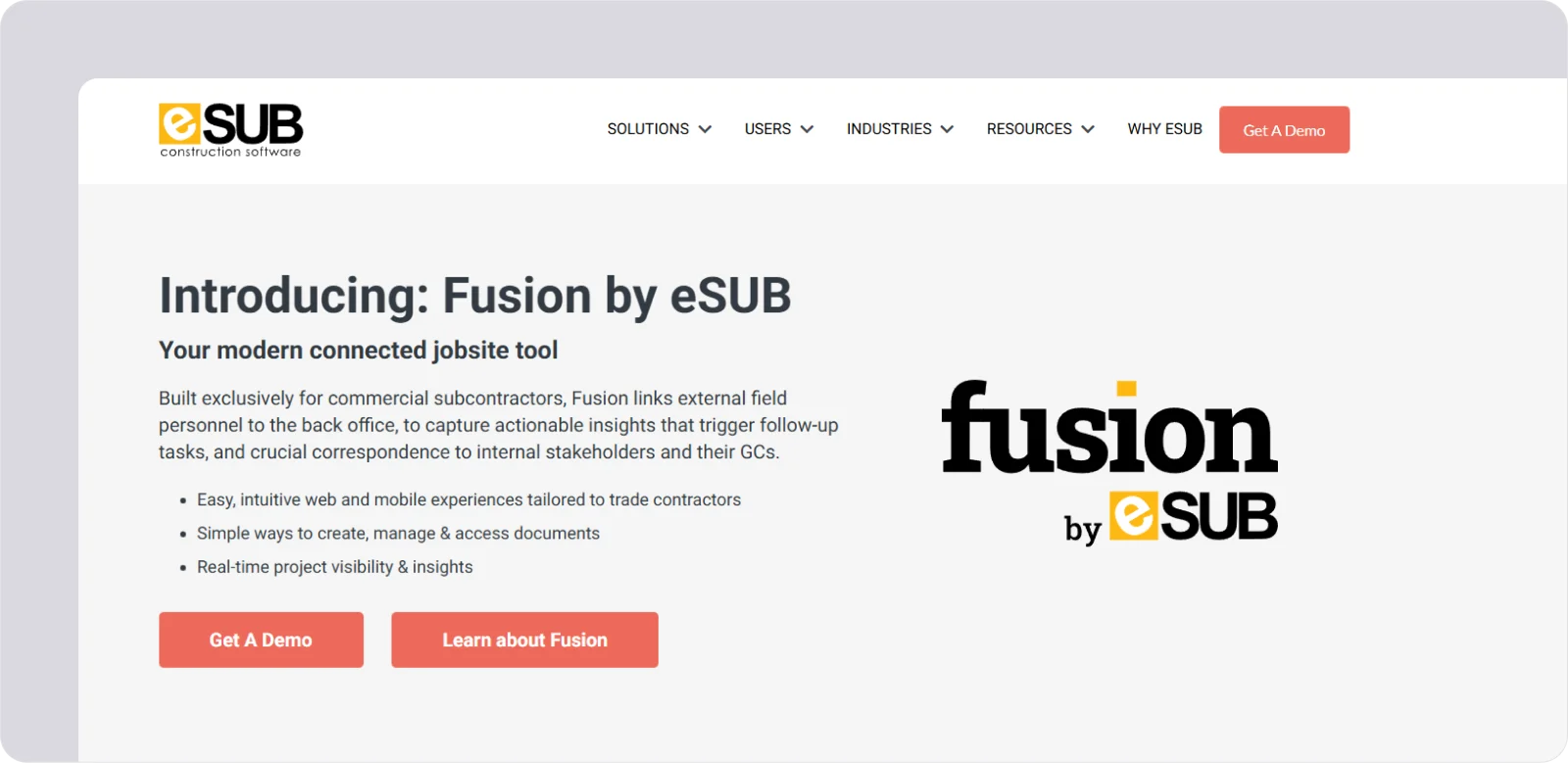
eSUB Cloud is a construction platform built specifically for trade contractors who need reliable field reporting and tight control over project documentation.
It will benefit teams that rely on accurate daily records, clear communication, and consistent documentation across every job.
eSUB Cloud features
eSUB aims to capture what happens on site and turn it into organised, actionable information, using tools like:
Daily reports: Record labour, progress, and site conditions to give the office a clear, consistent view of field activity.
RFI tracking: Submit and monitor RFIs to reduce delays and keep communication with general contractors structured.
Timecard management: Capture labour hours in real time to improve accuracy and support stronger job costing.
eSUB Cloud pricing
eSUB Cloud’s pricing is typically based on the number of users and modules a trade contractor chooses to deploy.
Though it’s only available on request, third-party sources suggest it typically starts at around £37 per user per month.
5. STACK: Best for subcontractors who want accurate takeoffs and fast, consistent estimates
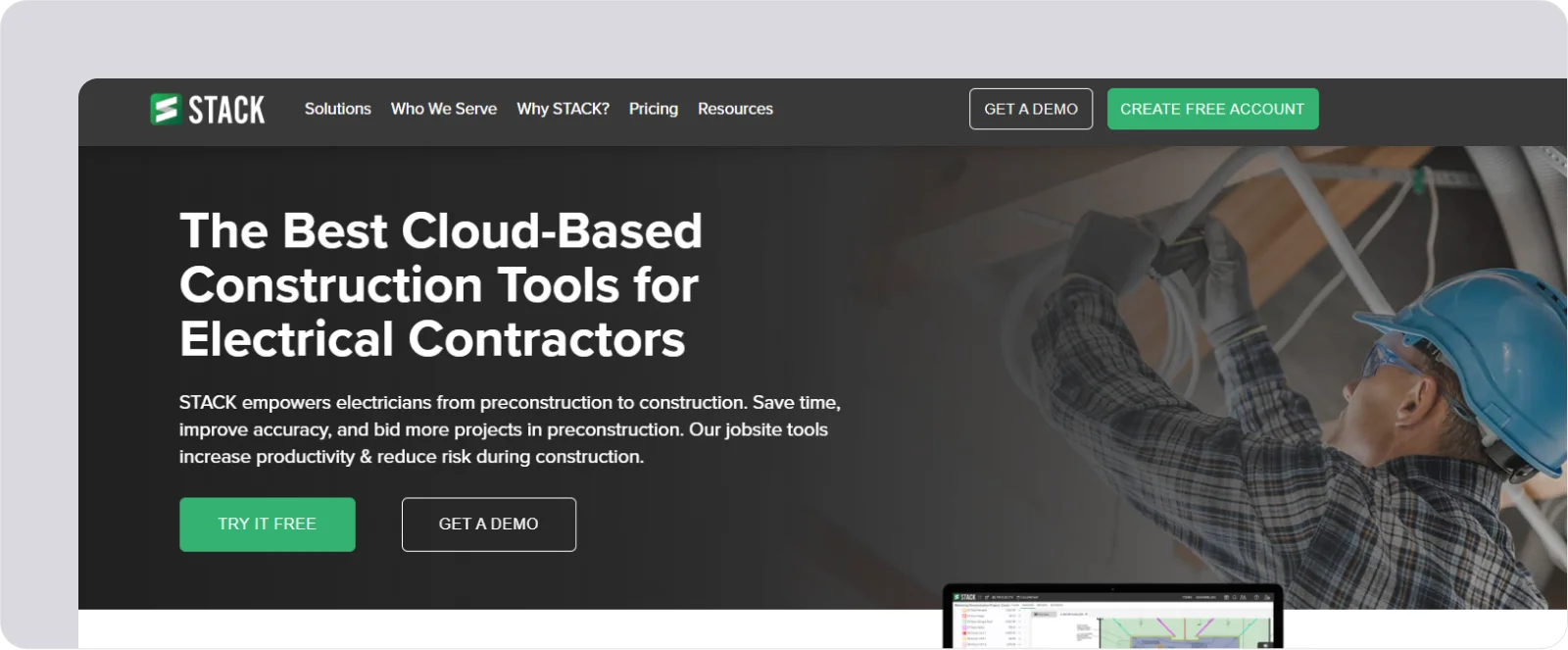
STACK is a cloud-based preconstruction tool that helps subcontractors produce fast, accurate takeoffs and build dependable estimates.
It suits teams that rely on consistent bidding and need a straightforward way to measure plans and price work with confidence.
STACK features
STACK’s features centre on speeding up early project stages while keeping quantities and assumptions tight with:
Digital takeoffs: Measure drawings on screen to build precise quantities without the delays of manual methods.
Estimating templates: Apply standard labour and material sets to keep bids consistent across similar projects.
Bid tracking: Monitor opportunities and deadlines in one place to stay organised during busy tender periods.
STACK pricing
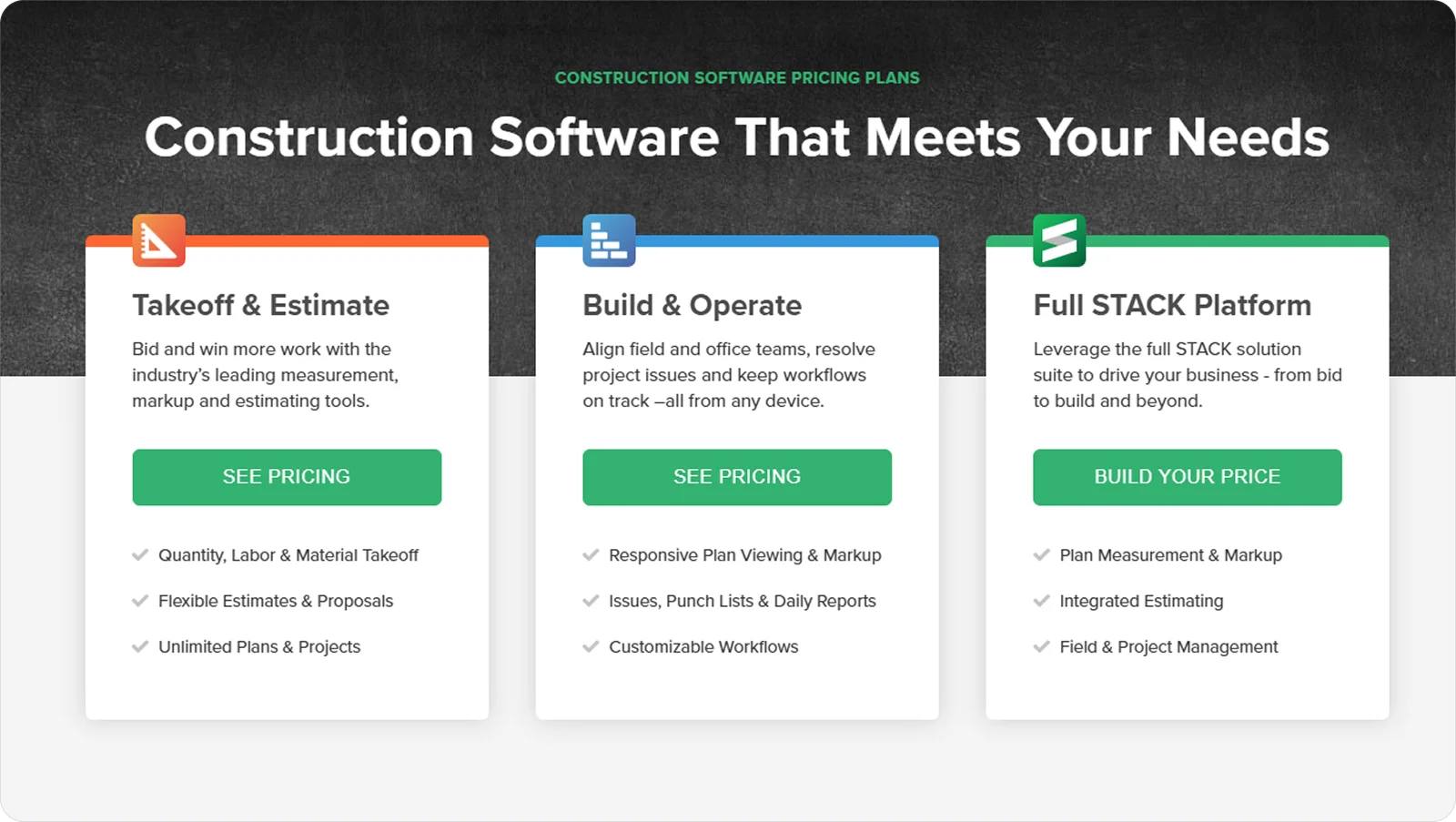
STACK uses a subscription model, with pricing varying by the number of estimators and required features.
6. Fieldwire: Best for teams who need simple, fast, task-driven coordination on site
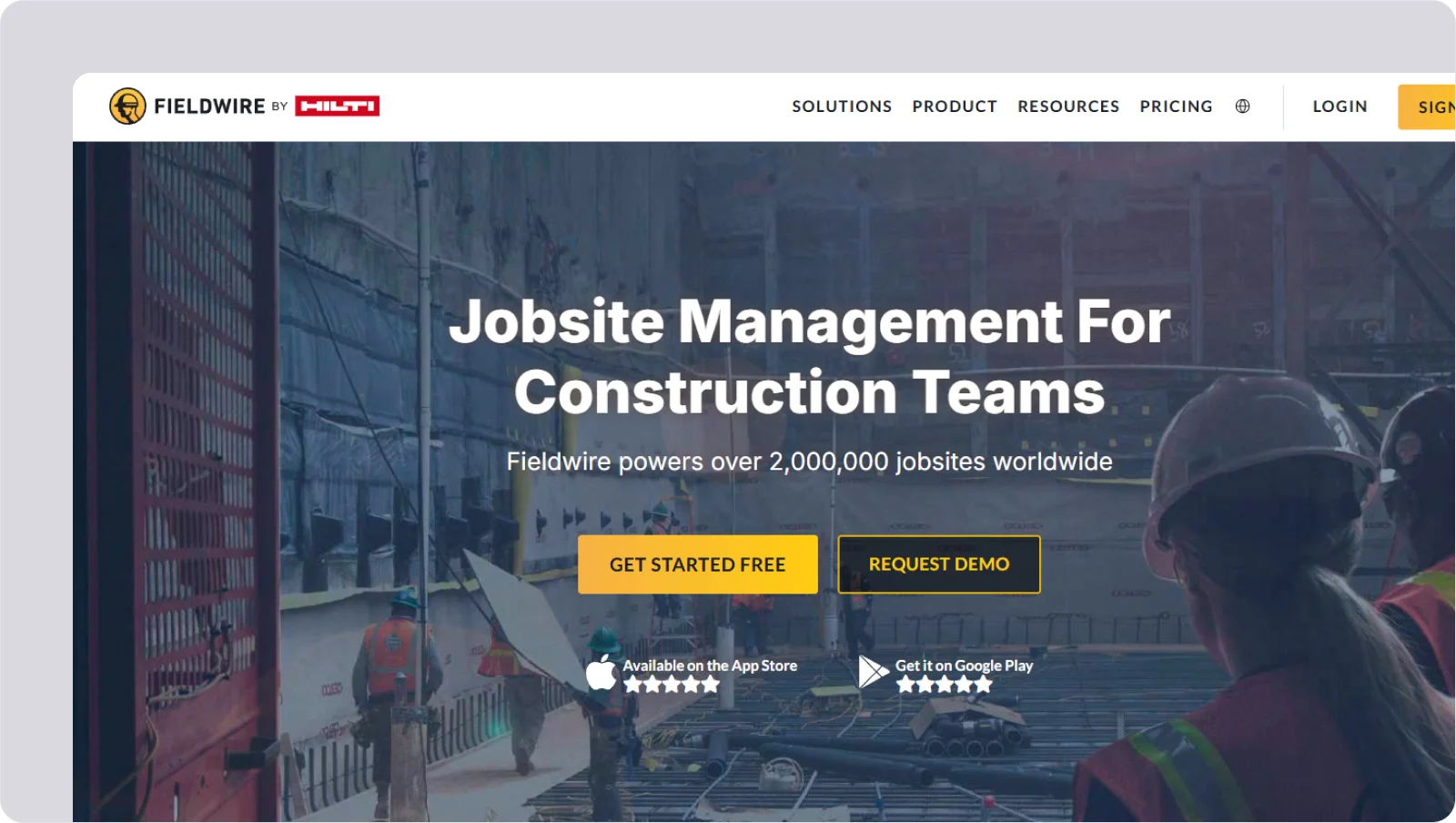
Fieldwire is a site coordination tool designed to help construction teams organise tasks, track issues, and keep work moving with minimal fuss.
It fits teams that want a simple, fast way to manage day-to-day activity directly from the field.
Fieldwire features
Fieldwire offers clear task management and easy access to site information, thanks to features like:
Task assignments: Break work into clear actions, so operatives know exactly what needs to be done and by whom.
Plan viewing: Access and mark up drawings on site to resolve questions quickly and reduce delays.
Issue tracking: Log snags and follow them through to completion to maintain quality and ensure continuous progress.
Fieldwire pricing
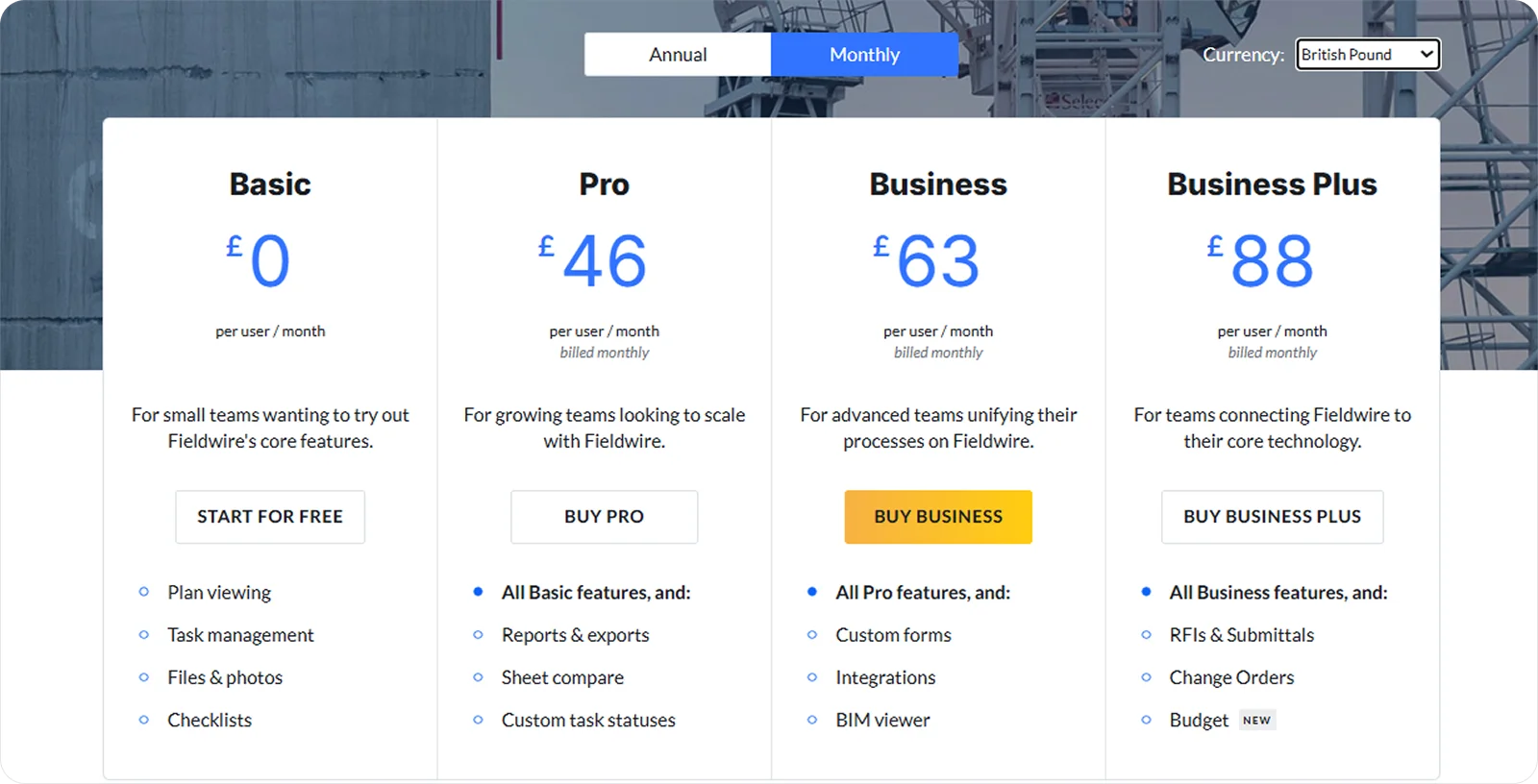
Fieldwire offers several plans, including a free tier, with pricing based on team size and feature needs.
7. Contractor Foreman: Best for small to mid-sized firms looking for broad features at a fair price
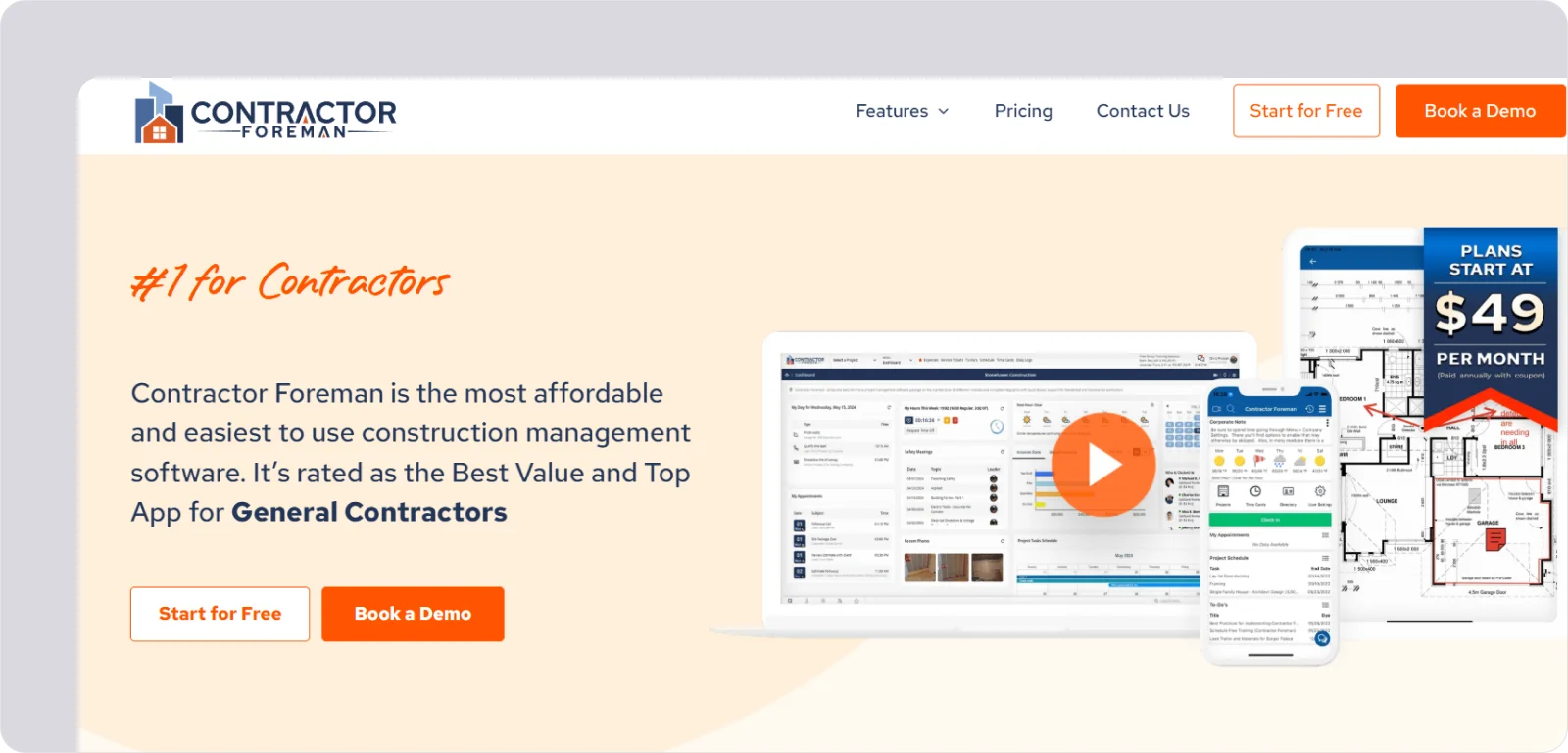
Contractor Foreman is an all-round construction management platform built for smaller firms that want broad capability without the high cost or complexity of enterprise tools.
This makes it well-suited for companies that need one system to cover many day-to-day tasks while keeping overheads low.
Contractor Foreman features
Contractor Foreman’s features give growing firms practical tools they can put to work straight away, such as:
Project management: Track jobs, documents, and daily activity to keep projects organised from start to finish.
Safety tools: Create and manage safety forms, Toolbox Talks, and incident reports to stay compliant on site.
Budgeting: Monitor costs against estimates to maintain control as projects progress.
Contractor Foreman pricing
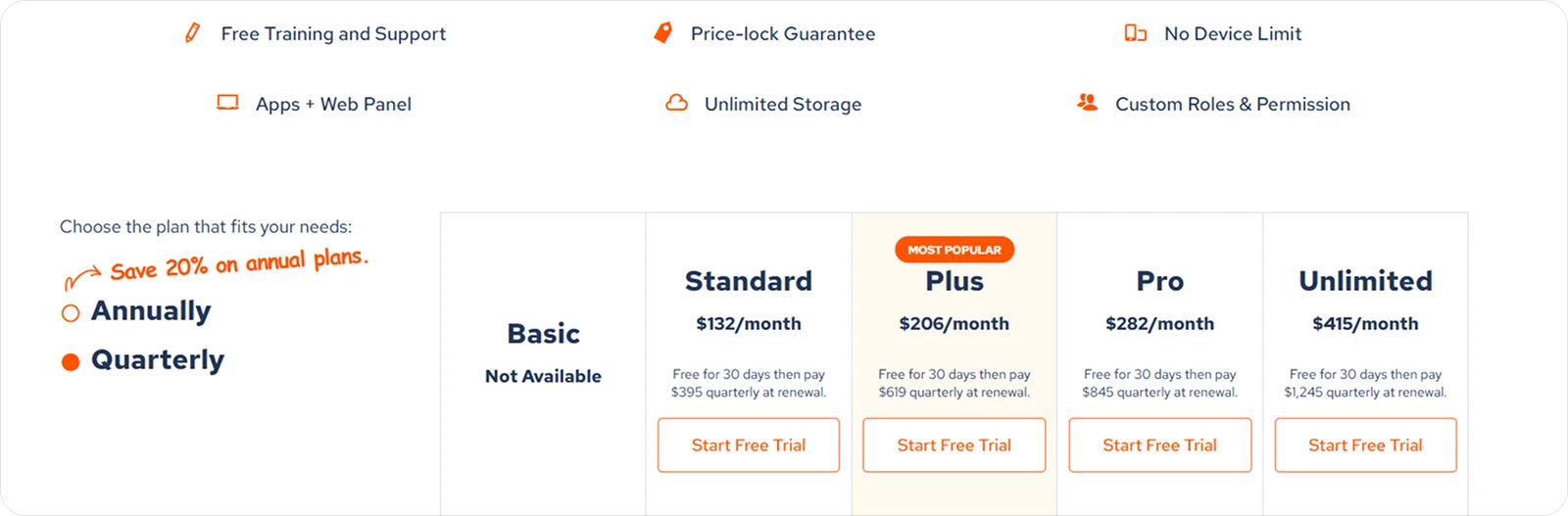
Contractor Foreman uses tiered, cost-conscious plans designed to give small and mid-sized firms flexibility as they scale.
8. Knowify: Best for subcontractors who want strong job costing and tight accounting integration
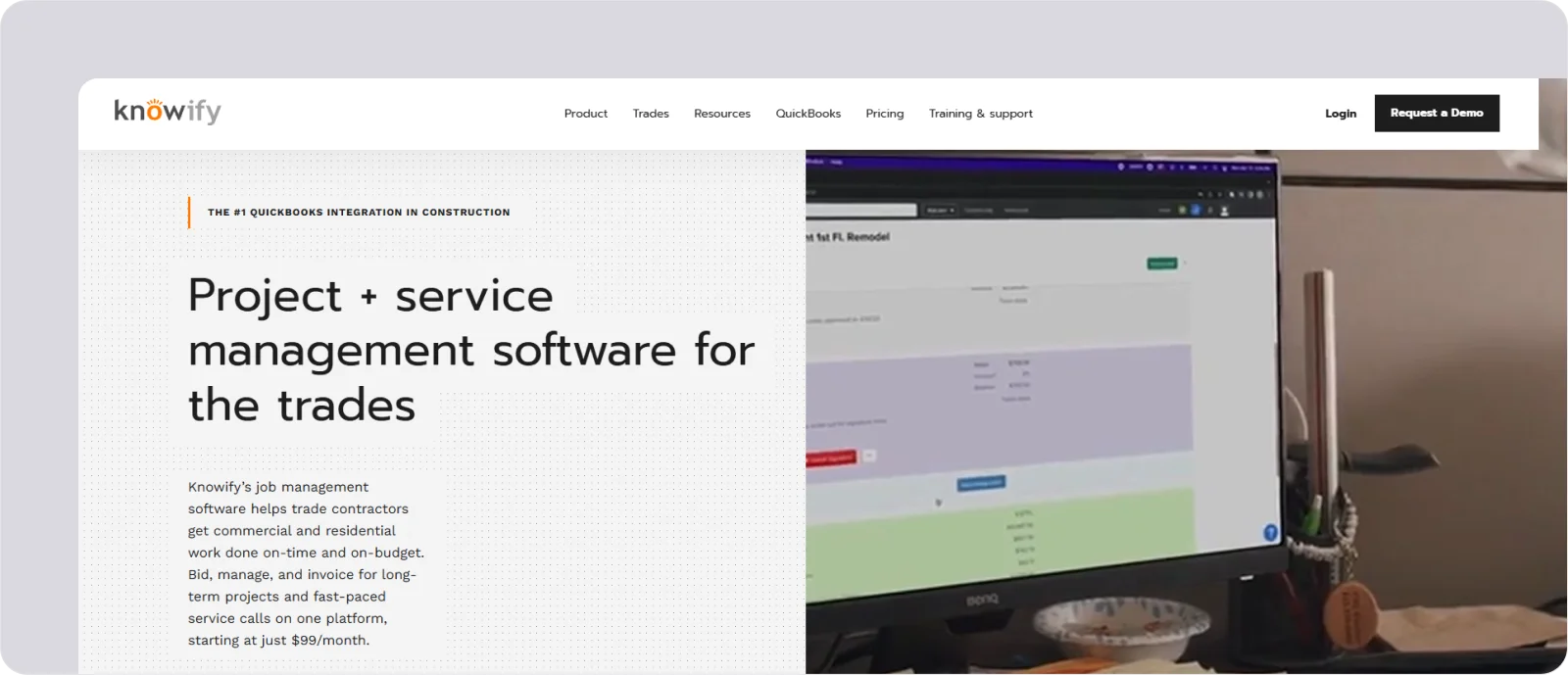
Knowify is a job costing and project management platform built for subcontractors who need tight control over budgets and smooth integration with their accounting tools.
It works well for firms that want their field activity, costs, and invoices to line up cleanly without extra admin.
Knowify features
Knowify focuses on tracking the financial side of project work with clarity and consistency, using tools like:
Job costing: Break work into phases and track labour and materials against budget to spot overruns early.
Contract and change management: Manage fixed-price and time-and-materials contracts to keep billing accurate as scopes shift.
Accounting sync: Connect directly with QuickBooks to reduce duplicate entry and keep books up to date automatically.
Knowify pricing
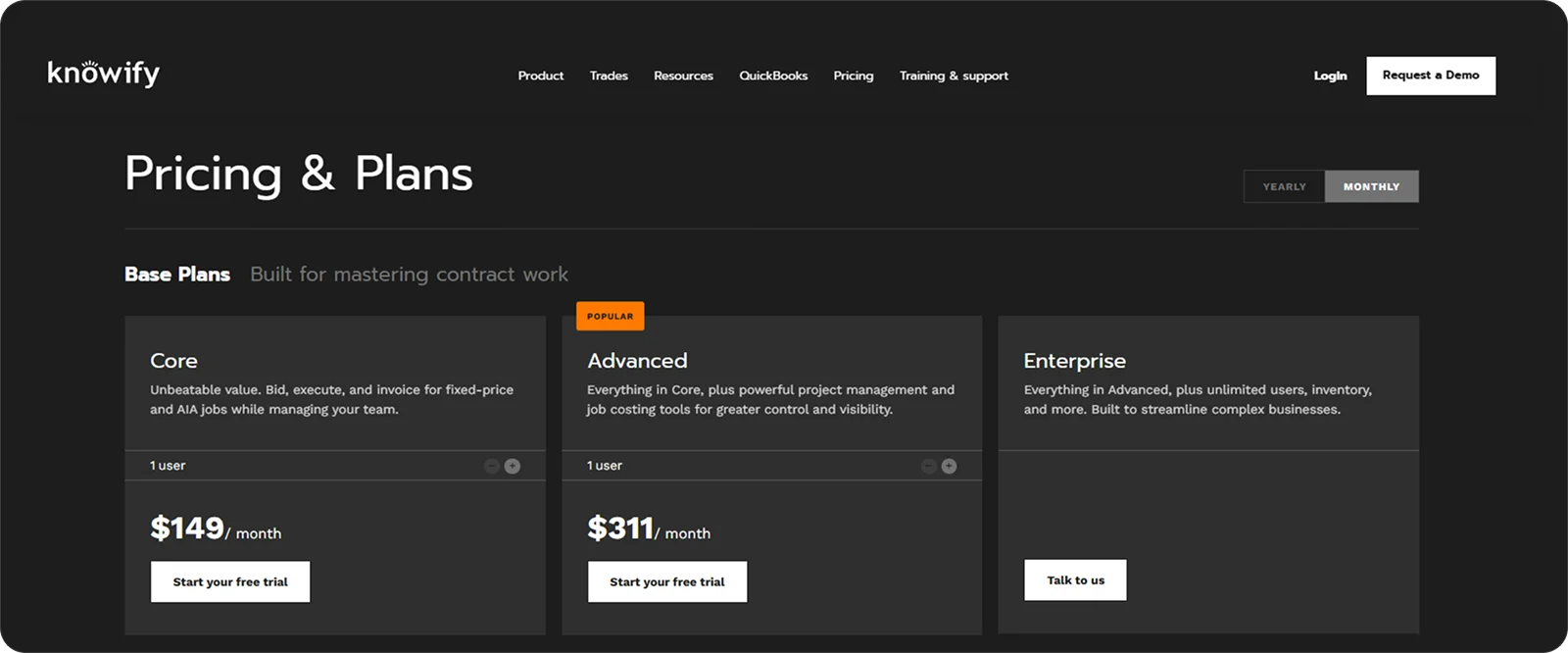
Knowify offers subscription plans with pricing that varies by user count and the complexity of financial features required.
9. ServiceTrade: Best for service-focused subcontractors who manage recurring maintenance and field service work

ServiceTrade is a field service management platform built for contractors who handle recurring maintenance, repairs, and service agreements.
It suits firms that need to coordinate ongoing site visits, document work clearly, and keep customers informed throughout the service cycle.
ServiceTrade features
ServiceTrade streamlines planned and reactive field work and keeps records tidy and accessible through features like:
Job scheduling: Plan recurring service visits and dispatch teams efficiently to stay ahead of contract commitments.
Service documentation: Capture photos, notes, and checklists to provide clear evidence of work and strengthen client trust.
Customer communication: Share updates and service reports to keep clients informed without extra admin.
ServiceTrade pricing
ServiceTrade typically offers subscription-based pricing, with costs tailored to the number of users and service-focused features a contractor needs.
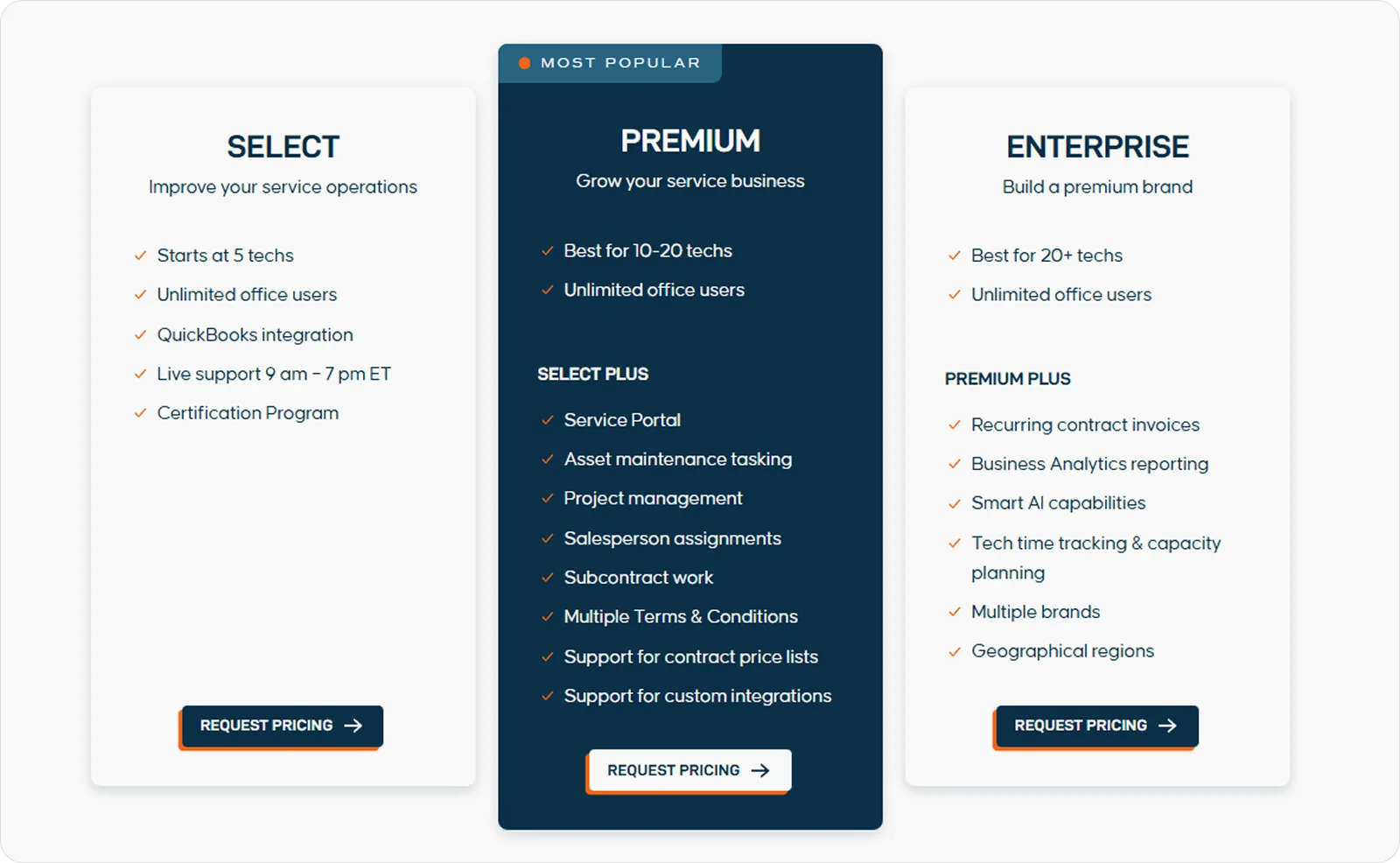
10. Sage 100 Contractor: Best for firms that need deeper financial control alongside construction workflows
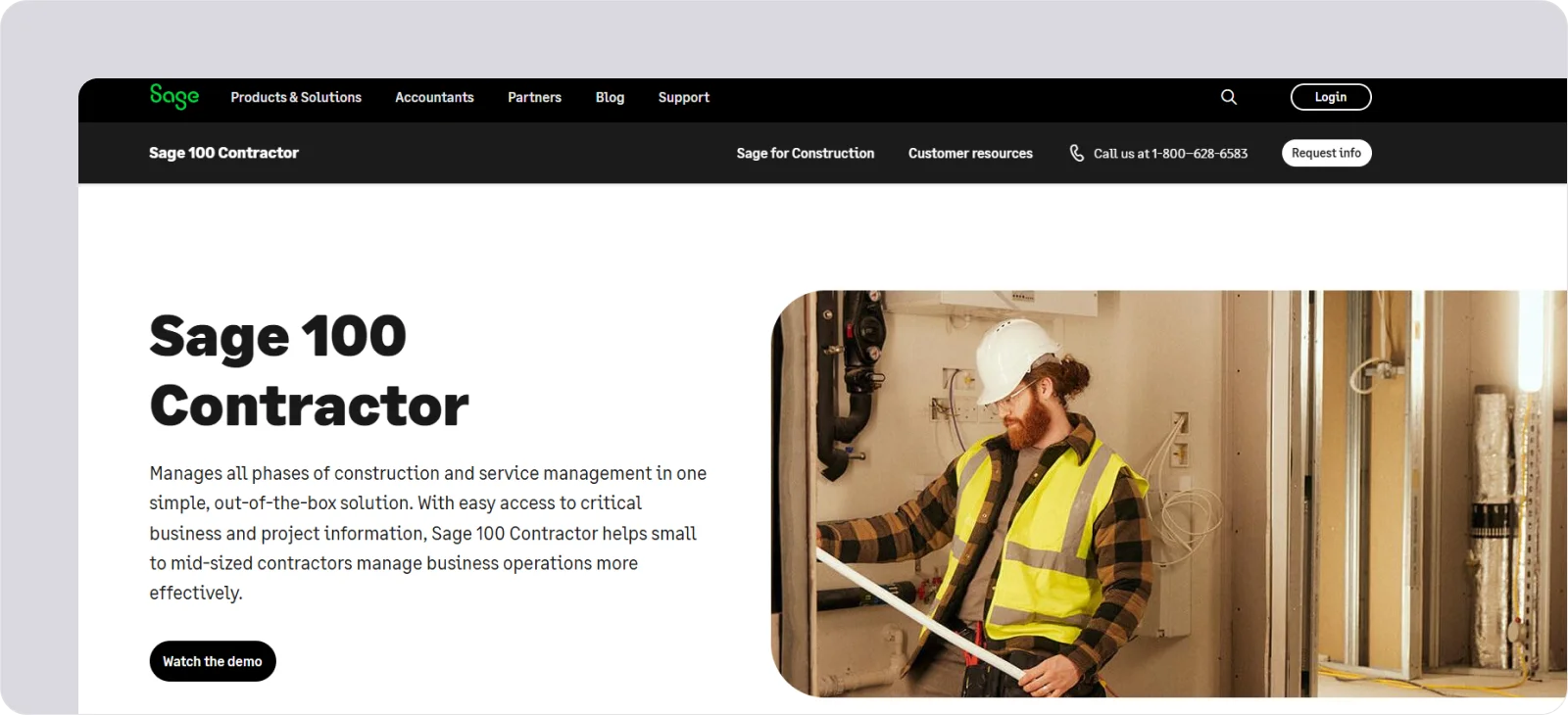
Sage 100 Contractor is a construction-focused accounting and project management platform built for firms that want stronger financial oversight woven into their daily operations.
It’s a good fit for companies that need reliable job costing, payroll, and reporting in one system.
Sage 100 Contractor features
Sage 100 Contractor gives decision-makers a clear, accurate financial picture across all projects, with tools like:
Job costing: Track labour, materials, and overheads in detail to understand true project performance.
Integrated payroll: Handle construction-specific payroll needs to keep compliance and labour costs in check.
Financial reporting: Produce structured reports that help leaders monitor profitability and make informed decisions.
Sage 100 Contractor pricing
Sage 100 Contractor uses customised pricing, with costs depending on the modules and number of licences a firm requires. Its basic estimating module comes in at roughly £750 per year.
How to choose the best subcontractor software solution
Choosing the right subcontractor software solution comes down to understanding what you need on site, how your teams work, and where you want more control.
Some firms weigh buying an off-the-shelf platform against building something custom with nearshore outsourcing partners, but for most subcontractors a purpose-built tool delivers the right workflows far faster and at lower risk than a bespoke build.
These steps can help you make a confident choice:
Match the software to your workflow: Look for software that reflects how subcontractors actually operate, not systems built for general contractors and retrofitted for trades.
Check how well it handles site data: Strong evidence, clear records, and reliable field capture matter more than shiny dashboards.
Keep compliance in mind: If you work in trades with heavy audit and documentation needs, prioritise tools with structured reporting, signatures, and clear trails of proof.
Assess ease of use for operatives: A system only works if your team uses it, so choose something quick to learn and reliable under pressure.
Consider how it scales as projects grow: The right platform should adapt to shifting workloads, project sizes, and changing team numbers without adding complexity.
What is the best subcontractor software solution for you?
The table below rates the standout subcontractor software solutions from this guide across the most important areas so you can see how they compare at a glance.
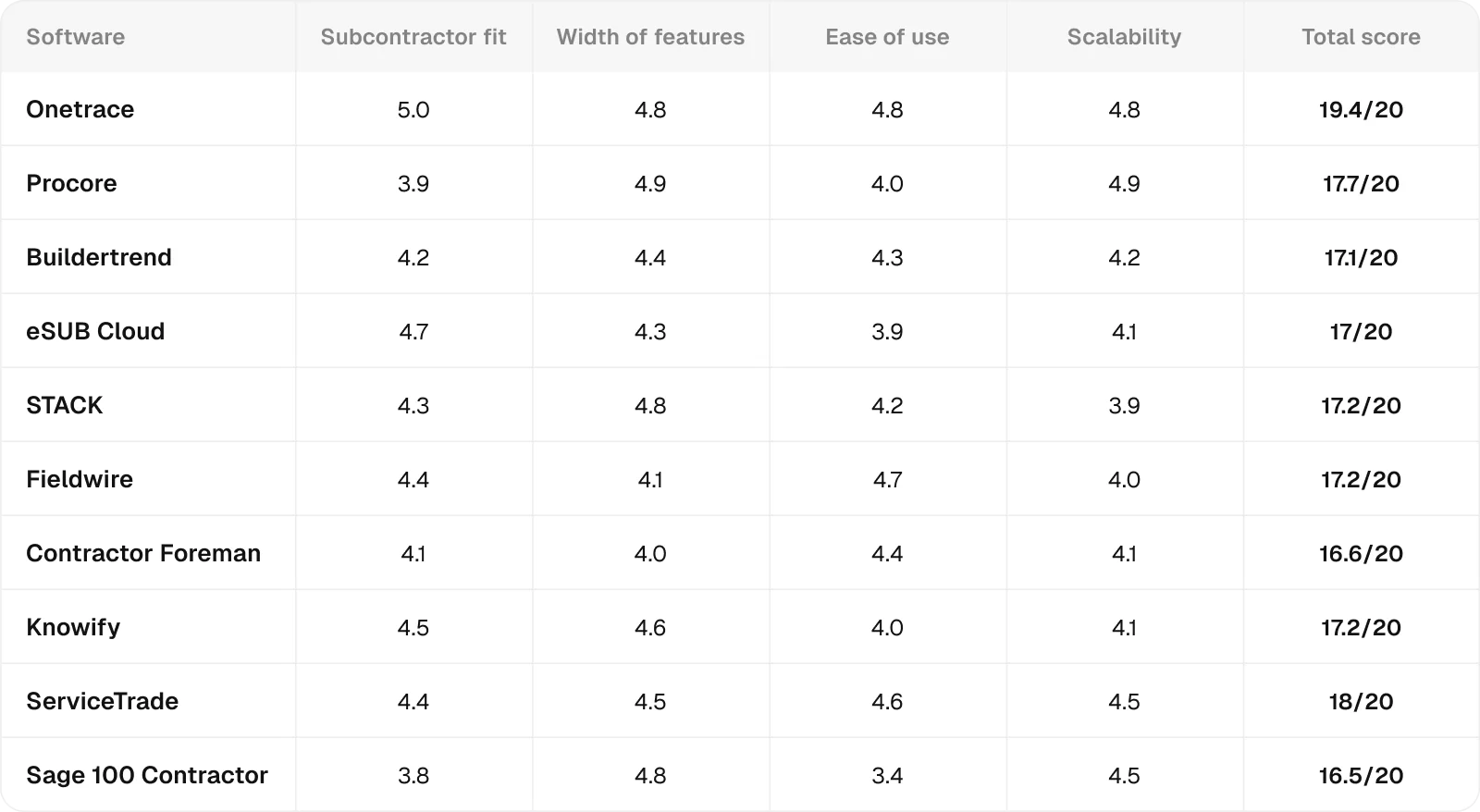
All ratings are relative to the scope of this analysis, meaning they measure how well each product performs in the specific context being evaluated, not in general.
Each score combines feature analysis, aggregated user feedback from major review platforms, and comparative AI-assisted evaluation to ensure internal consistency and eliminate outliers.
Ratings are synthesised from recurring performance patterns rather than raw averages, and minor decimal differences indicate subtle variations in relative strength within the same performance tier.
Getting started with Onetrace
All subcontractor software solutions from this guide can help you bring more structure to your projects, but many come with trade-offs.
Procore offers an impressive set of features, yet much of it is built for general contractors, and it takes time to tailor it to the way subcontractors work. Fieldwire is quick to pick up and great for task-level coordination, but it won’t give you the deeper project visibility or compliance structure needed as your workload grows.
Onetrace is the only platform in this list that delivers a balanced mix of simplicity, site-first design, and the depth subcontractors need as their projects scale. It’s built around real on-site workflows from the start, so you can get organised quickly and stay in control as your business grows.
Arrange a custom demo todayso you can evaluate Onetrace against your real project needs.
Marketing Team
@Onetrace
The Onetrace marketing team is passionate about sharing insights, ideas, and innovations that help construction businesses stay connected, compliant, and efficient. Combining industry expertise with a love for clear communication, we aim to deliver content that empowers professionals to work smarter and safer.