7 best construction workforce management solutions in 2026

By
Marketing Team
@Onetrace
With scarce labour and rising costs, people planning has become one of the biggest operational pressures in construction. This pressure leaves little room for error, as poor planning quickly turns into delays, rework, and higher costs.
Businesses aren’t sitting idle, though; they’re investing in better ways to plan, track, and manage their workforce.
As a result, the European workforce management market is expected to grow almost threefold over the next decade, from £2.54 billion in 2024 to £7.60 billion by 2034.
However, in construction, this growth can’t be delivered with spreadsheets and manual processes. It requires software built specifically for managing people on live construction sites.
Here’s a curated list of the top seven workforce management solutions worth considering in 2026.
Key takeaways
Workforce management is no longer optional
With labour shortages, rising costs, and tighter compliance demands, contractors need clear, real-time oversight of people across sites. Tools that rely on spreadsheets or fragmented apps struggle to keep up with how construction work now runs.There is no single ‘best’ tool for everyone
The comparison shows clear trade-offs. Enterprise platforms like Procore score highest on breadth, while simpler tools like Connecteam excel at ease of use and mobile access. The right choice depends on company size, project complexity, and the level of structure you need.Field adoption matters as much as feature depth
Solutions that are easy to use on site consistently score better on accuracy and reliability. If operatives do not use the system daily, even advanced reporting and planning features lose their value.Compliance and data quality separate good tools from great ones
Platforms that combine time tracking, sign-offs, and audit-ready records reduce disputes, support client reporting, and protect margins. Accuracy and compliance scores strongly influence overall performance.Onetrace stands out as the strongest all-round option
Scoring highest overall, Onetrace offers a balanced middle ground. It combines ease of use, mobile performance, compliance support, and reliable data, making it a practical choice for contractors managing multiple sites who need control without unnecessary complexity.
The 7 best construction workforce management solutions at a glance
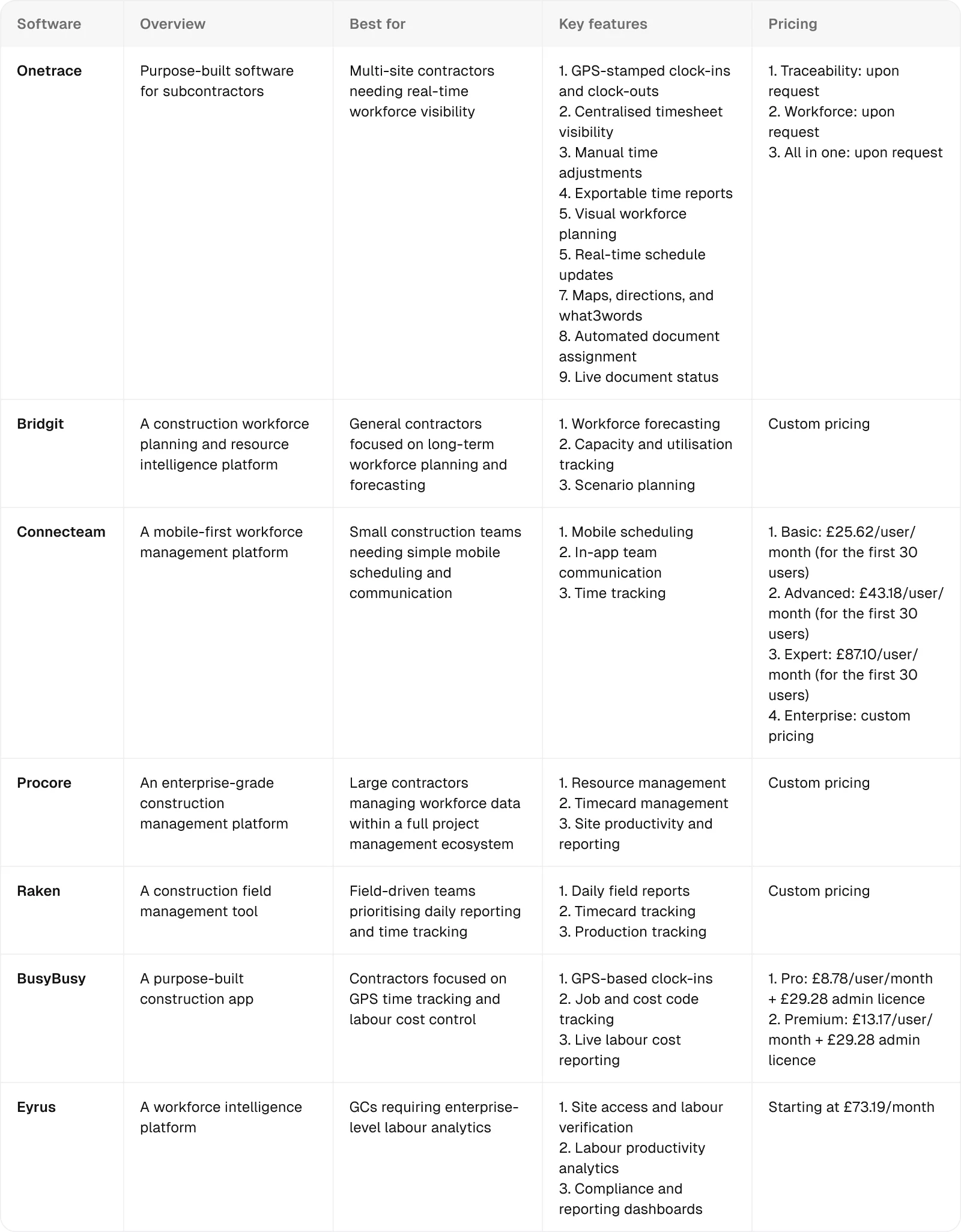
1. Onetrace: Best for multi-site contractors needing real-time workforce visibility and compliance
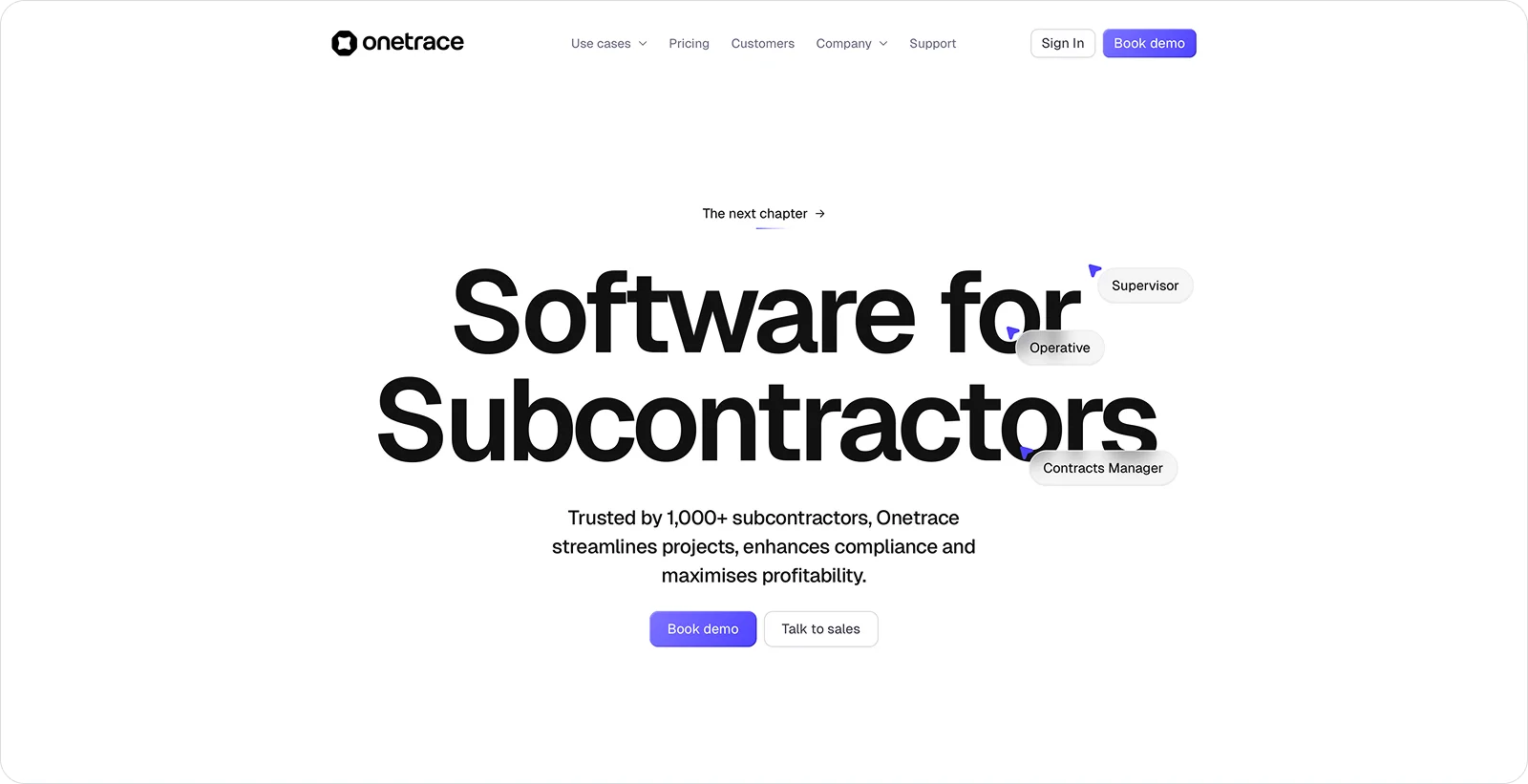
Onetrace is purpose-built software for construction subcontractors, designed to bring clarity and control to work that’s spread across people, sites, and projects.
This construction site management software includes a dedicated workforce management product that integrates time tracking, planning, and compliance in a single system, giving teams a practical view of site activity without extra admin.
This makes Onetrace especially well-suited to multi-site contractors who need live insight into where their workforce is, what they’re working on, and whether the right checks are in place, so they can make informed decisions based on what’s actually happening on site.
Onetrace best features
Onetrace’s Workforce product centres around three core pillars: Timesheets, Planner, and Signed Docs.
Together, these groups offer a set of features that cut admin, tighten control, and keep work moving, such as:
GPS-stamped clock-ins and clock-outs: Record time with location proof to confirm when and where work starts and ends, with geofencing planned to further tighten accuracy.
Simple mobile time tracking: Let operatives log hours in seconds to reduce missed punches and admin follow-ups, with automatic clocking on the roadmap.
Centralised timesheet visibility: Review hours across projects, teams, and individuals to keep control of attendance and labour spend.
Manual time adjustments: Correct missed punches, overtime, and absences to keep payroll accurate without blocking real work.
Exportable time reports: Pull clean data by date range to support payroll, billing, and finance processes.
Visual workforce planning: Schedule people and projects in one view to replace spreadsheets and reduce clashes.
Real-time schedule updates: Push changes straight to the app to keep the office and site aligned on the same plan, with a live day view coming soon.
Maps, directions, and what3words: Share exact site locations to help operatives arrive on time and start work faster.
Automated document assignment: Send required RAMS and safety documents to the right operatives as soon as they’re added to a job to prevent missed signatures.
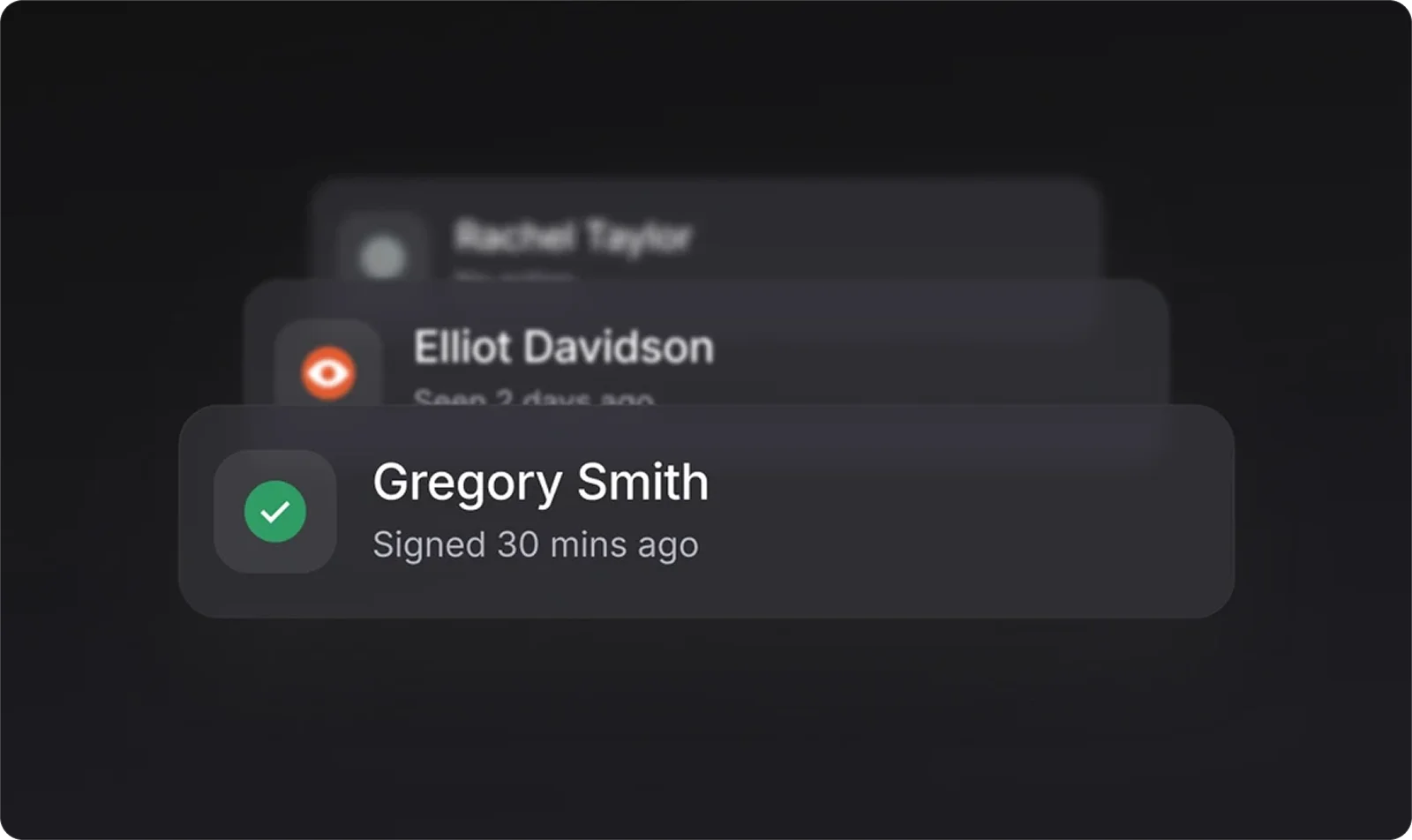
Live document status and audit trails: Track views and signatures in real time and export complete signing histories to prove compliance, share with clients, or keep on record.
Onetrace benefits
Onetrace is built to make workforce management simpler, more reliable, and easier to run at scale, delivering tangible benefits, such as:
Operational clarity: Run workforce, projects, and approvals from one system to reduce tool sprawl and keep everyone working from the same source of truth.
Stronger compliance position: Produce clear, verifiable proof of work to satisfy clients, auditors, and accreditors without last-minute chasing or manual rebuilds.
Better control of costs and cash flow: Tighten oversight of labour and activity to reduce disputes, protect margins, and keep projects closer to budget.
Faster adoption across teams: Give operatives and managers a system that feels familiar and intuitive from day one, cutting training time and building confidence quickly.
Happier, more reliable operatives: Remove daily friction around schedules, locations, and timesheets so people know where to be, what to do, and what hours they’ve worked for payment purposes.
Onetrace pricing
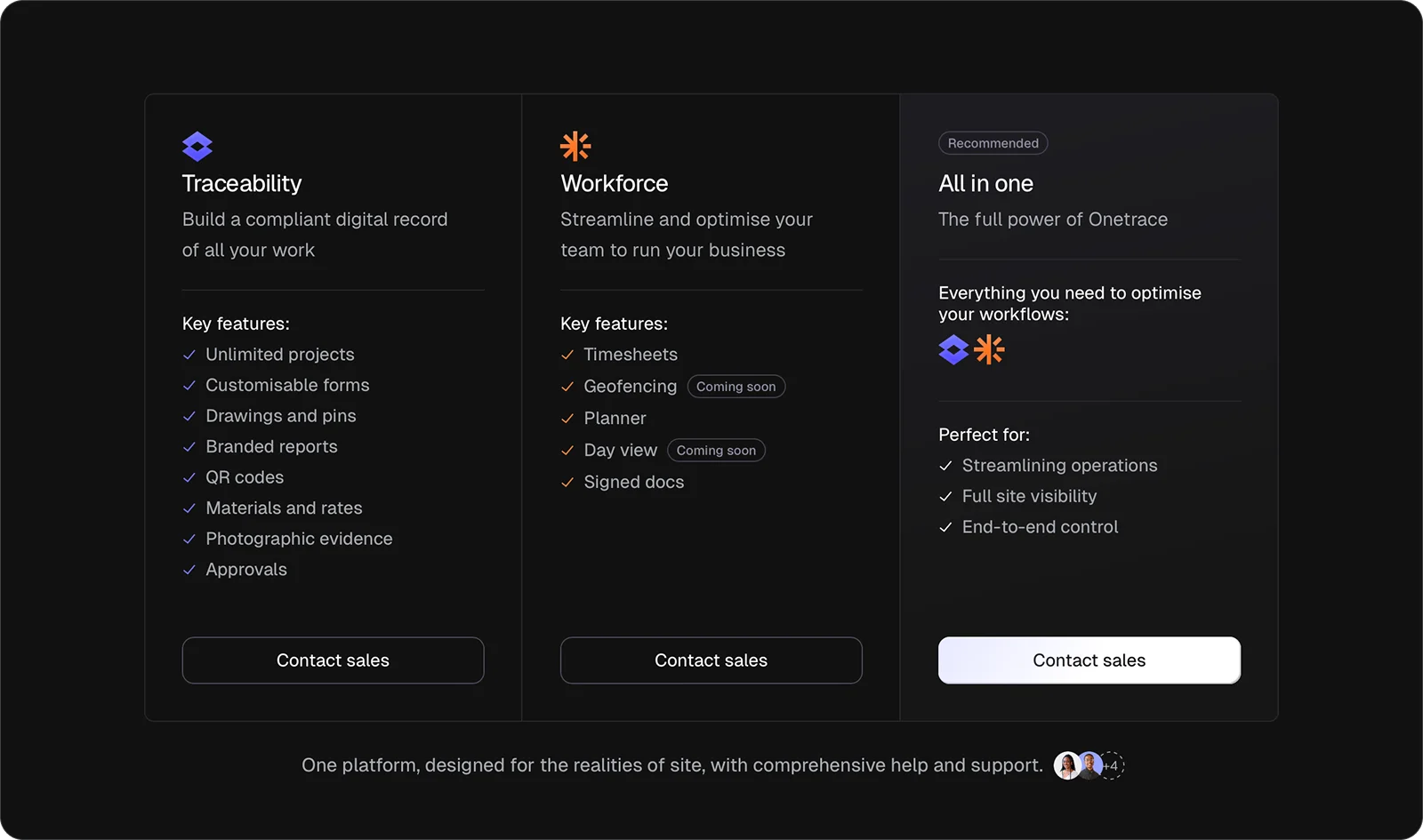
Onetrace offers Workforce as an individual product or bundled with Traceability for managing people alongside a compliant digital record of site activity and approvals.
For Workforce, you’ll need to pay per seat on a monthly or annual basis, giving you the flexibility to scale your licence count as projects start, change, or finish.
2. Bridgit: Best for general contractors focused on long-term workforce planning and forecasting
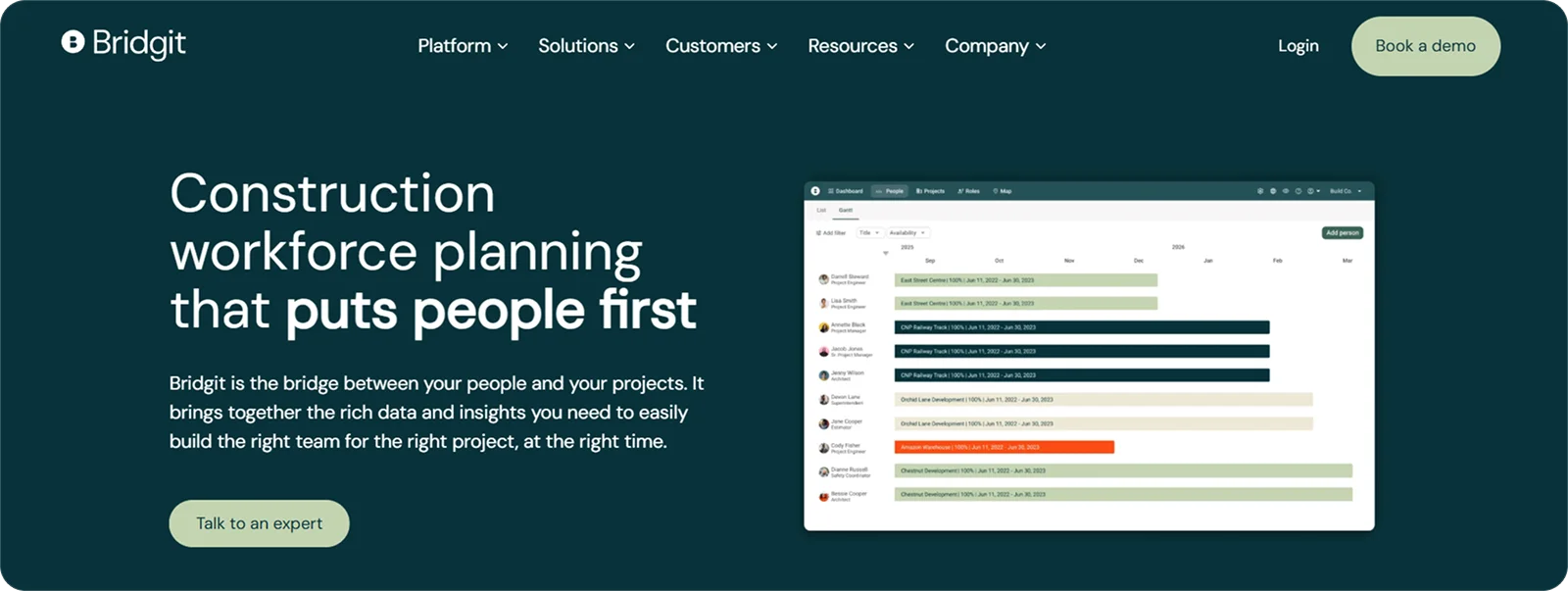
Bridgit is a workforce planning and resource intelligence platform built for construction organisations managing complex project pipelines.
Its strength lies in helping general contractors look beyond day-to-day scheduling and make informed decisions about future staffing needs as projects ramp up, overlap, or wind down.
Bridgit features
Bridgit’s workforce management tools sit within a broader resource planning suite. The standout features include:
Workforce forecasting: Model future labour demand across upcoming projects to anticipate hiring needs and reduce last-minute resourcing gaps.
Capacity and utilisation tracking: Monitor availability and workload trends to spot over-allocation or under-use before they affect delivery.
Scenario planning: Test different project and staffing assumptions to understand the impact of wins, delays, or changes in scope on your workforce.
Bridgit pricing
Bridgit follows a tailored pricing approach, with plans shaped around organisational size, project volume, and the level of planning capability required.
3. Connecteam: Best for small construction teams needing simple mobile scheduling and communication
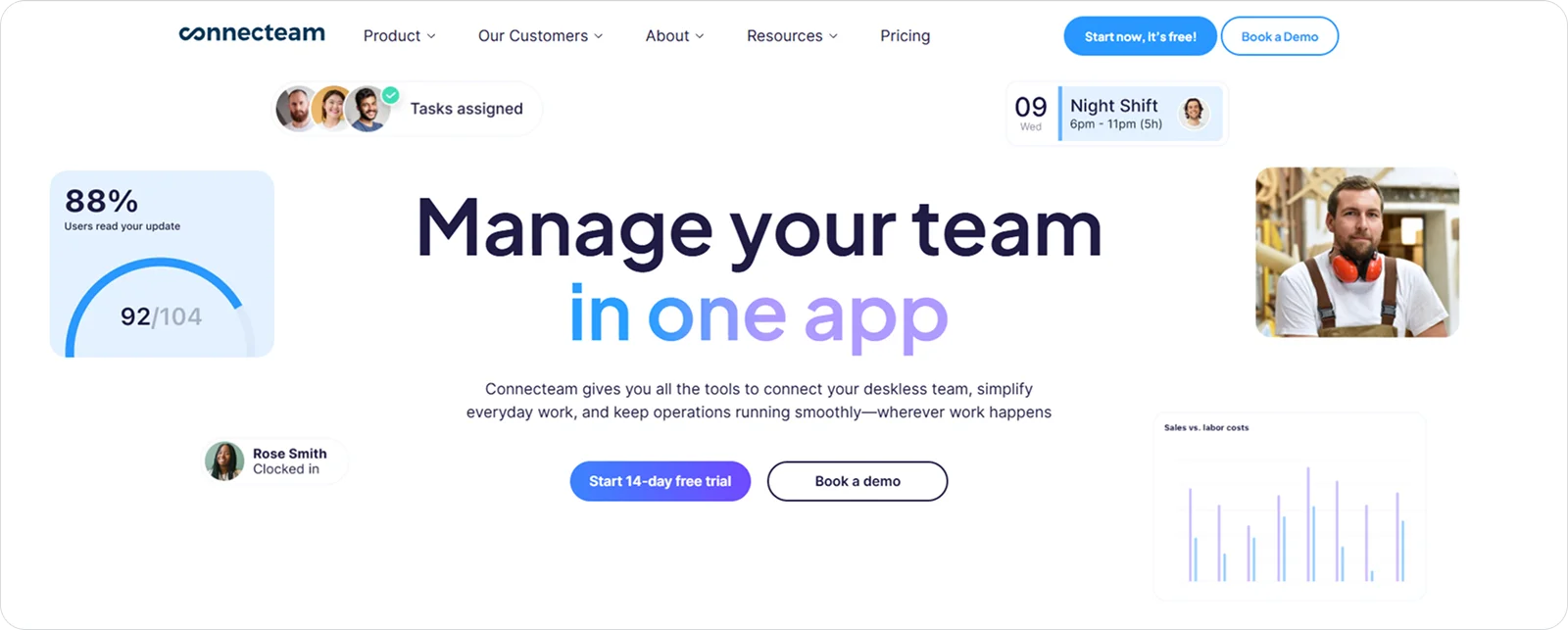
Connecteam is a mobile-first workforce management platform designed for deskless teams working across industries, including construction.
For small construction teams, it works well as a straightforward way to organise shifts, share updates, and keep everyone connected without introducing complex systems or heavy setup.
Connecteam features
Connecteam covers all the basics for construction workforce management, with tools like:
Mobile scheduling: Create and share shift schedules from one place to keep teams clear on when and where they’re working.
In-app team communication: Send updates, announcements, and messages through the app to reduce reliance on calls, texts, and group chats.
Time tracking: Record working hours through mobile clock-ins to maintain basic visibility over attendance and hours worked.
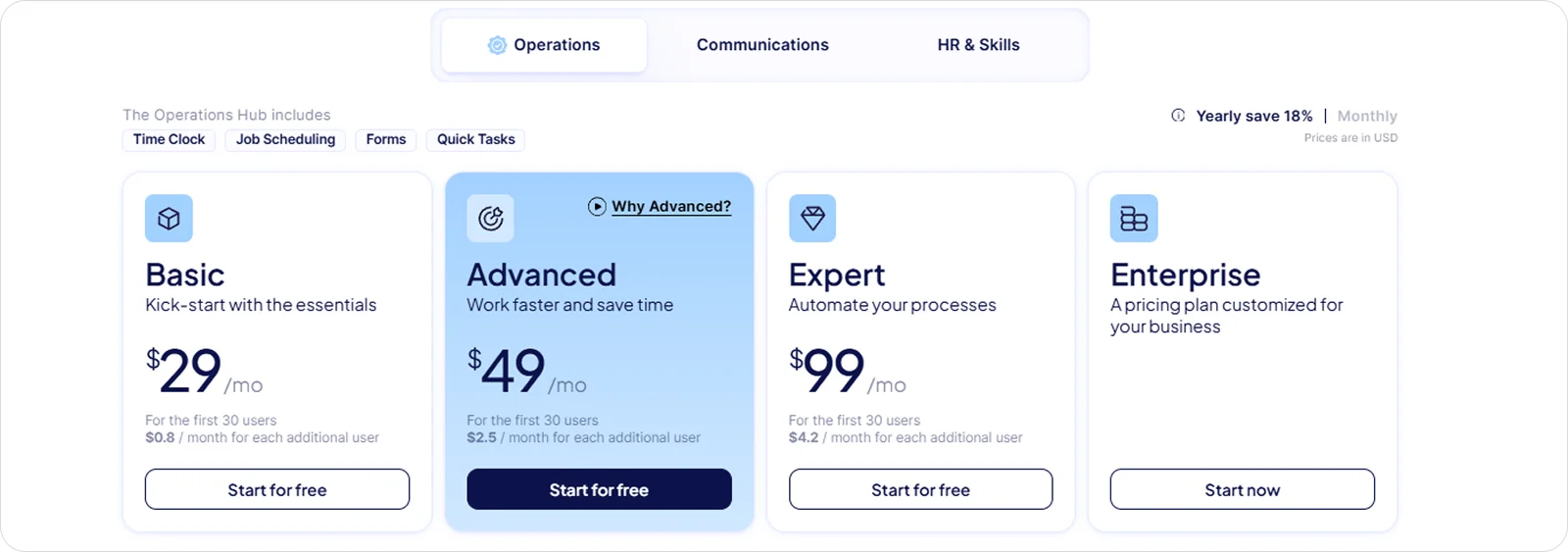
Connecteam pricing
Connecteam follows a tiered subscription model, with plans structured around team size and the range of operational tools required.
4. Procore: Best for large contractors managing workforce data within a full project management ecosystem
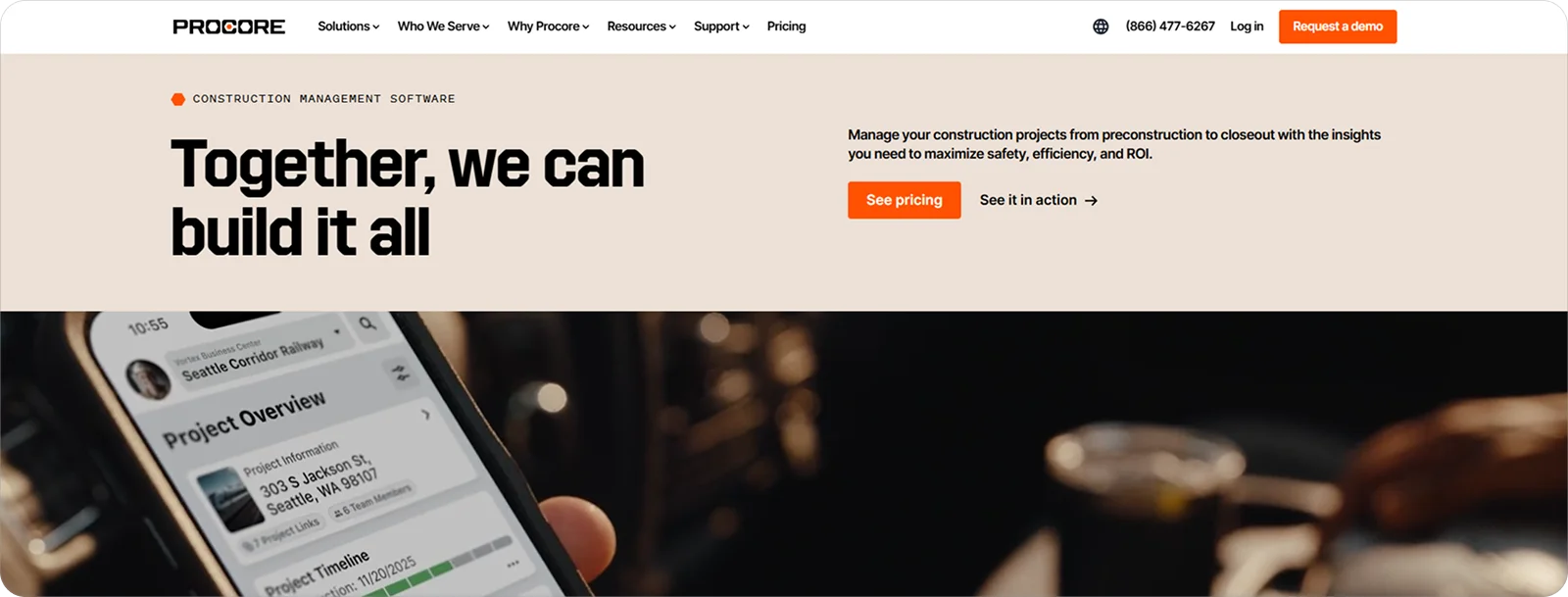
Procore is an enterprise-grade construction management platform that covers everything from project delivery and financials to quality and safety.
It allows workforce-related data to sit alongside programmes, budgets, and site activity, making it easier to manage labour within a wider operational picture rather than in isolation.
Procore features
Procore’s workforce capabilities are embedded within its broader project management suite. The most useful among them include:
Resource management: Coordinate labour availability across projects to support staffing decisions at scale.
Timecard management: Capture and review labour hours against projects to streamline cost tracking and reporting.
Site productivity and reporting: Link workforce activity to daily logs and project records to understand how labour impacts progress.
Procore pricing
Procore follows a customised, enterprise-focused pricing model that scales with company size and overall project volume.
5. Raken: Best for field-driven teams prioritising daily reporting and time tracking
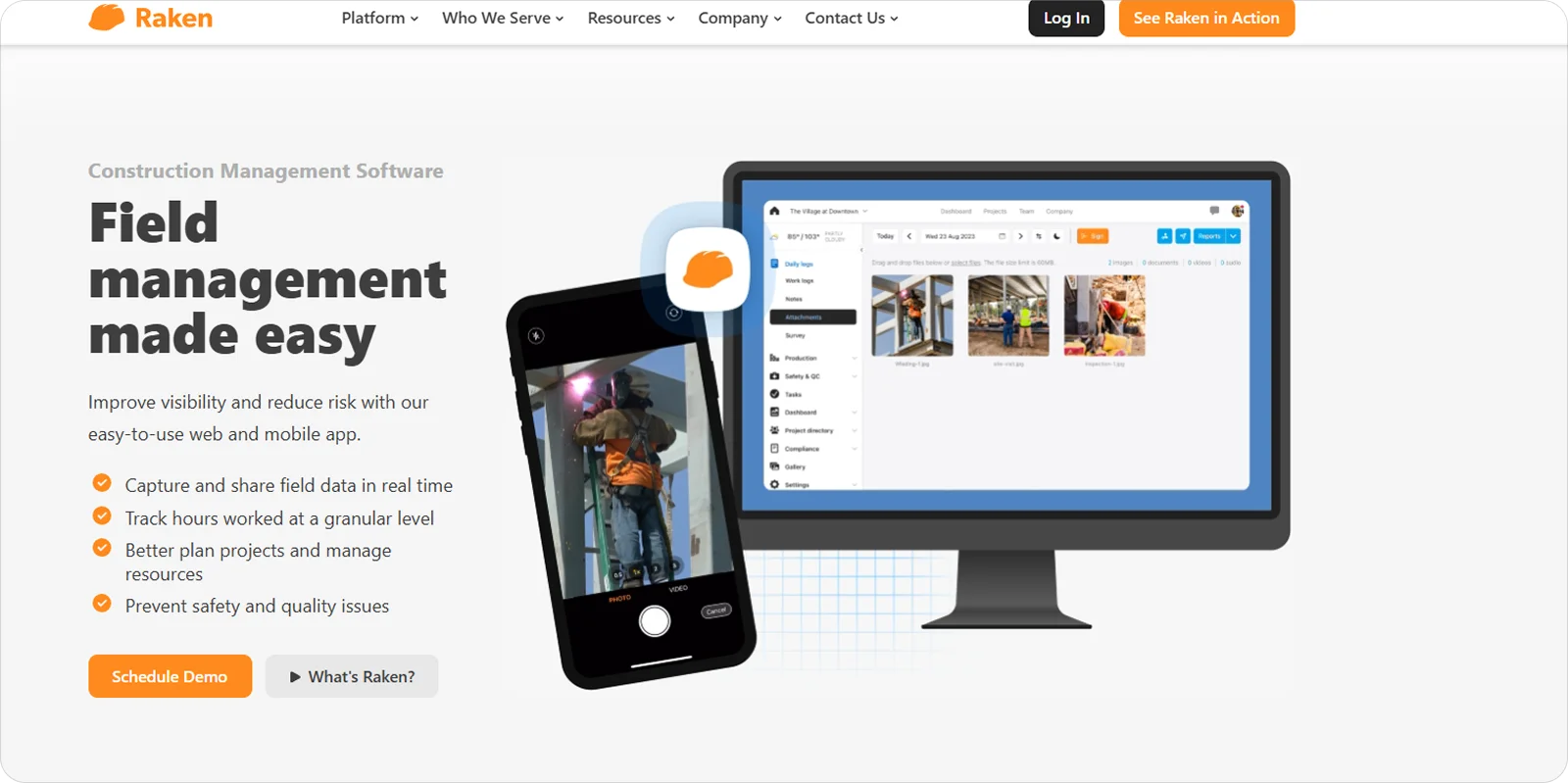
Raken is a construction field management tool focused on capturing daily site activity, labour hours, and progress directly from the field.
It’s a solid choice for teams that rely on foremen and site staff to feed information back to the office each day. That’s because Raken makes reporting and time capture fast, consistent, and easy to complete on site.
Raken features
Raken’s standout workforce-related tools include:
Daily field reports: Capture site updates, labour counts, and work completed each day to maintain a clear record of progress.
Timecard tracking: Log labour hours by crew and project to support payroll and basic labour cost visibility.
Production tracking: Record quantities installed and work performed to connect labour input with site output.
Raken pricing
Raken offers a tailored pricing approach, with costs set through direct discussions with its sales team based on a company’s specific construction needs.
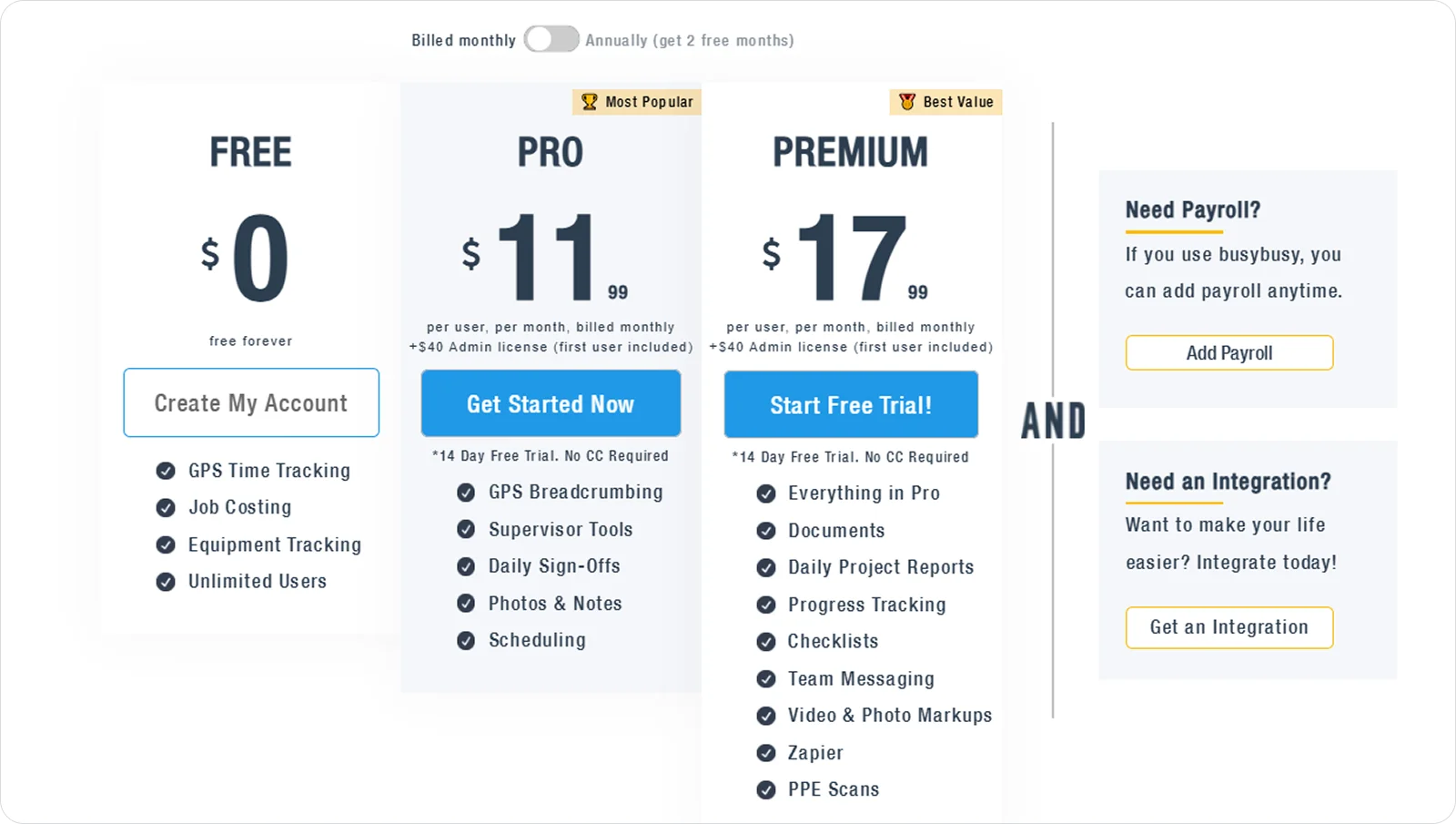
6. BusyBusy: Best for contractors focused on GPS time tracking and labour cost control
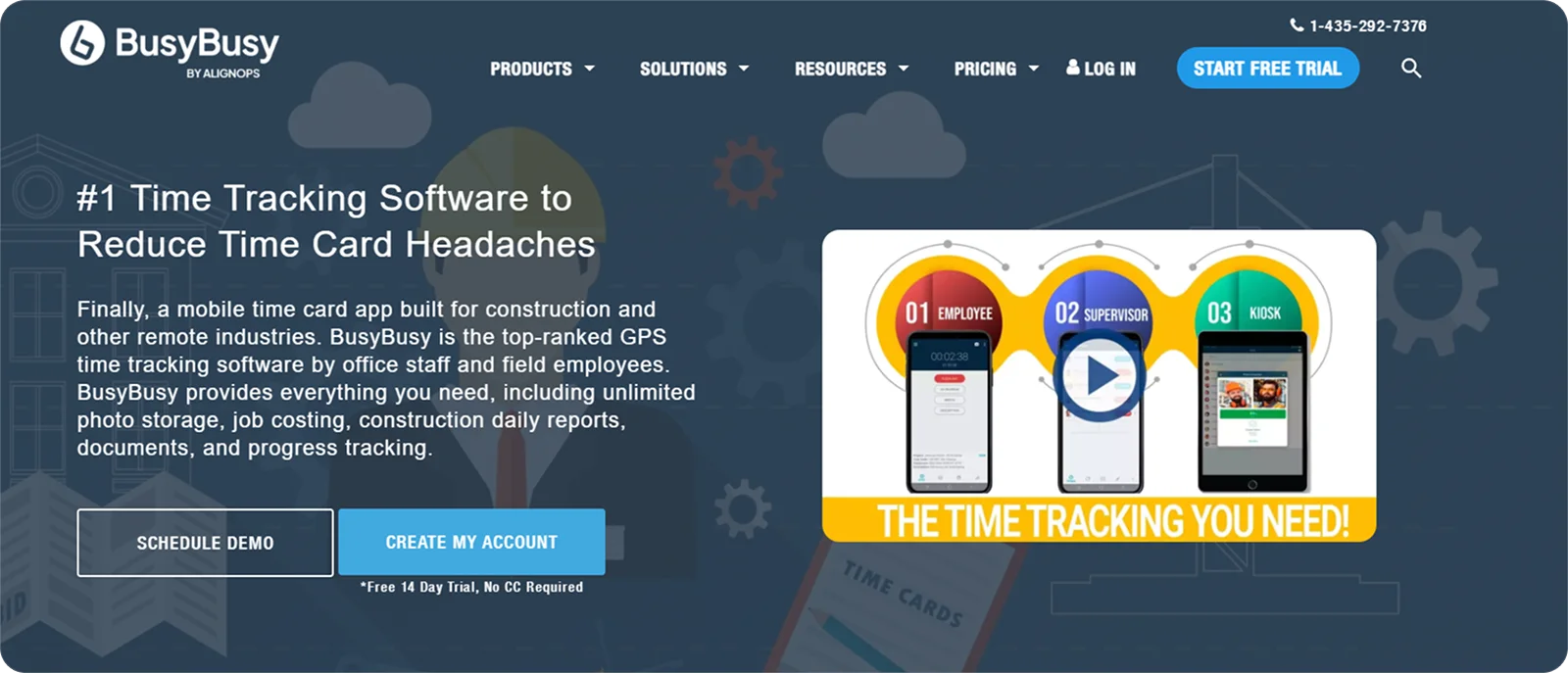
BusyBusy is a purpose-built construction app that centres on tracking labour hours and job costs with minimal setup and a strong emphasis on location data.
BusyBusy supports closer day-to-day control by linking hours to jobs and locations as work happens, making it well-suited for contractors who want clearer insight into where labour time is spent and how it affects margins.
BusyBusy features
BusyBusy is primarily focused on time tracking and labour cost visibility, offering features like:
GPS-based clock-ins: Log working time with location data to confirm where labour hours are recorded.
Job and cost code tracking: Allocate time to specific jobs, phases, and cost codes to understand labour spend in detail.
Live labour cost reporting: Monitor hours and costs as they build up to identify overruns early and protect margins.
BusyBusy pricing
BusyBusy uses a subscription-based pricing model, with plans tailored to the number of workers tracking time and the depth of cost reporting required.
7. Eyrus: Best for GCs requiring enterprise-level labour analytics
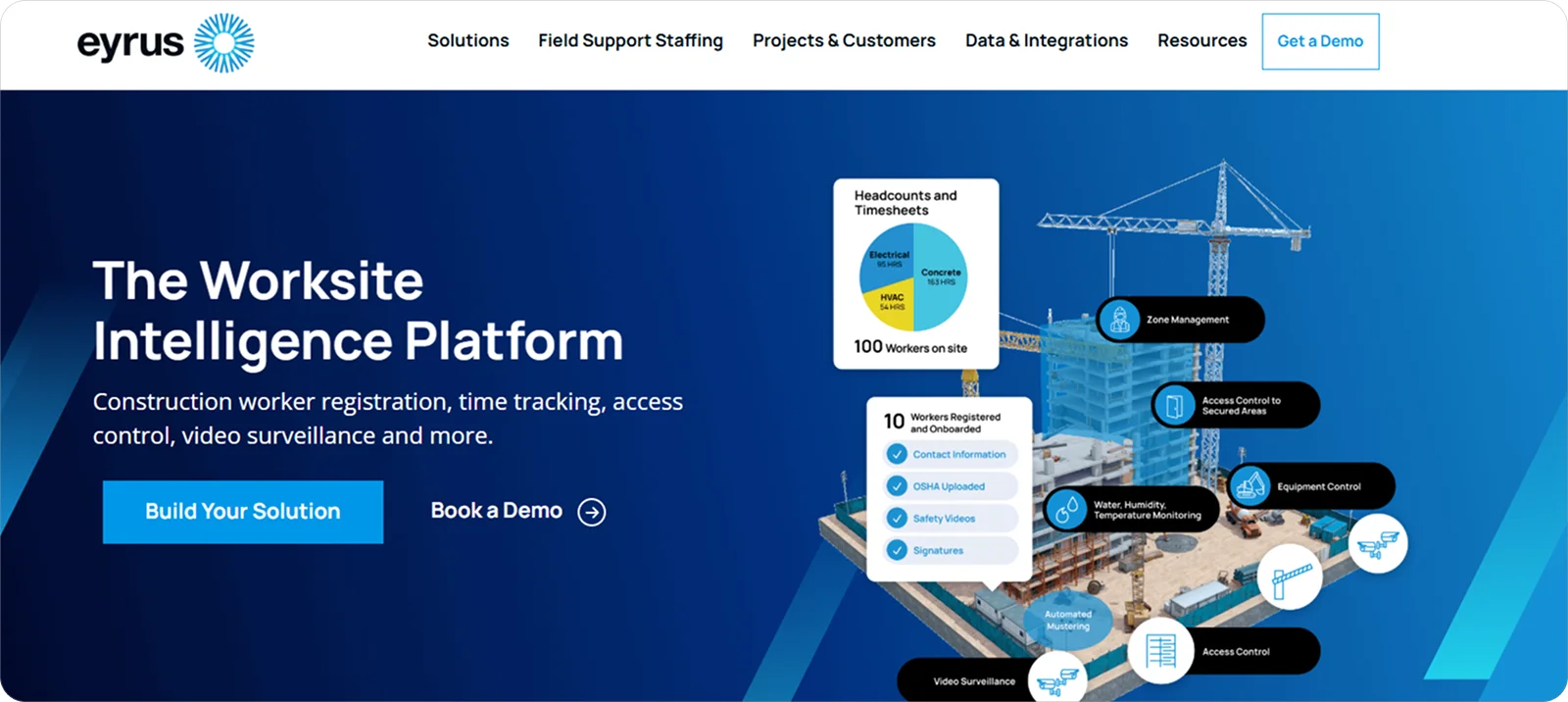
Eyrus is a workforce intelligence platform built to give large contractors and owners deep visibility into labour activity across complex, multi-employer sites.
It suits general contractors who need consistent, data-led oversight of who is on site, how labour is performing, and where risks or inefficiencies are building across portfolios rather than individual projects.
Eyrus features
Eyrus is not a day-to-day workforce management tool. Its workforce capabilities sit within a broader labour analytics and compliance intelligence platform, offering tools like:
Site access and labour verification: Track worker presence and credentials to maintain accurate records of who is authorised and active on site.
Labour productivity analytics: Analyse trends across trades, projects, and time periods to understand how workforce inputs relate to progress and outcomes.
Compliance and reporting dashboards: Surface labour data in structured reports to support audits, owner reporting, and enterprise governance.
Eyrus pricing
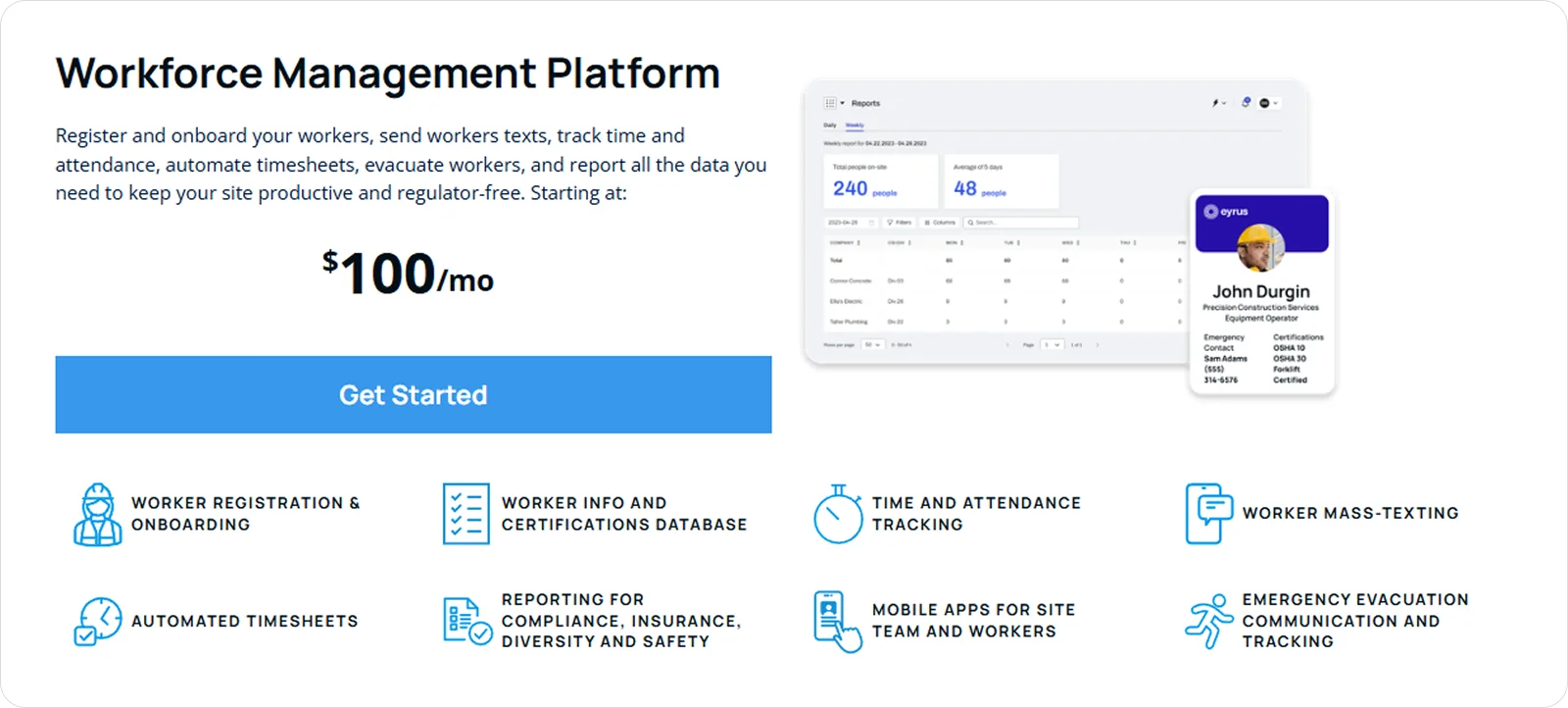
Eyrus uses a custom pricing model that allows organisations to build their own solution by combining core capabilities with optional add-ons, depending on the level of labour insight and control required.
How to choose the best construction workforce management solution for you
As important as workforce management has become, it’s not the only system your business relies on.
That’s why your first decision should be whether you want a platform that focuses solely on workforce management and integrates cleanly with your existing tools, or a broader system that covers workforce, projects, and reporting.
Once that’s clear, the right construction workforce management solution will usually come down to a few core factors:
Ease of use: Choose a system people can pick up quickly, as poor adoption in the field limits the value of even the strongest suite of features.
Mobile access: Prioritise tools that work well on site, even in low-signal environments. Without reliable offline access, schedules, time tracking, and updates are delayed or missed entirely, breaking the flow of information as work happens.
Compliance support: Look for clear controls around sign-offs, authorisations, and proof of work, especially if clients or regulators expect real-time visibility.
Accuracy and reliability: Favour platforms that reduce manual input and errors, as accurate time and attendance data underpins payroll, cost control, and trust across projects.
What is the best construction workforce management solution for your business?
To save you hours of research into how each construction workforce management solution performs in 2026, the table below gives a side-by-side view of strengths and trade-offs.
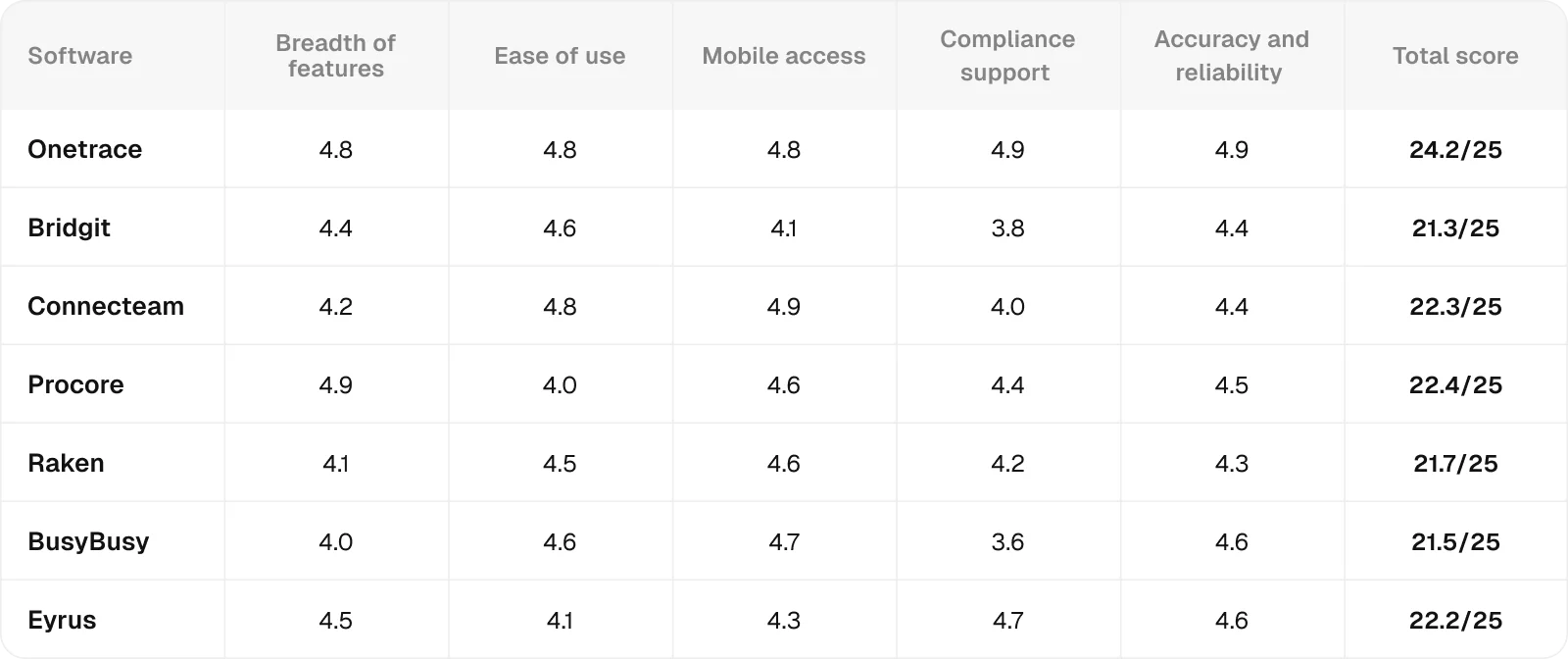
All ratings are relative to the scope of this analysis, meaning they measure how well each product performs in the specific context being evaluated, not in general.
Each score combines feature analysis, aggregated user feedback from major review platforms, and comparative AI-assisted evaluation to ensure internal consistency and eliminate outliers.
Ratings are synthesised from recurring performance patterns rather than raw averages, and minor decimal differences indicate subtle variations in relative strength within the same performance tier.
If you’re looking for an enterprise-level solution with the widest feature set and deep links into project management, Procore scores highest on breadth and suits large, complex organisations.
At the opposite end, if you mainly need a simple way to organise and communicate with your team, Connecteam performs strongly on ease of use and mobile access.
For the perfect middle ground, Onetrace leads overall, combining consistently high scores across usability, accuracy, and compliance, while supporting clear workforce control across multiple sites.
Getting started with Onetrace
Onetrace is a strong choice for contractors who need clear workforce visibility, dependable compliance, and reliable data across multiple sites, without adding unnecessary complexity.
Book a personalised demo to see how Onetrace fits your workflows, your teams, and the way your projects actually run.
Marketing Team
@Onetrace
The Onetrace marketing team is passionate about sharing insights, ideas, and innovations that help construction businesses stay connected, compliant, and efficient. Combining industry expertise with a love for clear communication, we aim to deliver content that empowers professionals to work smarter and safer.